The Galaxy Watch, the Gear S3’s true successor, has taken a long time to arrive. Two years, to be precise, with the Gear Sport filling in for the Gear S4 last year as a smartwatch completely focused on fitness tracking. Has Samsung used all that time to make the best smartwatch, or does the Galaxy Watch still leave something to be desired?
Let’s find out in our Samsung Galaxy Watch review.
Design
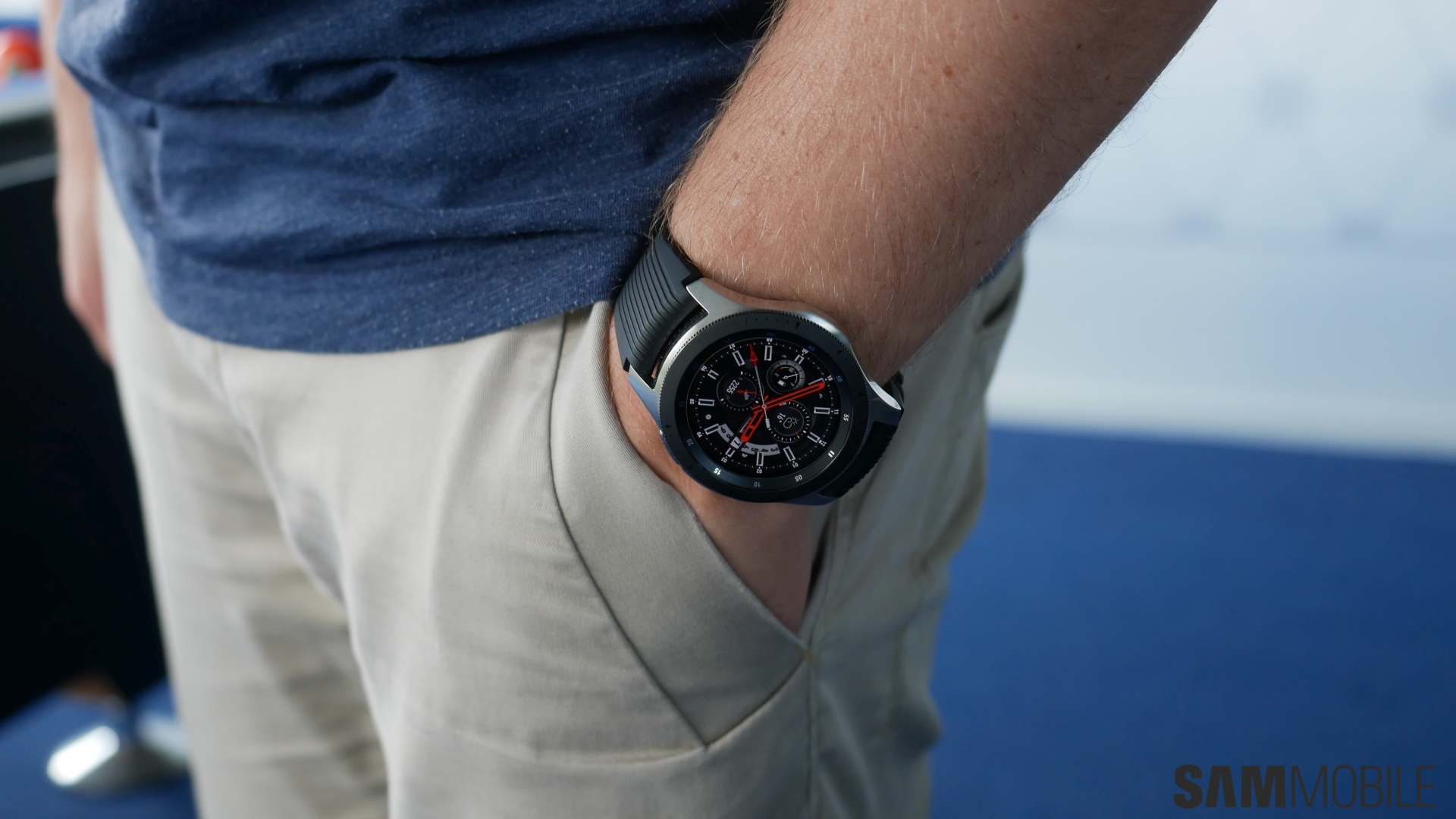
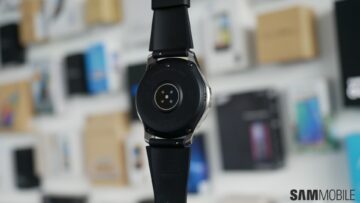
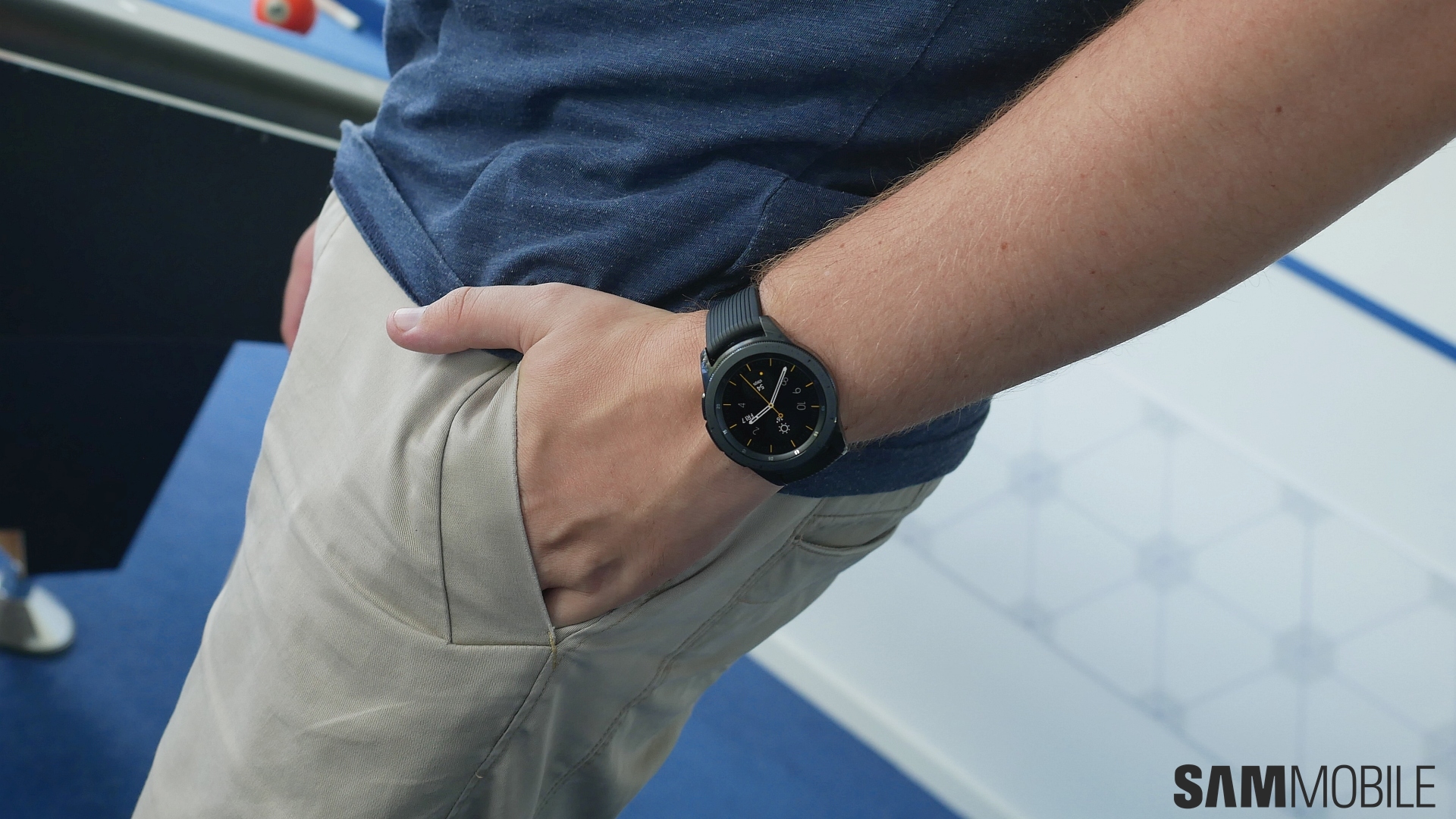
The perfect smartwatch design is hard to achieve, but has Samsung managed to come close? We believe they have. Let’s start with the 46mm variant. Initially, I wasn’t sure I liked the two-color scheme (black bezel ring on top of a silver casing), but it grew on me as the days went by and now I think it looks great. The 46mm version doesn’t look as robust as the Gear S3 Frontier despite the Galaxy Watch being built to military-grade (MIL-STD-810G) standards for ruggedness, suggests Samsung played it a little safe this time around. It’s also nice to see that the color of the bezel matches that of the physical buttons on the right side of the watch. At the back, Samsung has changed the way the sensors are located, and the sensor assembly also juts out a little for better contact with the user’s skin.
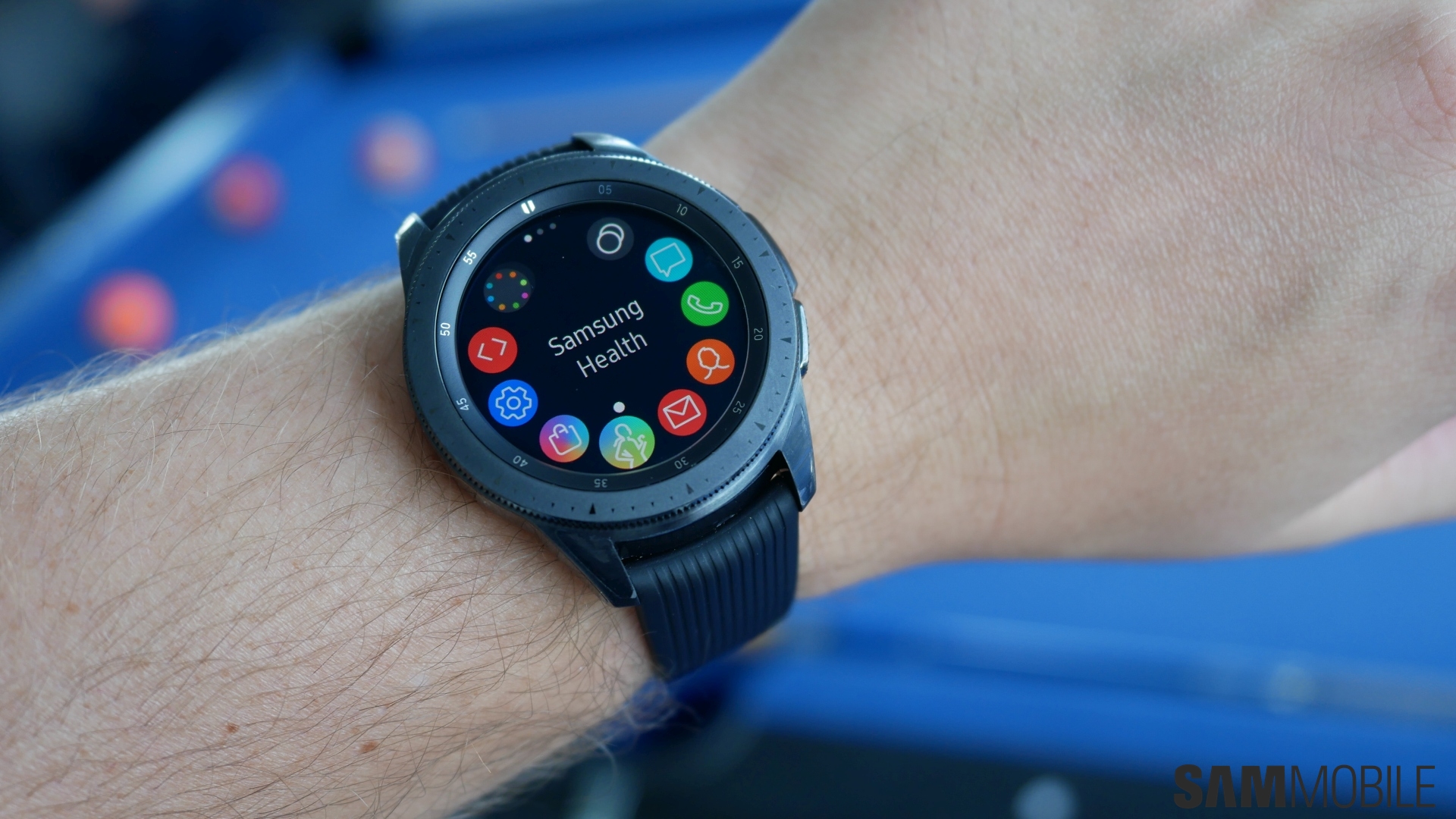
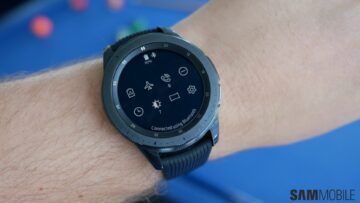
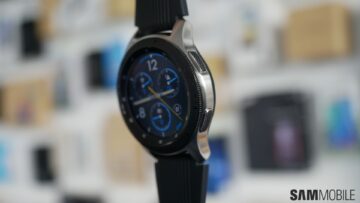
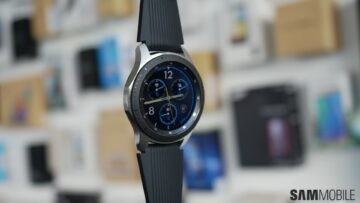
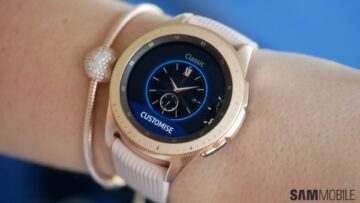
Overall, the 46mm version is quite big, but it’s a good choice for men, who usually prefer bigger watches. Others can go for the 42mm version, which looks similar to the Gear Sport but has a casing that’s more watch-like. The 42mm version doesn’t have a two-color design, so if you pick up the black version, it’s black all around. Thankfully, for the ladies, Samsung has brought back the Rose Gold color option.
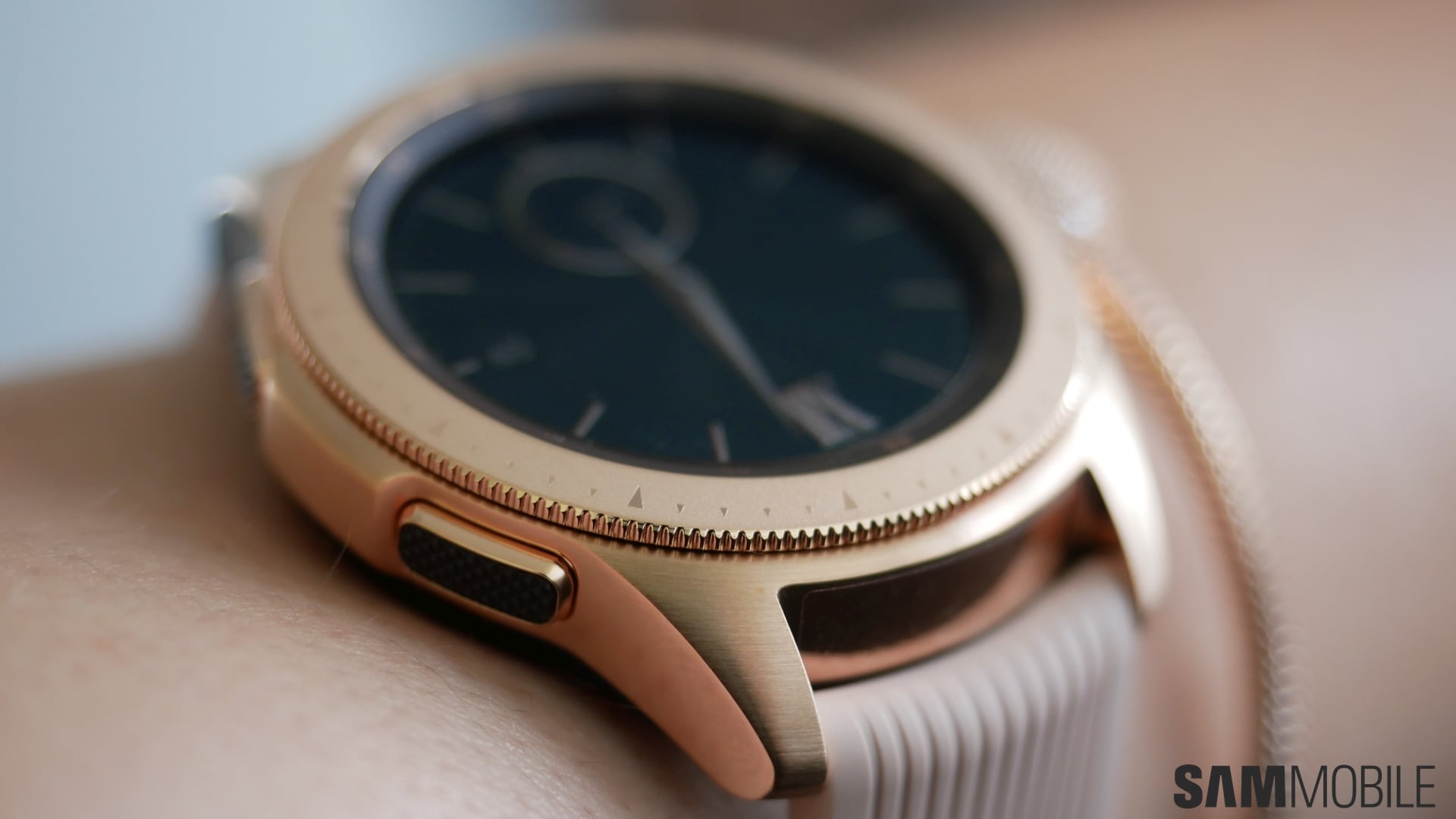
My girlfriend, who previously used the Rose Gold Gear S2 classic, tested the 42mm Rose Gold Galaxy Watch and liked that Samsung has gone for a matte finish this time around, which makes the Rose Gold version look way better. She also liked how the bezel ring looked smoother than the ring on her Gear S2, although the black texture on top of the buttons put her off. Thankfully, the buttons aren’t usually visible when you’re using the watch, so it’s not a huge issue (the same goes for the black back of the Rose Gold model).
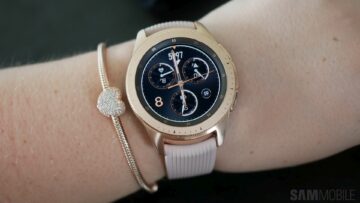
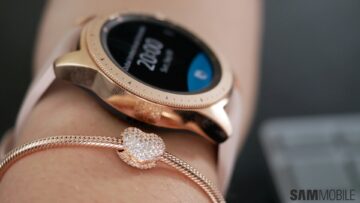
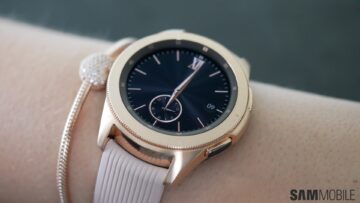
All three models have two things in common. They come with ribbed straps, which look sporty but not overly so, and the matte finish on the bezel ring and the brushed stainless steel casing make for a great looking design. Sadly, those looking for funky color options like the Apple Watch or the blue Gear Sport are out of luck, as Samsung seems to want its smartwatches looking as classy as possible.
Display
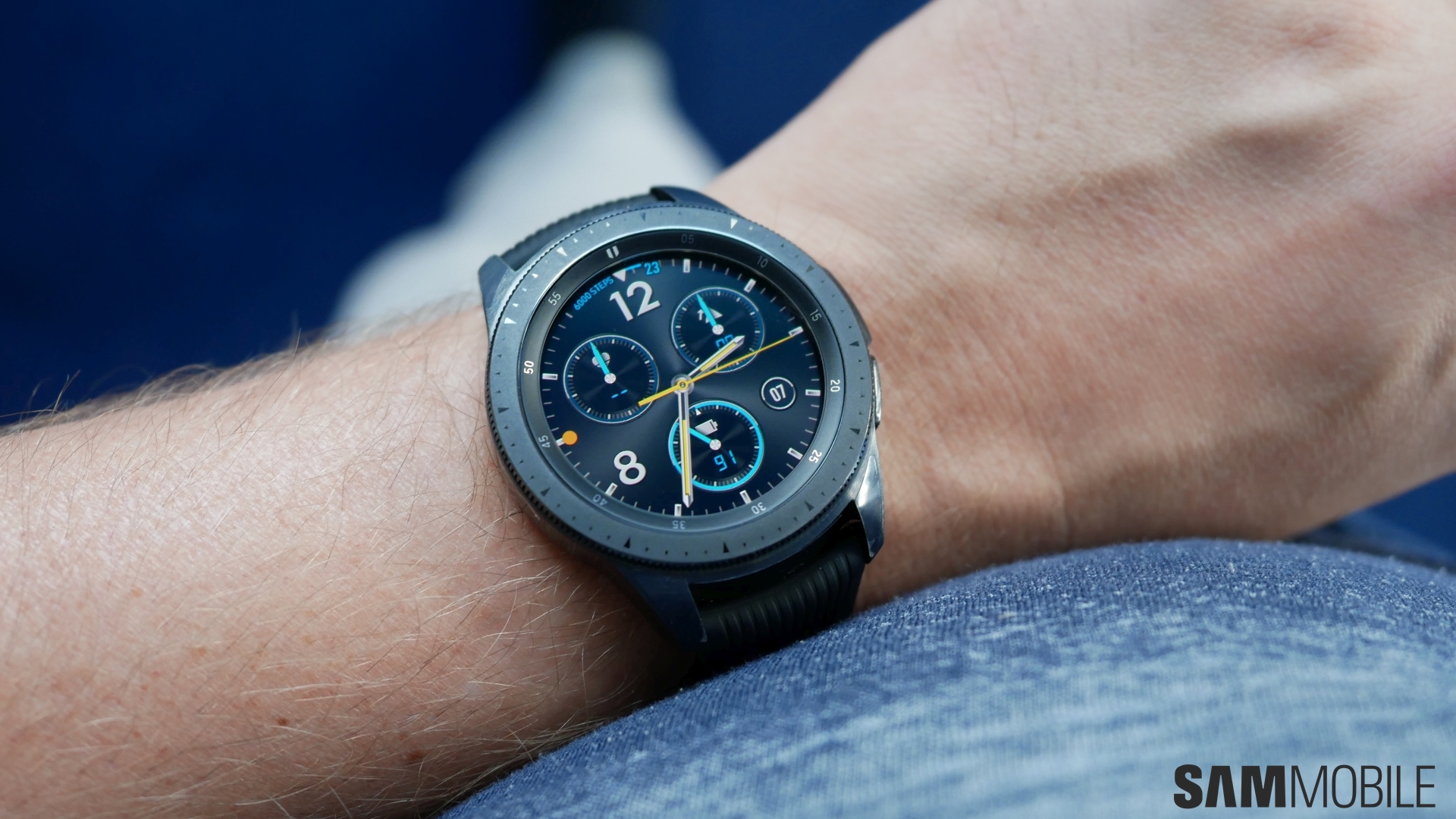
The 46mm and 42mm Galaxy Watch come with a 1.3-inch and 1.2-inch Super AMOLED display. Both have a resolution of 360×360 pixels, and as expected, the display quality is excellent, with vibrant colors and sufficient brightness levels. The 42mm variant has a higher pixel density (slightly over 300 ppi), but in everyday usage, the 46mm variant’s display (278 ppi) is quite sharp as well. Samsung is using Corning Gorilla Glass on both versions for protecting the display, and perhaps the best thing about the Galaxy Watch is that Samsung has brought over the Edge lighting feature from its smartphones for notifications. It looks neat and is one of the ways Samsung is making its smartwatch experience consistent with its smartphones.
Interface
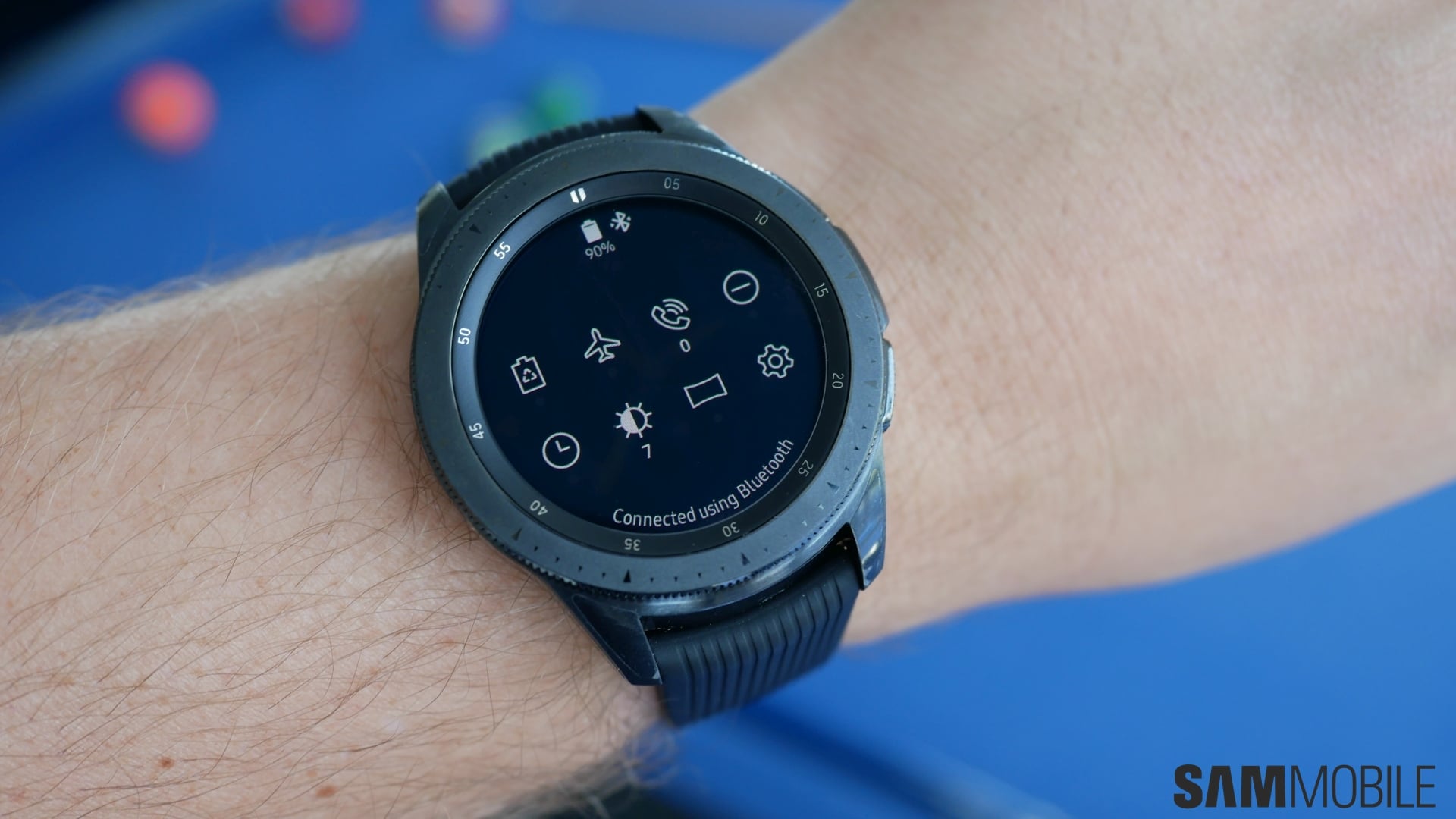
The Galaxy Watch comes with Tizen 4.0 out of the box, but the way the user interface works hasn’t really changed since the Gear S2. And it doesn’t need to change, as Samsung’s smartwatch interface is the best one around for smartwatches. It’s easy to use, and the bezel ring is as nifty for scrolling around the interface as it was two years back, making things more intuitive than just a touchscreen.
But that doesn’t mean there’s nothing new in Tizen 4.0. Well, some of it comes from the Gear Sport, but it will be new for whoever is moving from the Gear S2 or Gear S3. The app and other icons are now the same as the ones on your latest Galaxy smartphone with the Samsung Experience UX. Oddly, the Bixby app doesn’t fit in with the other app icons in the app drawer. While the other icons look fresh, the one used for Bixby does not, although this might just be a matter of personal preference and not something that everyone will take issue with.
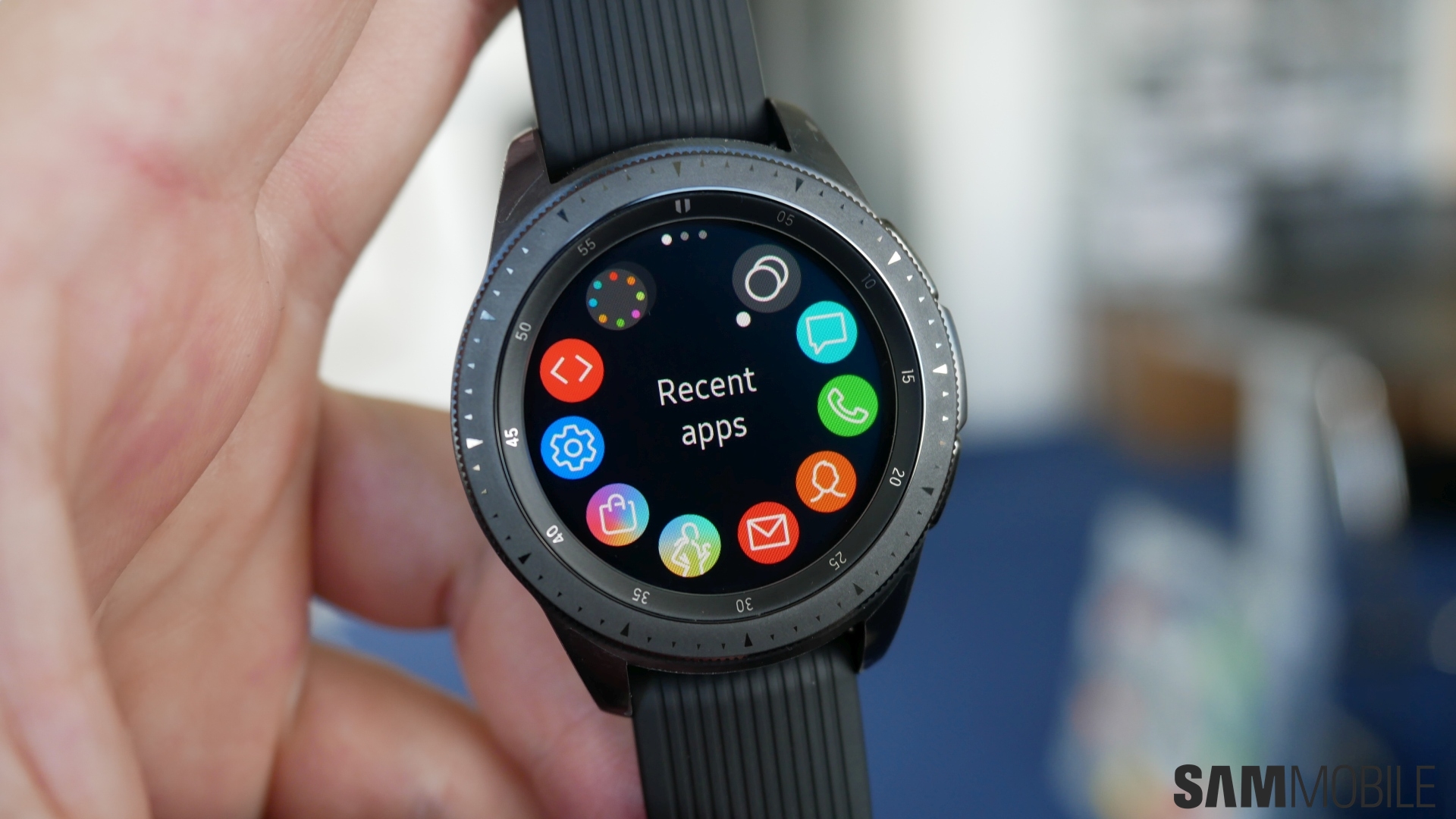
So what else is new? Well, there’s a neat feature that you may or may not call a gimmick: Samsung has added the option to enable a ticking sound with the default watch faces. It might sound a bit fake, but for us it’s a great feature as it makes the Galaxy Watch feel more like a regular watch. Talking about watch faces, Samsung has also introduced smarter watch faces. For example, you may see the number of steps you’ve taken or your upcoming appointments shown around the bezel ring, something Samsung has confirmed will be available in the developer SDK as well.
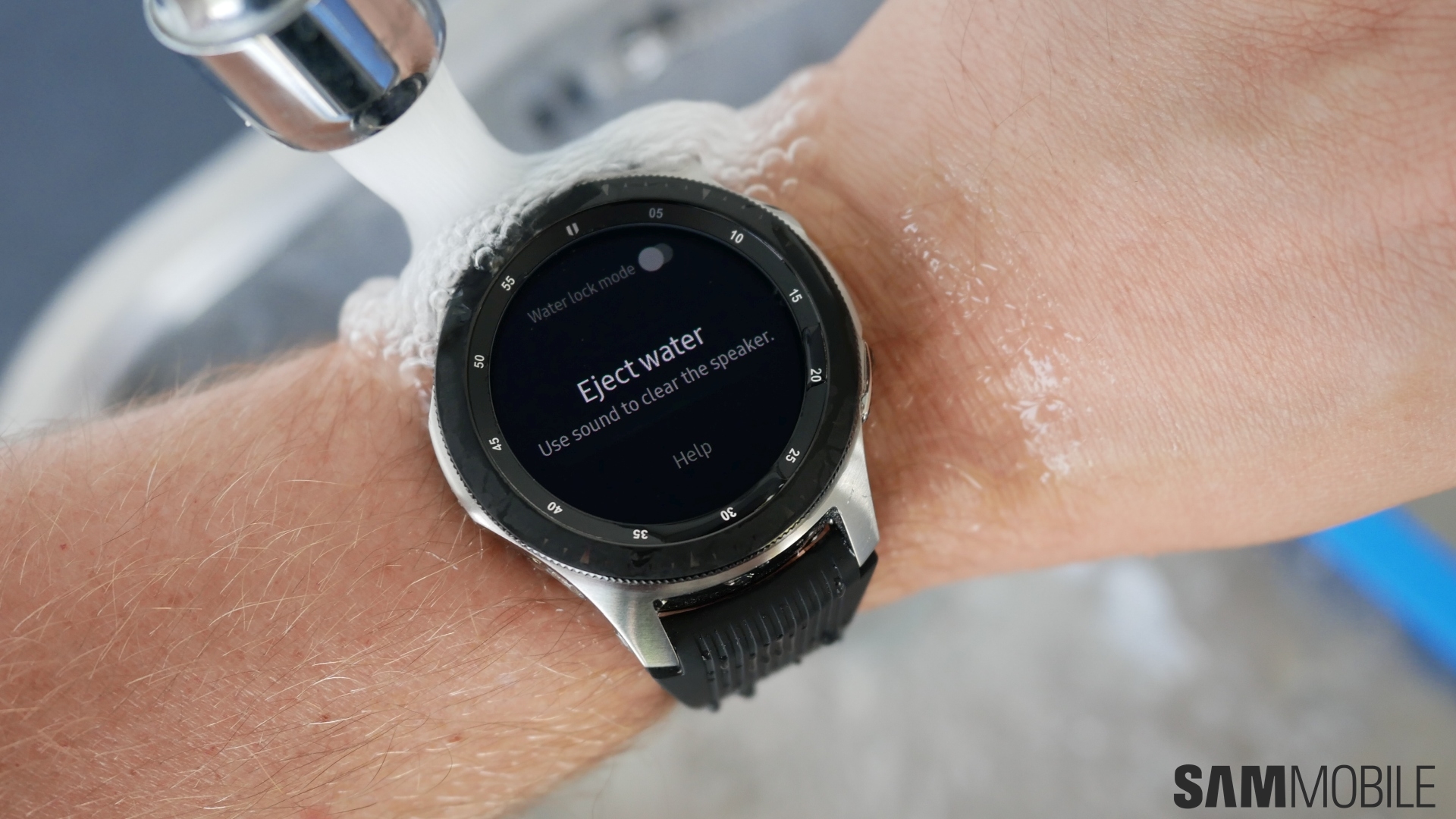
Then there’s the new theater mode, which pretty much disables everything on the watch, like muting alarms and preventing the screen from turning on when you move your wrist. Goodnight mode, meanwhile, will disable everything except alarms so you can sleep without any disturbances. And, like the Gear Sport, if you go swimming with your Galaxy Watch, the Water Lock mode will disable the touchscreen. But a nice little extra here is the option to “eject water” (after Water Lock is turned off) by creating vibrations “using sound waves.”

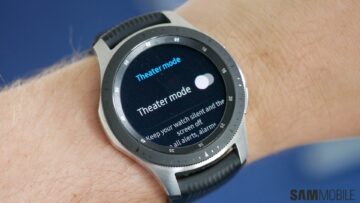
Last but not the least, the Galaxy Watch gets Watch only mode, carried over from the Gear Sport. When enabled, the smartwatch acts as a regular watch and only shows you the time. This can extend battery life by a few days, more so than the power saving modes. Again, Samsung’s interface hasn’t changed much over the years, but the Galaxy Watch gets plenty of small but useful new additions (which is also why it takes longer to boot up compared to the Gear S3) to further improve what is the best smartwatch user experience.
Bixby
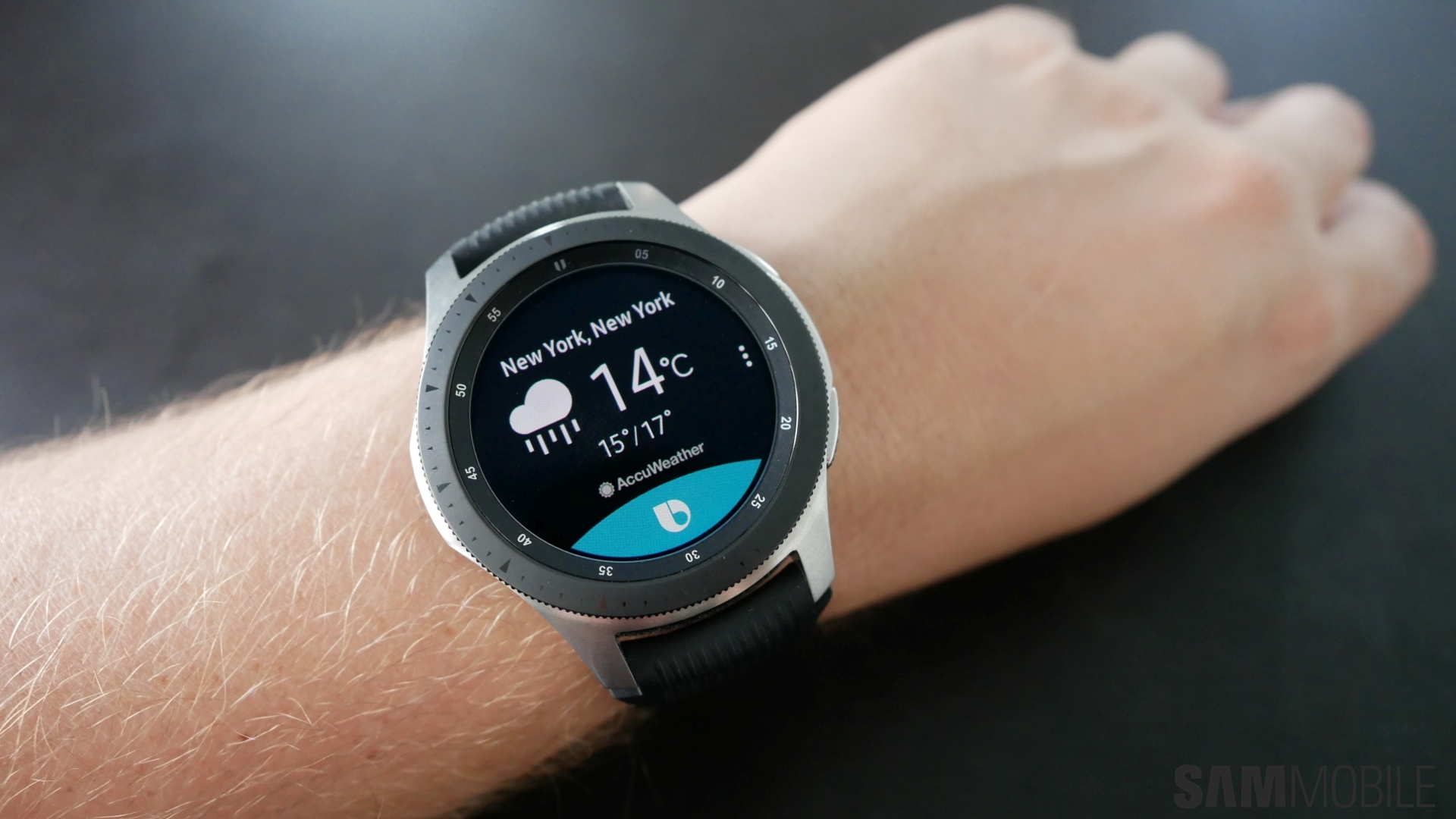
Samsung has replaced S Voice with Bixby on the Galaxy Watch, just as we had expected. A step in the positive direction, although Bixby is quite the unfinished job on the company’s new smartwatch. There were too many times Bixby didn’t recognize our voice or help us out with what we wanted. Bixby Voice was able to tell us the weather in New York and set an alarm, but other easy tasks, such as telling us who the United States president is or the answer to 9 multiplied by 9, didn’t work. This was after we installed the Samsung browser and calculator app on the Galaxy Watch as required, so Samsung’s own apps aren’t totally optimized for the watch yet, which is rather shameful.
Samsung has been on the offensive with putting Bixby on everything it makes, but it seems to be incomplete, and it’s just sad. Samsung needs to focus on regular updates that improve the state of Bixby, as an unfinished app that can’t do much doesn’t make sense. It’s been more than a year and a half since Bixby was first announced, and it simply should have worked better out of the box on the Galaxy Watch.
PS: Don’t get annoyed by the number of permissions Bixby keeps asking the first time you try to use it. Also try to ensure your phone isn’t within earshot, as it can sometimes wake up and give you the answer while the watch remains unresponsive.
Fitness
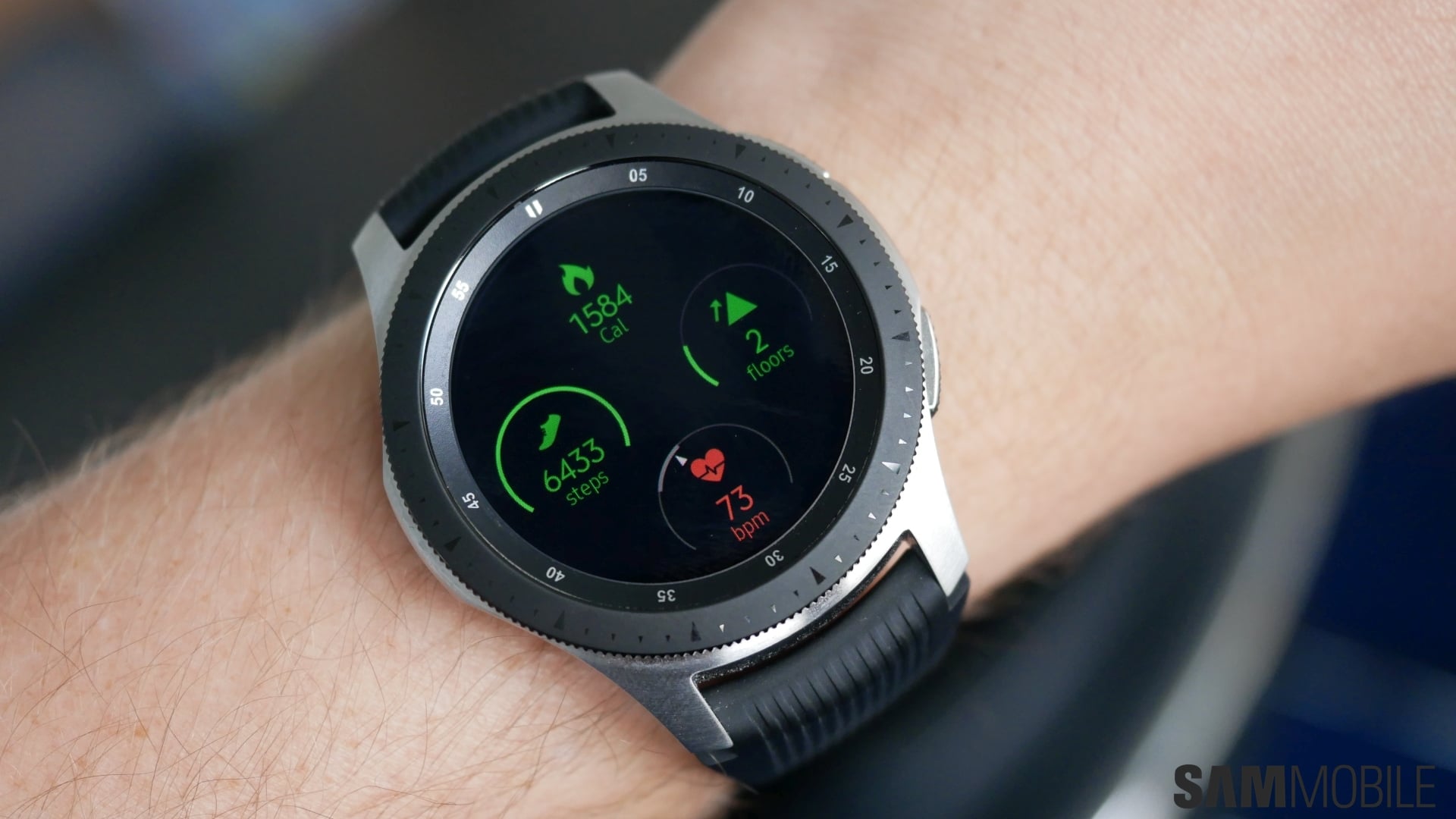
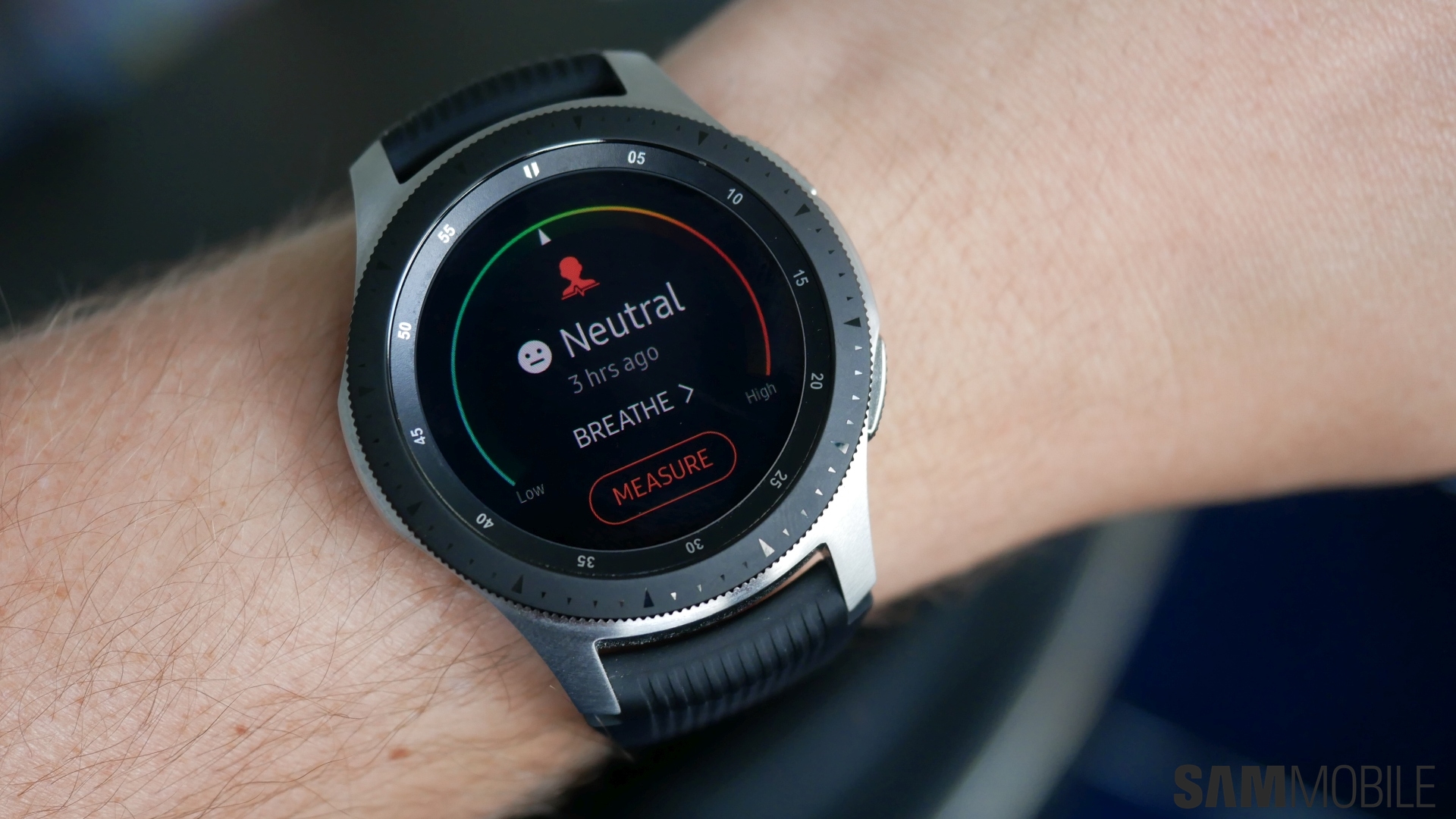
It’s not surprising that the Galaxy Watch comes with all of the fitness tracking features we saw on the Gear Sport. The Galaxy Watch can track up to 40 different activities and can automatically start tracking six exercises, such as walking, running, and cycling, and you can track your sleep patterns and heart rate. Samsung has also built in an option to track your stress levels by detecting increased heart rates over a long period. The watch will then suggest you to take deep breaths to bring down your heart rate, although this feature didn’t work for us since the two of us who tested the Galaxy Watch were never actually stressed during the testing period.
Accuracy of workout/exercise tracking seems to be the same as it was on the Gear Sport, which is to say it does quite well with most activities. Samsung Health continues to be excellent at providing you with all the details you require. Automatic tracking of basic workouts doesn’t always detect when you start working out, though, so you’d be better off starting workout routines manually when you’re going for a walk or a run. Overall, the Galaxy Watch has all the fitness features one would need, but if you already own a Gear Sport or Gear S3, there’s not much new that would make sense to upgrade.
Apps, Performance
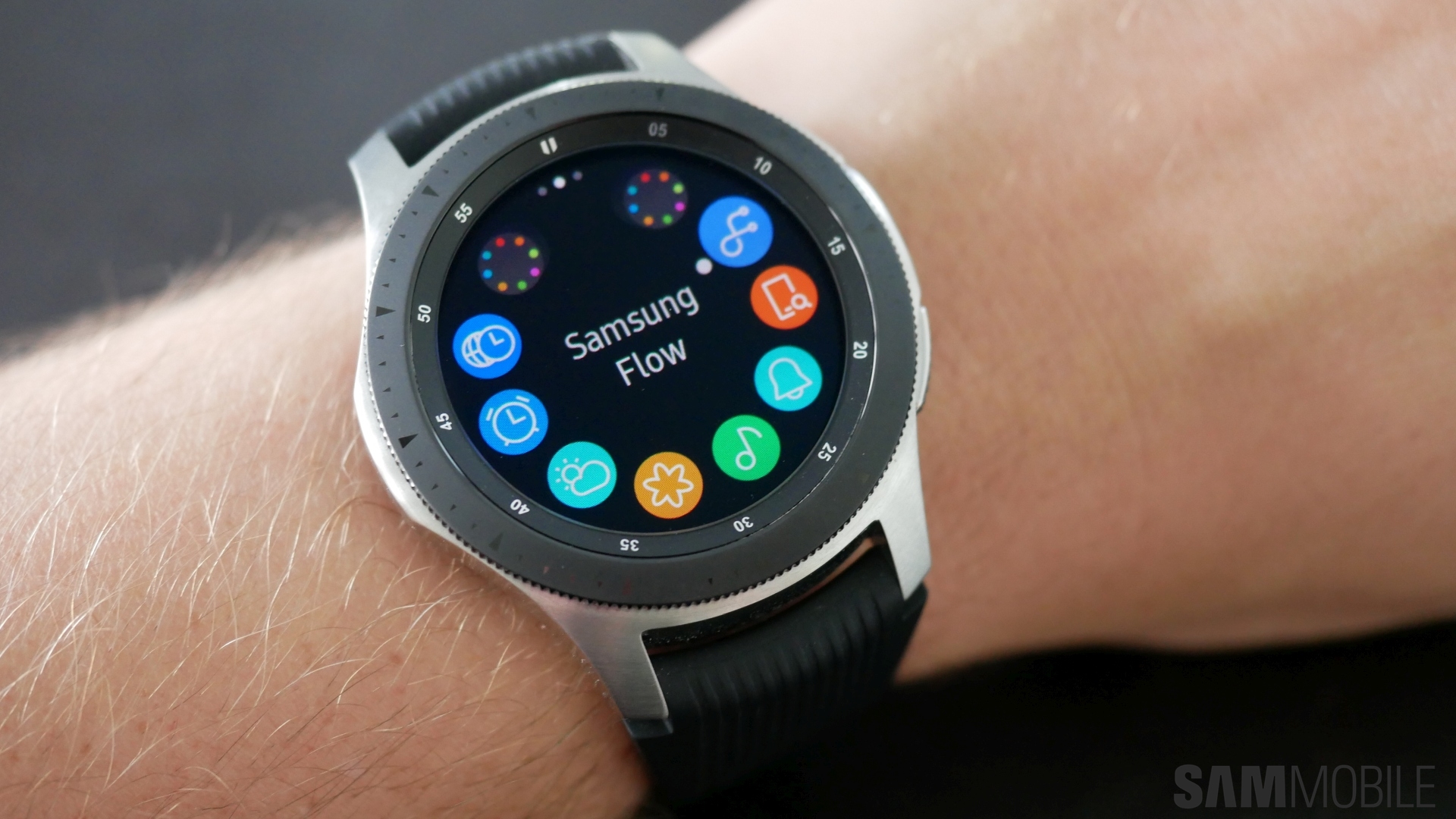
App support is where Tizen continues to fall short compared to Apple’s watchOS and Google’s Wear OS. Samsung continues to have problems garnering app support, with Spotify one of the few big names to have official support for Samsung’s smartwatches. Here in the Netherlands, Samsung has worked with local partners to create apps for their smartwatches, which is great, but bigger players still need to get on-board. As it stands, app support is a notable issue on the Galaxy Watch, so the question you need to ask yourself is: Do you really need apps on your smartwatch?
If apps aren’t a big deal, then the Galaxy Watch has all the tools to give you a great experience, thanks to the fitness and other inbuilt features. Its performance is also excellent thanks to the new Exynos 9110 SoC and the optimized Tizen OS, even with just 768MB RAM on the Bluetooth model. The LTE variant has 1.5GB of RAM, and both variants come with 4GB of internal storage.
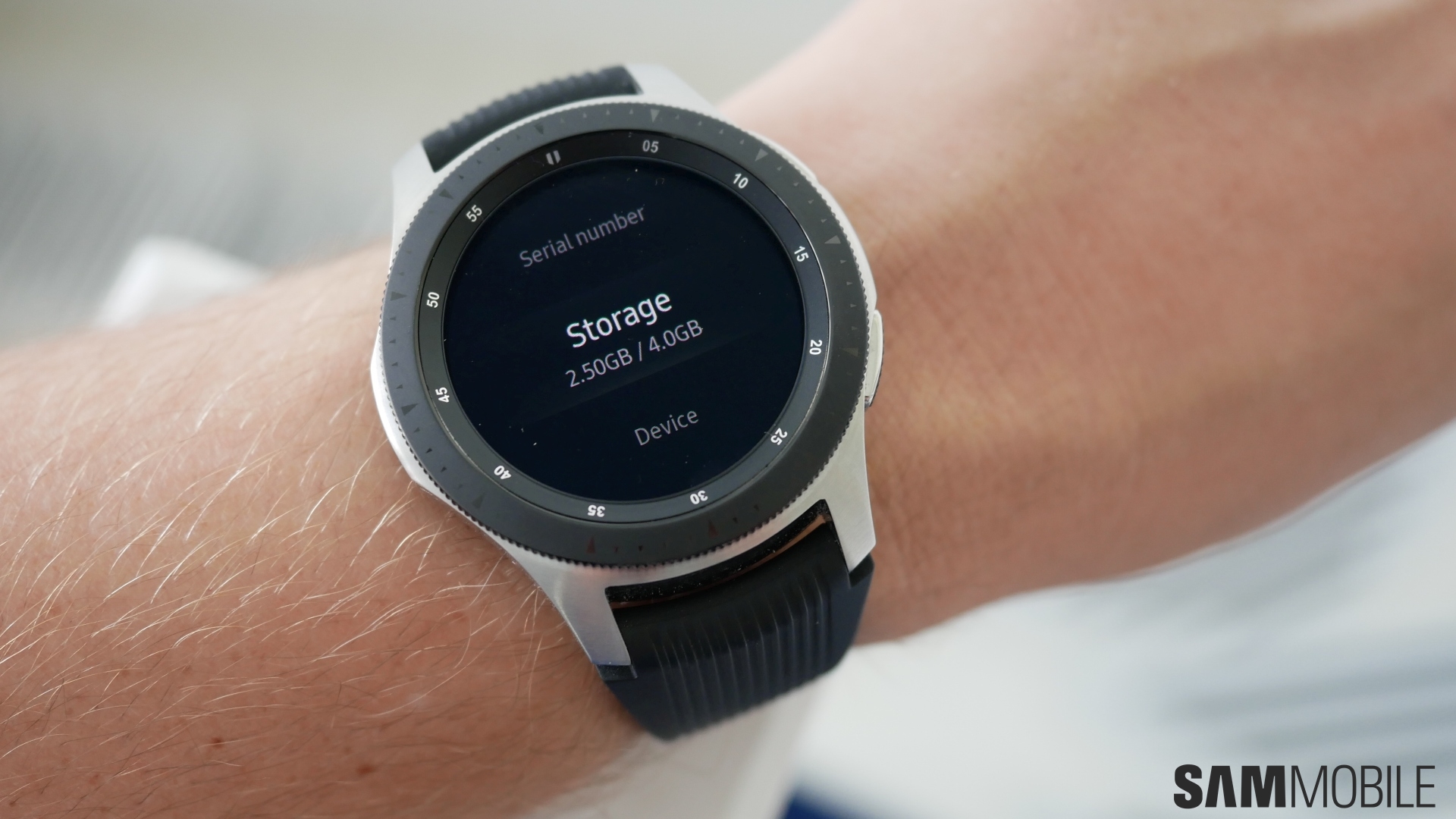
Samsung allows us to store images and music locally on the built-in storage, which is nice, but the company needs to make its software more compact or increase the onboard storage capacity. Only 1.5GB of storage is free for the user. Yes, your smartwatch isn’t expected to hold nearly as much data as your phone, but a little higher internal storage or more usable storage out of the box would be appreciated.
Battery life
Samsung has touted battery life as one of the highlights of the Galaxy Watch, especially the 46mm variant, which has a 472 mAh battery (the smaller one has a 270 mAh battery). Samsung says the 46mm version with LTE connectivity can last four days on a single charge. With Watch always on mode enabled, I could get up to 2.5 days of battery life, and that’s including testing things out for this review, so your mileage with regular usage would be higher. Disable Watch always on and it should easily last over 3 days on a single charge.
On the 42mm variant, battery life is considerably lower, but you can expect to reach the end of the second day before needing to put it on the charger, at least with Watch always on mode disabled. Do note, however, that neither of our watches were the LTE variant, so our battery life figures are for the Bluetooth-only variant. That doesn’t mean the LTE variants should do much worse, although you might need to keep Watch always on disabled in order to achieve nearly the kind of battery life Samsung is officially quoting.
Conclusion
The Galaxy Watch, put simply, is a culmination of everything Samsung has learned over the last three years. Samsung’s user interface remains the best out there and the Galaxy Watch comes with many minor but useful new features, the fitness tracking options are wide-ranging, the battery life is great (on the 46mm version, although the 42mm version isn’t too bad), and the design continues to impress. The lack of app support is still a major roadblock, and Samsung has also faltered with Bixby. Bixby’s debut on Samsung’s smartwatch lineup is rather lacking, but then it shouldn’t be hard for the company to make improvements with continuous software updates.
At the end of the day, the Galaxy Watch is a great overall smartwatch. It’s not a huge upgrade for Gear S3 owners (or Gear Sport owners, for that matter), but anyone moving from a Gear S2 or looking for a new smartwatch in general should take a gander at the Galaxy Watch.
| Pros |
Cons |
| Great design with water resistance, military-grade ruggedness |
Bixby requires lot of work
|
| Beautiful display, comes in two sizes |
Third-party app support still lacking |
| Bezel ring is as intuitive as ever |
Samsung Pay works only via MST |
| UI is fun, easy to use, and quick |
Color options are limited |
| Plenty of activity tracking features |
|
| Excellent battery life on 46mm variant |
|
| Comes in Rose Gold |
|
- Model: SM-R800
- Dimensions: 41.9 x 45.7 x 12.7mm
- Display: Circular 1.2" (30mm) Super AMOLED
- CPU: Exynos 9110
- Camera:
The post Samsung Galaxy Watch review: A clockwise march towards perfection appeared first on SamMobile.
from SamMobile https://ift.tt/2x1jBGI
via
IFTTT