الثلاثاء، 18 يونيو 2019

Intel could turn to Samsung for 14nm Rocket Lake chip production

It seems that Samsung and Intel have been in talks for an arrangement which would see the Korean conglomerate manufacture the American semiconductor giant’s 14nm Rocket Lake chips. A report out of South Korea claims that the negotiations between both companies are now in the final stages.

Samsung has been trying to win new customers for its contract manufacturing business as it faces a slowdown in the memory chip market. The lack of demand has negatively impacted Samsung’s bottom line. The company wants to offset that by making more non-memory chips and also producing chips for clients like Qualcomm and possibly Intel.

Samsung may produce 14nm chips for Intel

A source cited in the report claims that “We know that the contract negotiations with Intel, which was only rumored, are in the final stages.” Samsung will reportedly begin mass production of Intel’s 14nm Rocket Lake chips in the fourth quarter of next year with the first Samsung-made CPUs hitting the market in 2021.

Intel has been dealing with a CPU supply shortage since the second half of 2018. It’s heavily invested in upgrading and setting up new lines for 10nm chip production but it would be a few years before it can scale them up. Intel has to keep its 14nm production yields up while it does that because it needs to put chips on the market. So it would be looking to offset some of that burden over to Samsung, which would gladly take it on for the right price.

With Samsung focused on finding new growth engines, it goes without saying that it will be looking to overtake TSMC as the top contract manufacturer for chips. Qualcomm has reportedly tapped Samsung to manufacture the Snapdragon 865 as well so that will help in pursuit of that aim.

Intel might be opting for Samsung because its competitor, AMD, is having all of its 7nm CPU and GPU parts produced at TSMC. Moreover, the Taiwanese company also continues to make chips, and the ongoing US ban on Huawei might have given Intel another reason to opt for Samsung.

Neither Samsung nor Intel have confirmed this arrangement but a public announcement would most likely be made when all the Is have been dotted and Ts crossed.

The post Intel could turn to Samsung for 14nm Rocket Lake chip production appeared first on SamMobile.


from SamMobile http://bit.ly/2In2juy
via IFTTT

Samsung Galaxy Fit e review: An affordable and bare-bones fitness band

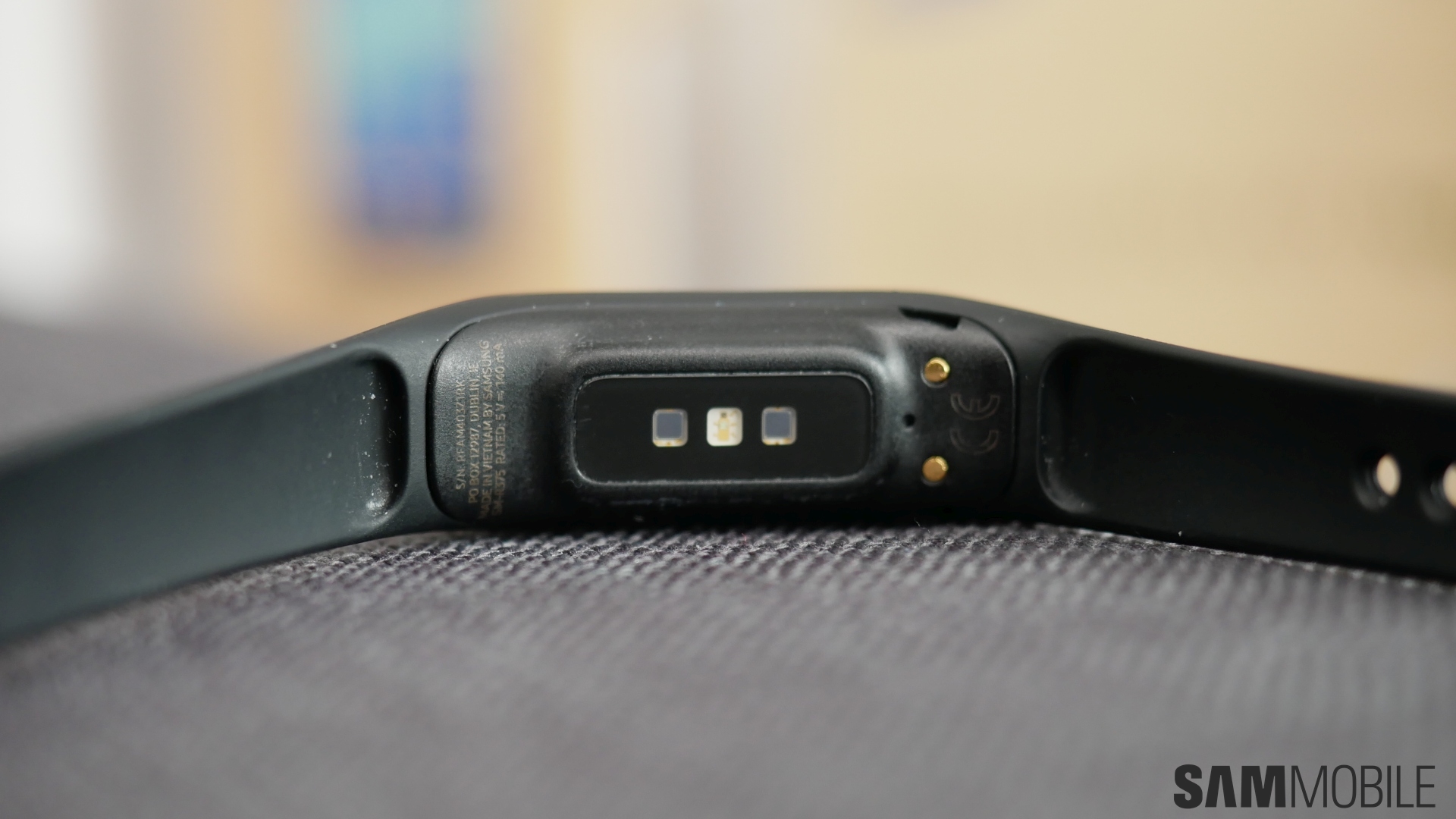
While the tech world has been looking for the best smartwatch in recent years, fitness bands seem to appeal a lot more to the masses. Brands such as Fitbit and the like have proven that there is a substantial market for fitness bands, and Samsung is also playing in this segment. With the Galaxy Watch Active, Samsung has already put a beautiful fitness-focused smartwatch on the market, but a smartwatch is not a fitness band, which is why we also have the Galaxy Fit and Galaxy Fit e as part of Samsung’s 2019 lineup of wearable devices.

We were able to test the Galaxy Fit e for a couple of weeks, and this review will tell you if it’s a fitness band worth purchasing.

Galaxy Fit e review: Design and display

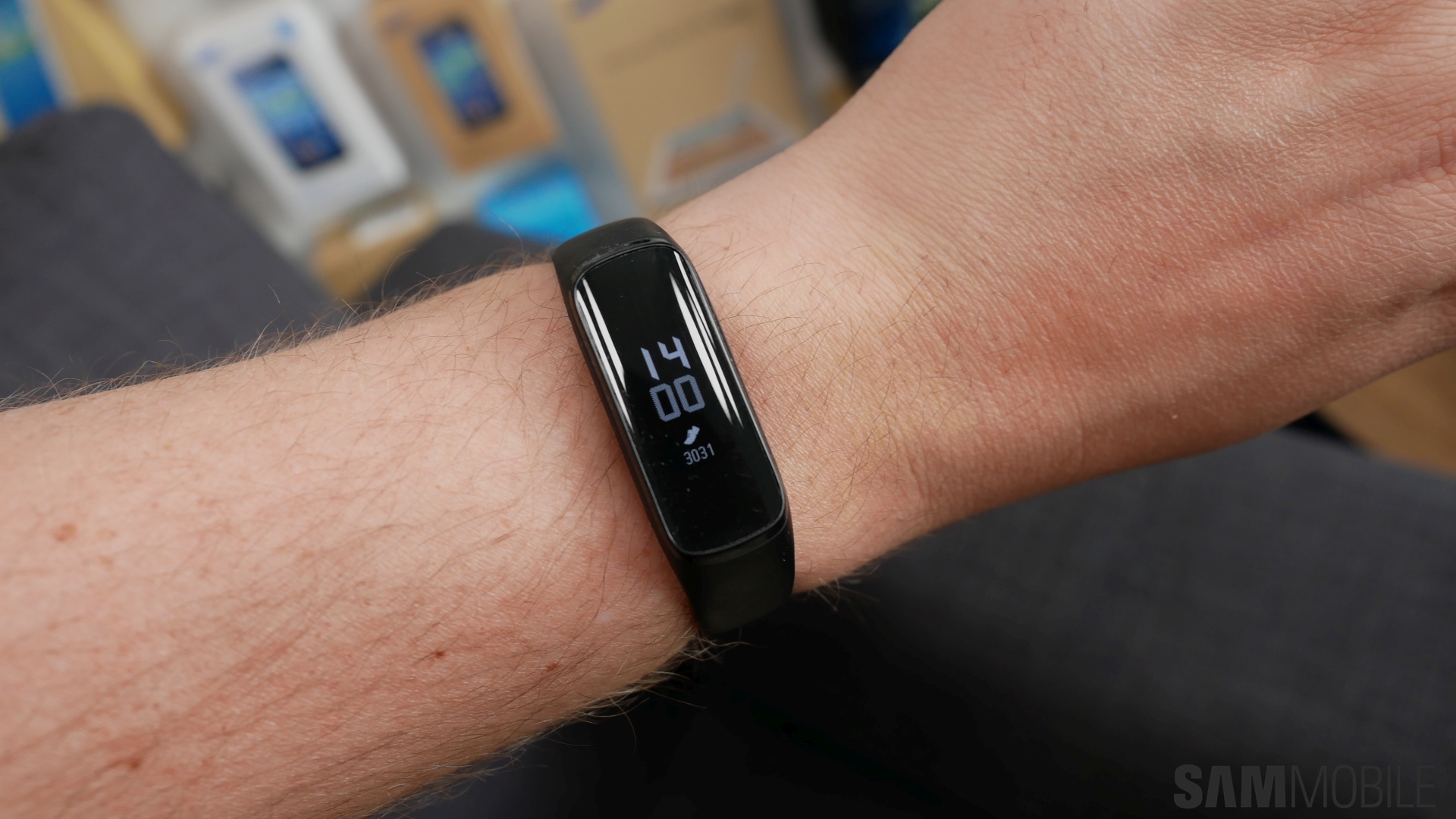
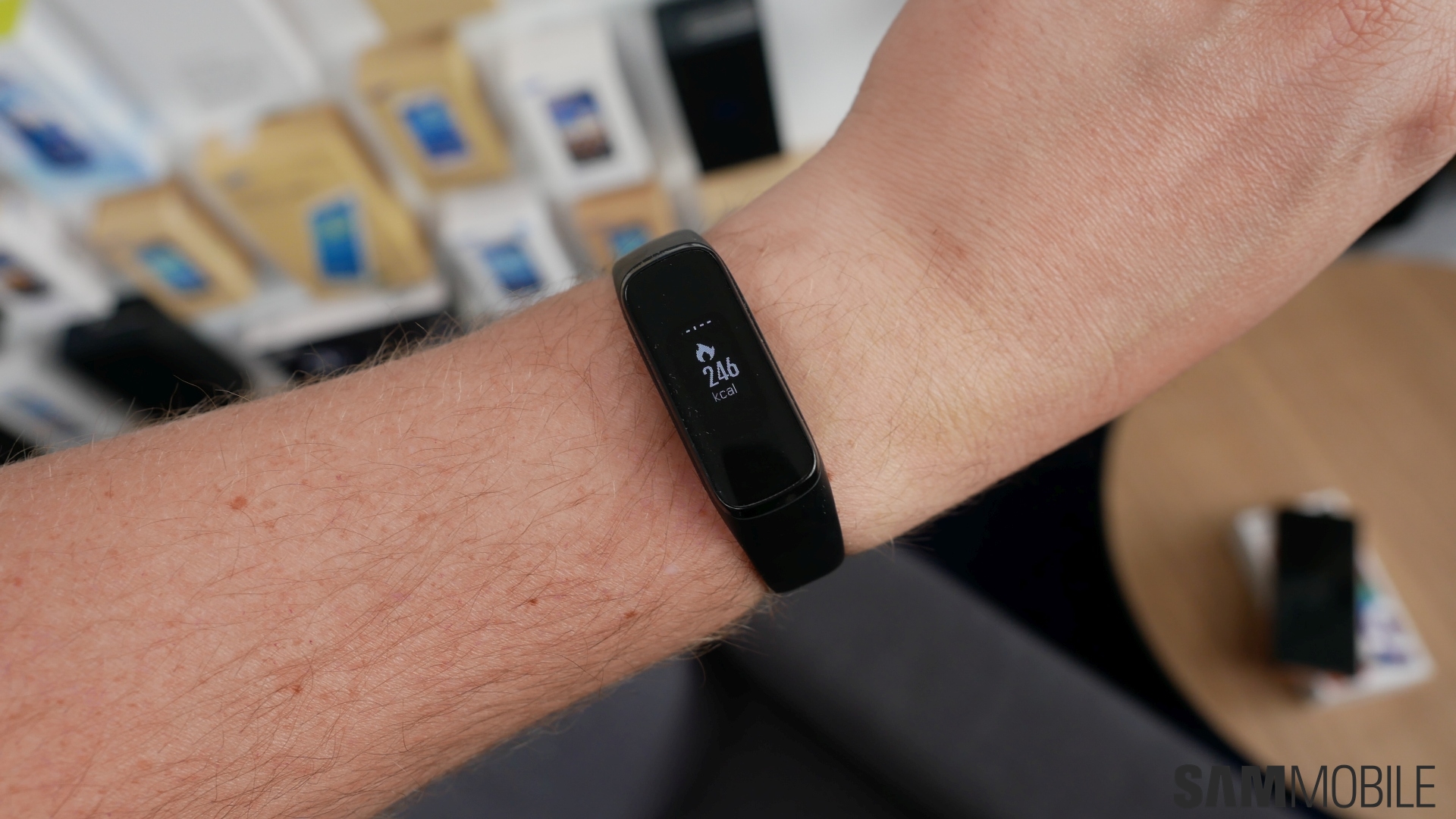
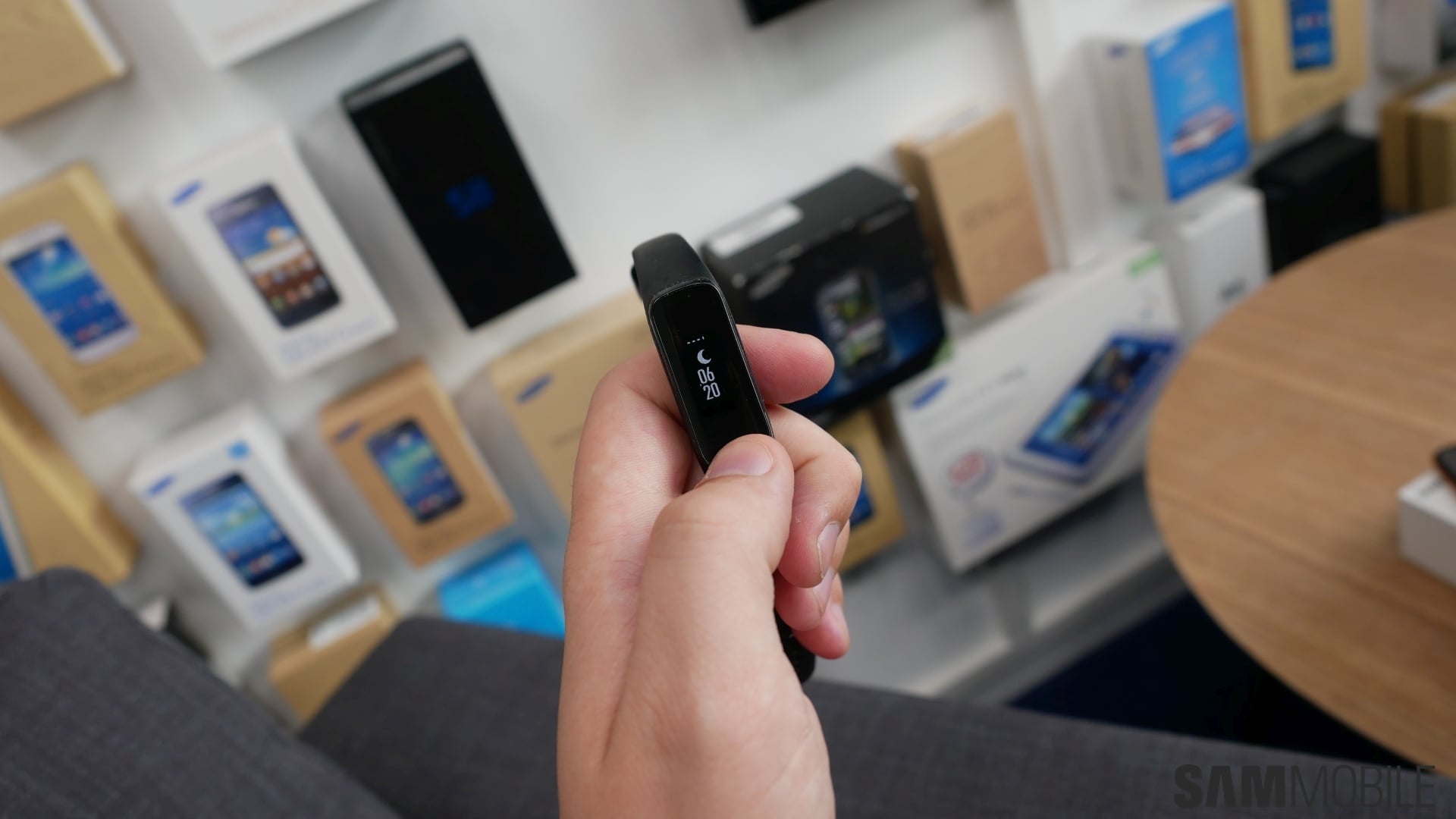
The Galaxy Fit e is the smaller of Samsung’s new fitness bands, with the ‘e’ short for essential, so you get only the essentials at a very reasonable price. When you see the Fit e for the first time, you can’t deny it looks a lot like the Mi Band from Xiaomi and the dozens of fitness trackers out there. Of course, that’s not necessarily a bad thing, as there’s not a lot of room to experiment with the design with such small devices.

The Fit e has a 0.74-inch PMOLED screen with a resolution of 64 x 128 pixels. That resolution is low enough that you can count the individual pixels, and the screen is also monochrome, so don’t expect any impressive graphics from this display. The screen gives you the needed information through text and images, which look clear but that’s about it. You cannot swipe on the display. You can double tap it to wake it up, and with a single tap you go to the next screen.

The single and double tap operation can be improved, as it took a while for us to get a hang of it and the display would not always respond on the first try. Thankfully, a software update fixed these touch issues, although there can still be a few instances where the band doesn’t properly respond.

Galaxy Fit e software and fitness tracking

Each screen on the Fit e has a widget, and you can determine which widgets and in what order you want to see them from the Galaxy Wearable app on your connected phone. You can select from calories, steps, heart rate, weather, and calendar widgets; the last one shows you a calendar entry that’s easy to read despite the low-resolution display. Naturally, you can also change watch faces, with a number of options that show different types of information.

The Galaxy Wearable app makes this small device a usable thing. You can set everything in the app – from the previously discussed watch faces and widgets to setting an alarm and more. Where you can do most stuff on a smartwatch without having to whip out your phone, the Galaxy Fit e puts the onus on the Galaxy Wearable app, and it more than met our expectations in this regard.

As far as activity tracking is concerned, the Fit e was rather accurate. On a 10K run, the distance reported by the band deviated by around 100-150 meters compared to what the Strava app reported on my phone. Sleep tracking looked accurate as well, but there’s no way to confirm that since the band simply registers movement and then uses that to give you an estimate of how solid sack time was. The Fit e also tracks your heart rate continuously when you’re exercising, but since its display isn’t very legible outdoors, checking your heart rate or your speed while you’re running is a bit hard to do.

Galaxy Fit e battery life

The Galaxy Fit e contains a 70 mAh battery that can last about a week. Exactly how long it will survive on a single charge will depend on how you use it, though. When you use the heart rate widget, the band continuously measures your heart rate, which can’t be disabled and costs a lot of power. The number of notifications you receive also affects battery life.

And there’s an annoying aspect that results from the Fit e’s dependence on the Galaxy Wearable app. The band does not tell you if the battery is running low. You have to see battery levels by checking out the app, and it would be great to see an update that adds a warning when the battery charge is low, as you can’t always keep checking your phone to see how much charge is left on the band.

Galaxy Fit e verdict

I kept the Fit e on my wrist day and night for a few weeks without noticing it was there, which shows how comfortable it is. It only weighs 15g so it’s not at all bothersome. I wore it while sleeping as well, although you’d want to turn off the wake-up gesture that lights up the screen when you raise your arm so that you’re not disturbed in the middle of the night. And while the Fit e is comfortable, you shouldn’t expect any miracles. It’s a good product for tracking basic activities like running, as befits a €39 fitness band, but if you’re looking for something more, you should look at the regular Galaxy Fit or the Galaxy Watch Active.

The post Samsung Galaxy Fit e review: An affordable and bare-bones fitness band appeared first on SamMobile.


from SamMobile http://bit.ly/2L3NKNY
via IFTTT

Leak shows the Galaxy Note 10 and Note 10 Pro size difference

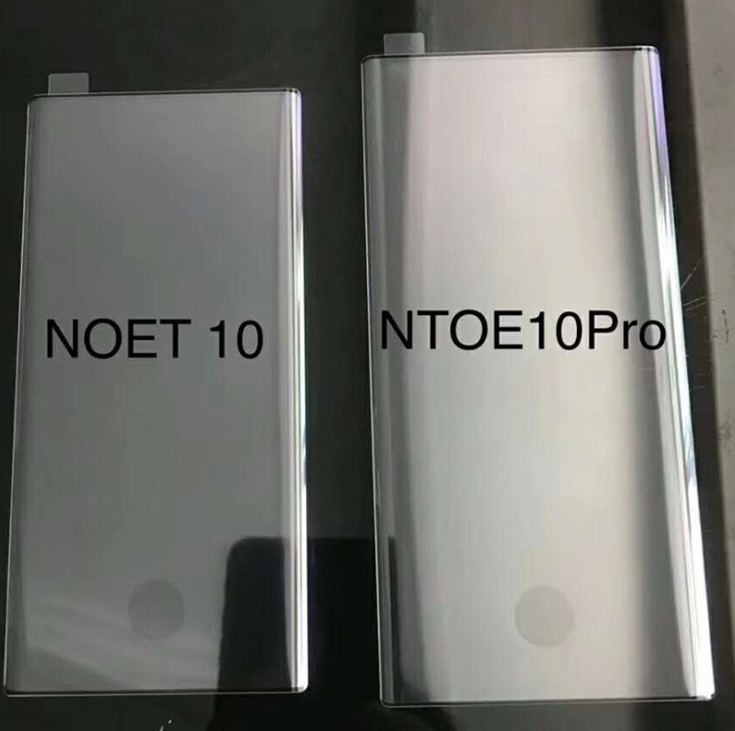
The leaks keep on coming and the latest claims to show the Galaxy Note 10 and Note 10 Pro size difference, particularly in display size. It’s already known that Samsung will launch two models of its next flagship smartphone. The display size will vary and so might a handful of specs.

Other than that, the two Galaxy Note 10 models should look quite the same. They may also have the same power package under the hood. Both models will also have a separate 5G variant as well which will be available in markets with 5G networks.

Galaxy Note 10 and Note 10 Pro size difference

The difference in size is demonstrated by this protective film. According to @UniverseIce, they’re meant for the Galaxy Note 10 and Galaxy Note 10 Pro, the shoddy spelling notwithstanding. The two models will feature a 6.3-inch and 6.75-inch display respectively. One can almost get a sense of just how massive the latter is going to be.

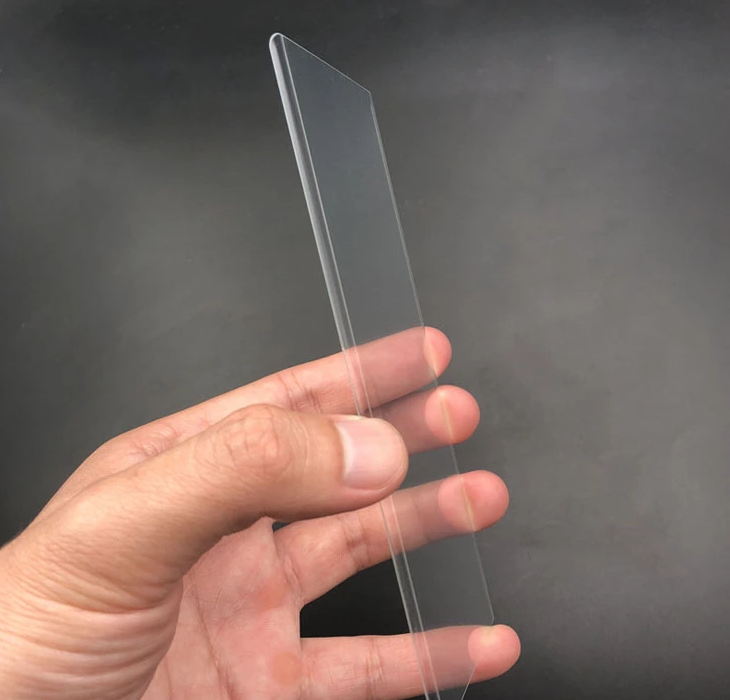
You might have noticed that the films don’t have cutouts for the front camera. That was also the case with another purported Galaxy Note 10 film that leaked last week. Apparently, dimensional data for the cutouts isn’t available as yet which is why these films are missing them. It’s believed that the Galaxy Note 10 may have a centered camera cutout while the Galaxy Note 10 Pro’s dual front camera would be positioned in the right corner.

A similar leak also hints at the screen edge curvature for the Galaxy Note 10. It doesn’t seem to be all that different from the Galaxy S10. An earlier leak has already suggested that the bezels on the next flagship will get a thorough trimming.

None of this is set in stone just yet. Samsung hasn’t dropped any hints about the Galaxy Note 10. We’ll have to make do with such leaks for now until something more substantial turns up.


The post Leak shows the Galaxy Note 10 and Note 10 Pro size difference appeared first on SamMobile.


from SamMobile http://bit.ly/2Knx44P
via IFTTT

Daily Deal: 37% off a leather wristband for the Galaxy Watch

If you’ve followed our deals, you might have noticed that we’ve found a lot of great deals for Samsung’s smartwatches. The wristband that comes with them might not be to year liking. You could either dislike the material or just the way it looks. Good thing these wristbands are interchangeable, meaning that you can buy more online, and replace them yourself. We’ve found these leather wristbands that give you a luxurious, classic look on your Samsung wearable device. This band is compatible with the Samsung Galaxy Watch 46mm, Gear S3 Classic, Frontier and the Galaxy Gear 2.

This leather band now comes with a 37% discount for just $11.99, so this is the right time to get it. Use the Buy Now button below to grab one while they’re still available!

The post Daily Deal: 37% off a leather wristband for the Galaxy Watch appeared first on SamMobile.


from SamMobile http://bit.ly/2N4vqa6
via IFTTT

Samsung files for Digital Bezel trademark, tickles imagination

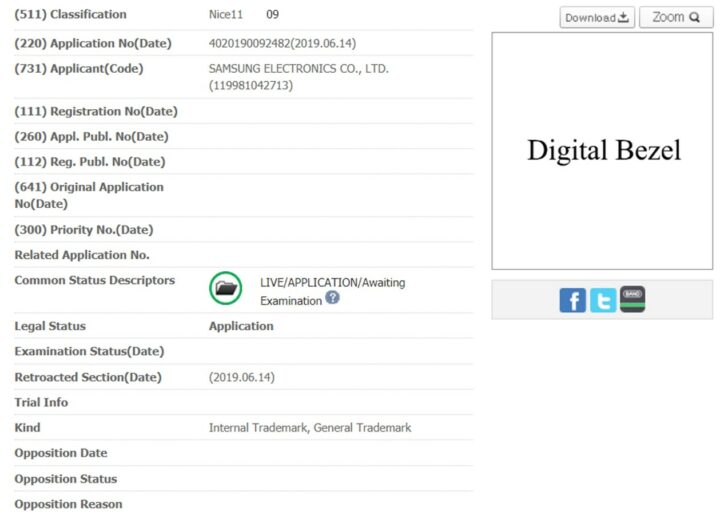
With Samsung apparently having tried to develop a key-less design for the Galaxy Note 10, a recent trademark application caught our eye. In South Korea, the company has filed paperwork for the mark Digital Bezel.

Samsung Digital Bezel

Late last week, Samsung filed an application with the Korean Intellectual Property Office (KIPO) for the trademark Digital Bezel. The application’s description is very broad, providing very little information about the device or application the mark applies to. That said, we can not help but be reminded of the alleged key-less design Samsung was testing for its upcoming Galaxy Note 10.

Back in March, we heard the first rumors about a next-generation Note device that no longer has physical hardware keys. Even only a few weeks ago, a similar report made the rounds, only to be debunked by two sets of renders showing a Galaxy Note 10 with traditional physical keys. Nevertheless, it is inevitable that Samsung will release devices in the future with pressure or touch sensitive keys replacing physical buttons. This is where we imagine a Digital Bezel comes in, being a bezel with such added functionality.

Of course, the key phrase here is ‘we imagine’. Samsung’s Digital Bezel might well turn out to be something else entirely. With the Note 10 actually having a normal bezel, we are not likely to find out more when that phone launches in August. For now, we’ll just file this under ‘things we are eager to learn more about’.

samsung digital bezel trademark

The post Samsung files for Digital Bezel trademark, tickles imagination appeared first on SamMobile.


from SamMobile http://bit.ly/2WNIxMH
via IFTTT

الاثنين، 17 يونيو 2019

Galaxy M40 set to go on sale in India at 12 PM today

The Galaxy M40, which was announced last week, is set to go sale on Amazon and Samsung.com at 12 PM today in India. Like the previous devices in the lineup, the M40 will be available via flash sales – a trick Samsung borrowed from Xiaomi’s playbook. The online-exclusive device should be available through an open sale in a few weeks from now if you don’t want to deal with flash sales.

Recommending the Galaxy M40 is not an easy decision as Samsung has made some strange choices for the device. While it comes with a faster Snapdragon chipset and an Infinity-O display, it sports a much smaller battery than its cheaper siblings and lacks a headphone jack. Even the display, despite its modern design, can be a downgrade for some users since it’s an LCD panel. Factoring all this, the Galaxy A50 looks like a better device overall with far fewer compromises.

Nevertheless, if you want to buy the Galaxy M40, it will be available in a single 6GB/128GB variant and is priced at ₹19,990 (~$290), which is ₹1,500 more than the base variant of the Galaxy A50. You can get an additional INR 1,500 discount on Amazon by using ICICI credit and debit cards. Color options include Midnight Blue and Seawater Blue with gradient effects on the back.

Do check our Galaxy M40 review before making your purchase.

The post Galaxy M40 set to go on sale in India at 12 PM today appeared first on SamMobile.


from SamMobile http://bit.ly/2XYcXxg
via IFTTT

Samsung Galaxy M40 review: Get the Galaxy A50 instead

The Galaxy M40 is the fourth smartphone in Samsung’s aggressively priced Galaxy M lineup of smartphones that launched in India earlier this year. It’s the most powerful device in the series yet, thanks to the Snapdragon 675 under the hood, and it also comes with features like an Infinity-O display (similar to the one on the Galaxy S10), and a triple rear camera setup with a 32MP primary sensor. But it also lacks the monstrous battery from the Galaxy M20 and M30 and a traditional 3.5 mm headphone jack.

The biggest obstacle for the Galaxy M40 is one of Samsung’s Galaxy A series phones, as you have no doubt surmised from the title of this review. The Galaxy A50 costs around ₹1500 (~$21) less than the M40 (which costs ₹19,990, roughly $286) and has the weaker Exynos 9610 chipset, 4GB of RAM, and a lower-resolution primary rear camera, but it makes up for all that with its Super AMOLED display (yes, the M40 has an LCD panel), a larger battery, higher-resolution front camera, and a headphone jack.

The existence of the Galaxy A50 makes me wonder why Samsung launched the Galaxy M40, that too with a higher price tag, no headphone jack, and not even a big battery, which we had assumed would be a staple of the M series. The A50 is also easier to purchase as it’s available in offline stores unlike the M40. But we have to give every phone a chance before coming to a conclusion, so let’s dive into this review to see what the Galaxy M40 offers as an overall package.

Galaxy M40 review: Design and display
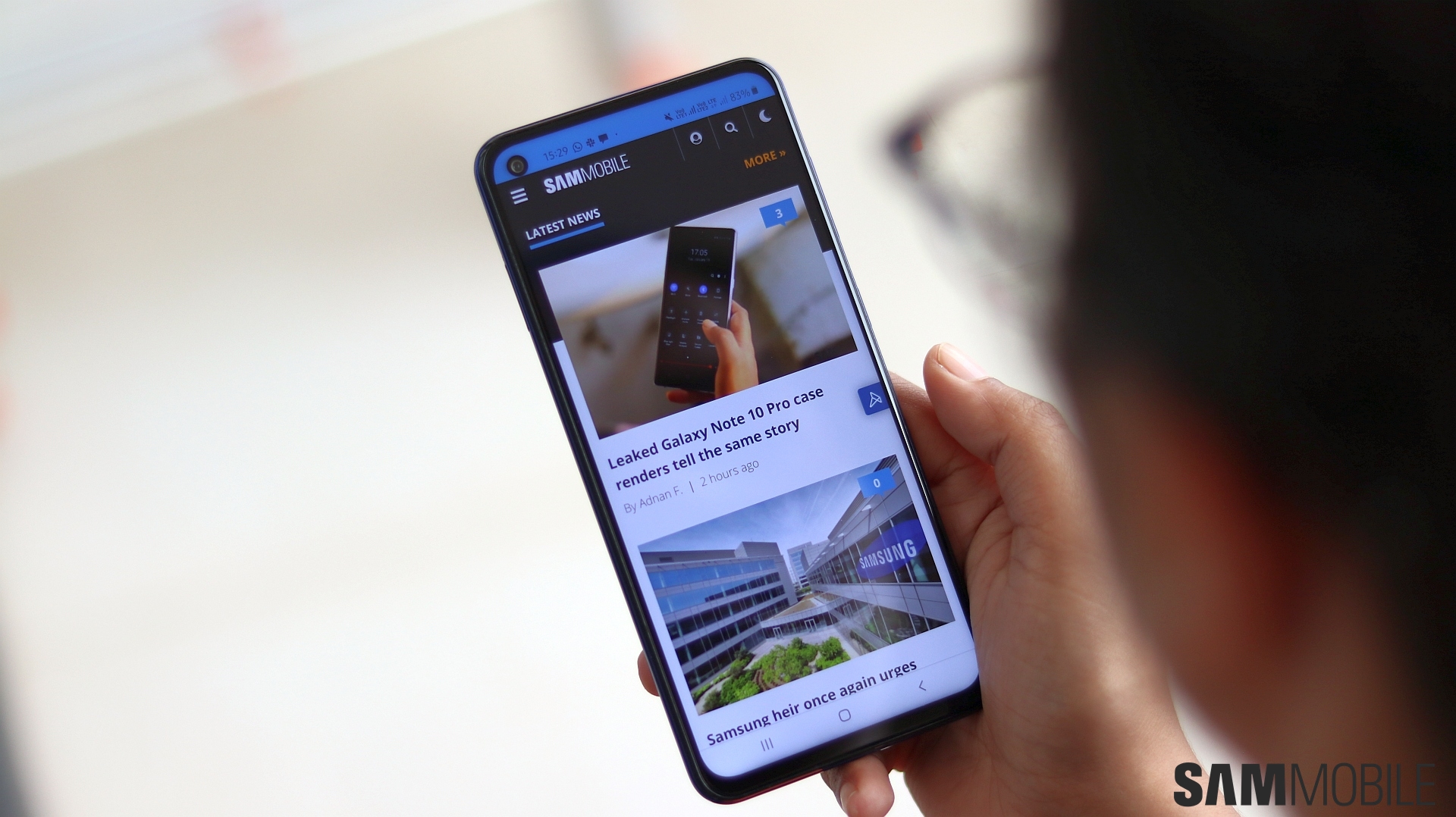
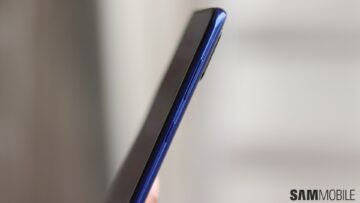
Don’t let Samsung fool you with the marketing hullabaloo: That Infinity-O display on the Galaxy M40 does not offer any meaningful benefit over previous M series phones with their Infinity-V displays. The notch has just turned into a camera hole that’s now placed on the left side of the screen, and the top bezel hasn’t really been reduced in size, either. The bottom bezel is smaller than the M20, M30, or the A50, but the difference isn’t high enough for it to justify having no headphone jack.

The Galaxy M40 does feel compact despite a 6.3-inch display thanks to that smaller bottom bezel, so those who have small hands and would benefit from even the slightest reduction in the overall size of their phone might like it. But the M40 is still a two-handed device, so that’s not a substantial benefit in my opinion. If Samsung had managed to fit in a 4,000 mAh battery instead of a 3,500 mAh battery, then my opinion would be different, but sadly that’s not the case here.
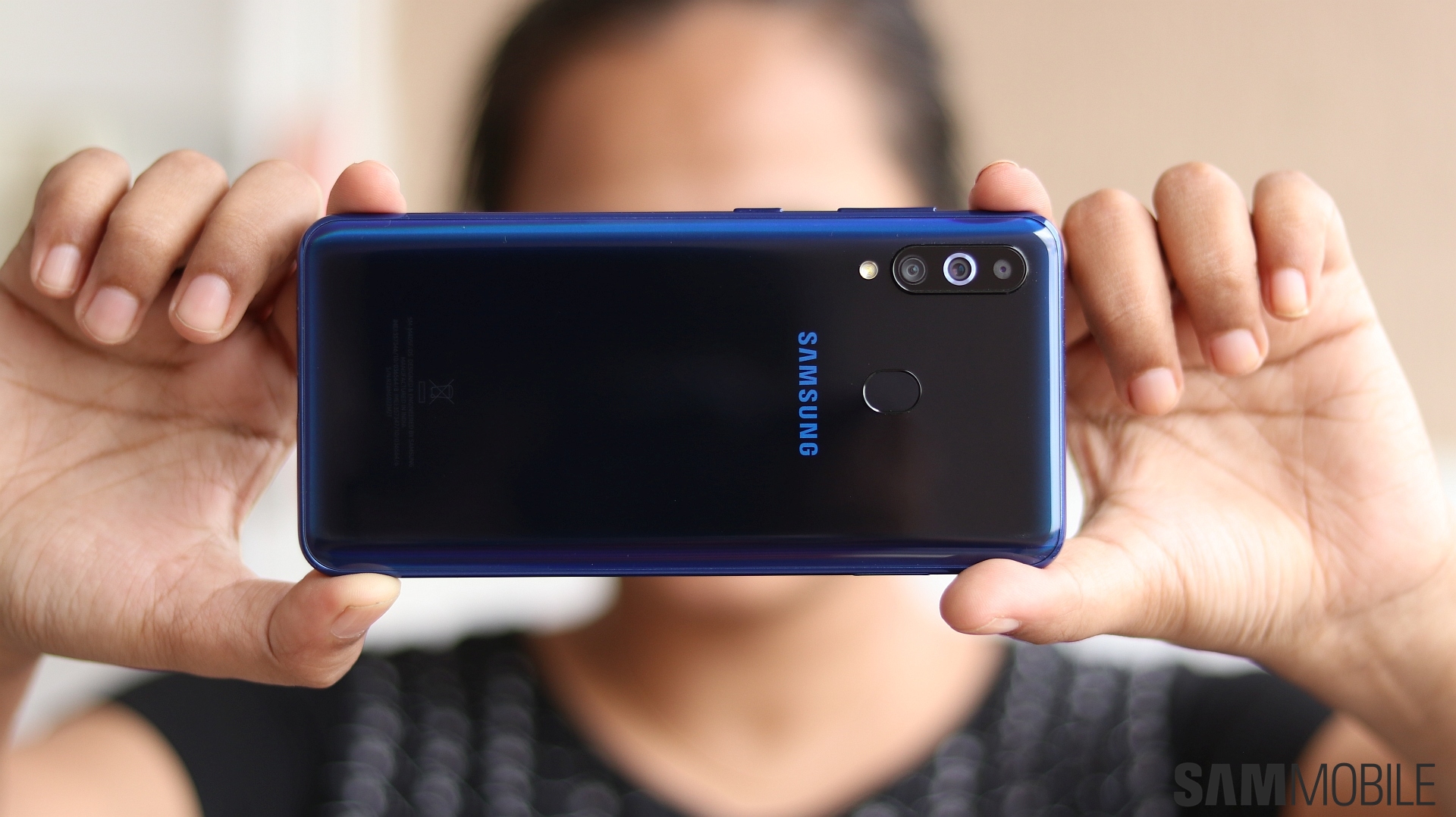

And the limitations don’t end there. The Galaxy M40 comes with a hybrid SIM slot, meaning you can either use two SIMs on this phone or one SIM card and a microSD card. Now, with 128GB of storage on the base model, not being able to use the microSD slot and two SIMs at the same time may not be a major limitation. But it does make you realize that in the pursuit of making a more compact phone by removing the headphone jack, Samsung has made numerous other compromises as well.
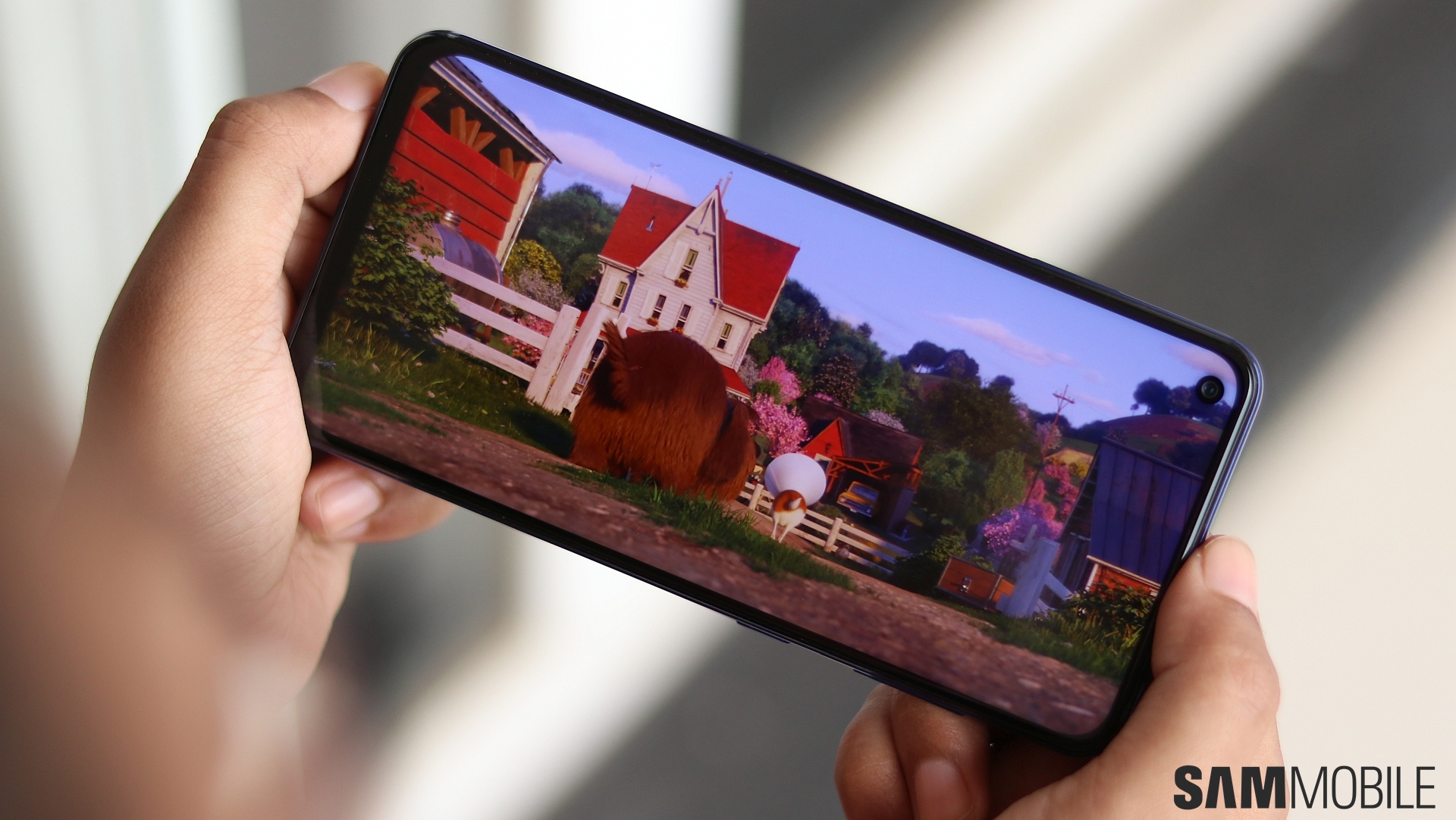
The Galaxy M40 has an LCD display that’s not as vibrant as the Galaxy A50’s or the M30’s. You can also see backlight bleed around the camera hole and below the navigation buttons, a problem you won’t have on an AMOLED display as there’s no backlight in OLED screens. If you can look past that, however, the Galaxy M40 does have a high-quality display. The colors are fairly vivid, the brightness levels are sufficient for trouble-free viewing out in harsh daylight, and viewing angles are quite wide.
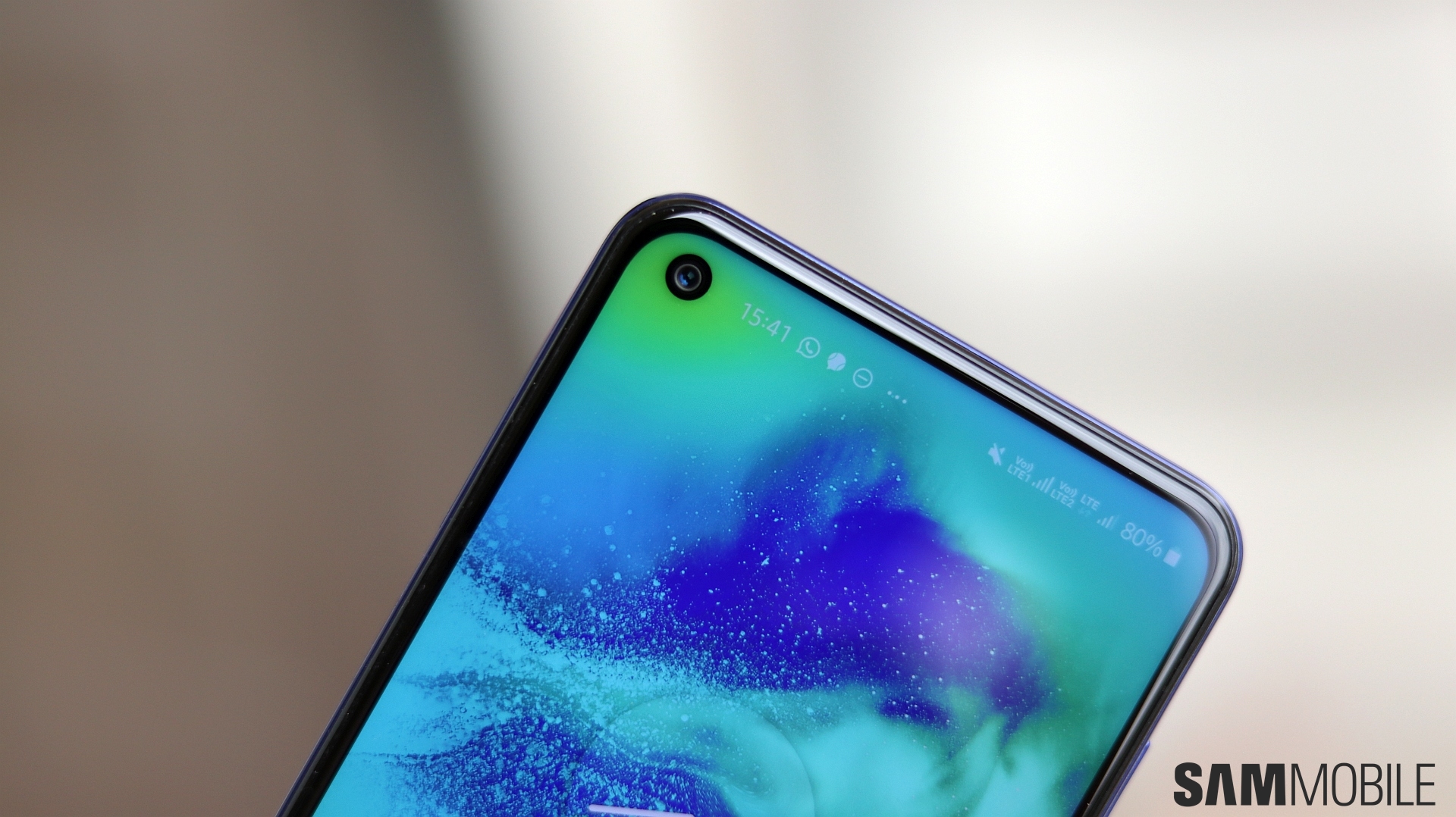
Furthermore, the corner front camera cutout is a bit easier to ignore than a center notch when you’re watching movies or playing games, as you’ll often have your hand covering the cutout. Last but not least, I’m also happy to see Samsung didn’t put an in-display fingerprint sensor on the M40. The optical in-display fingerprint sensor on the Galaxy A50 and Galaxy A70 is rather slow and inaccurate. Optical sensors simply aren’t made to be as fast or accurate as physical sensors or the ultrasonic in-display sensor on the Galaxy S10, so not having one on the M40 works in its favor even if it gives Samsung one less fancy feature to advertise.

Galaxy M40 cameras
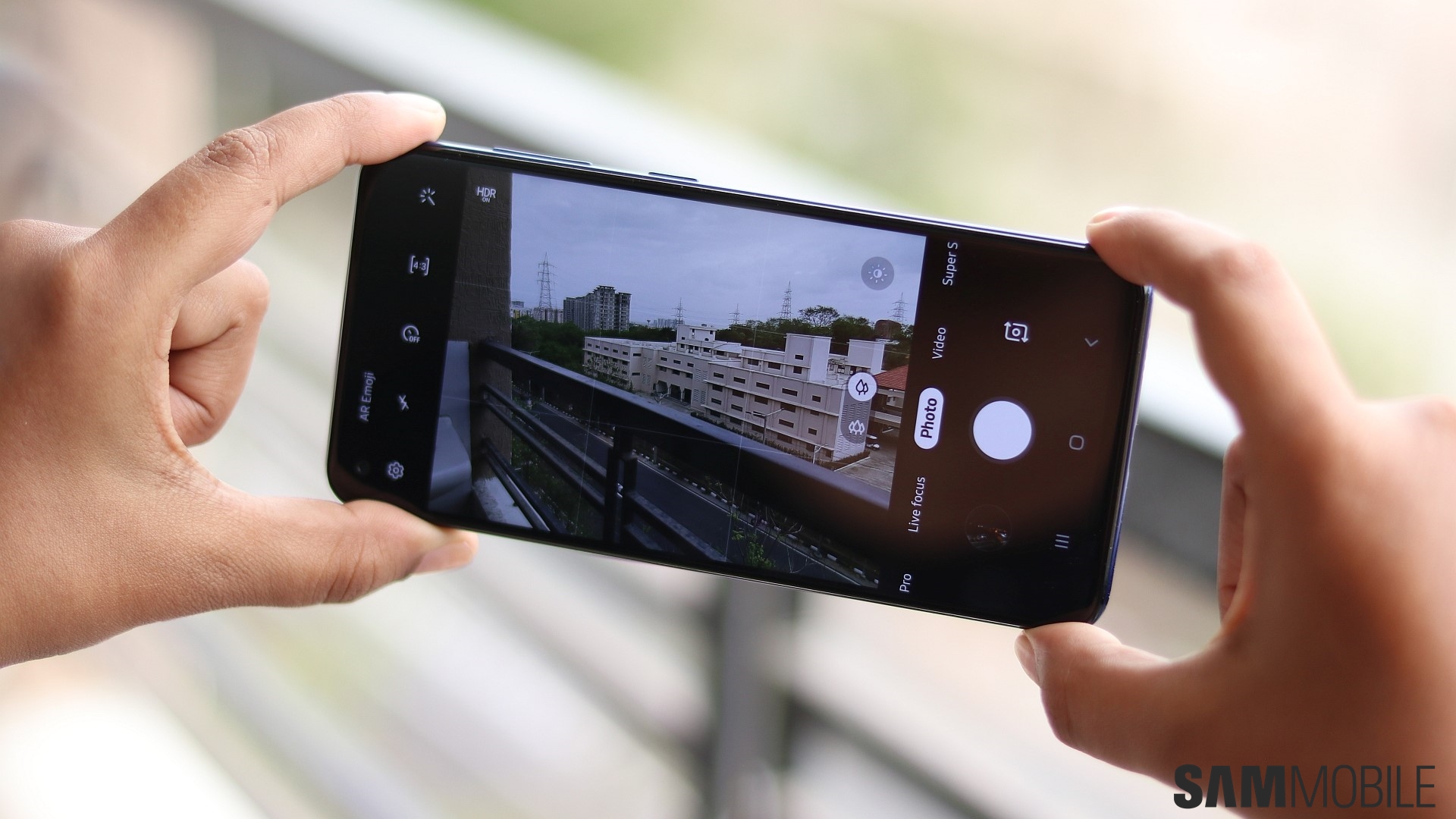
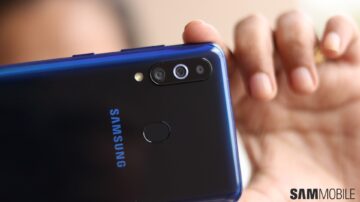
The Galaxy M40 has a 32MP primary, 8MP ultra-wide, and a 5-megapixel depth sensor at the back and a 16MP front camera. The rear camera setup is the same as the Galaxy A70’s despite the A70 being considerably costlier, and the performance of these cameras is the same as well, so I’d recommend checking out our Galaxy A70 review instead of going into detail in this review. And to see how the selfie camera performs, you can check out our Galaxy A50 review. The A50 may have a 25MP front camera, but I didn’t find any difference in overall selfie quality.

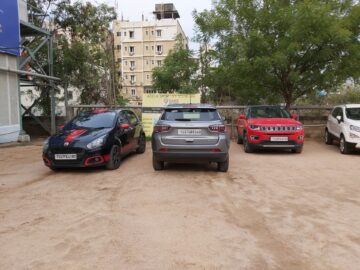
I do have one complaint with the Galaxy M40’s cameras, and that’s their tendency to produce blurred images indoors and in tough lighting. I didn’t notice shake in most of the camera samples you see below when I looked at them on the phone, but there’s noticeable shake when viewing the blown up version on a PC monitor. Just something to keep in mind if you like taking photos and then looking at them on a TV or PC; perhaps a software update will fix things, although I’m not very hopeful of that.


Galaxy M40 software
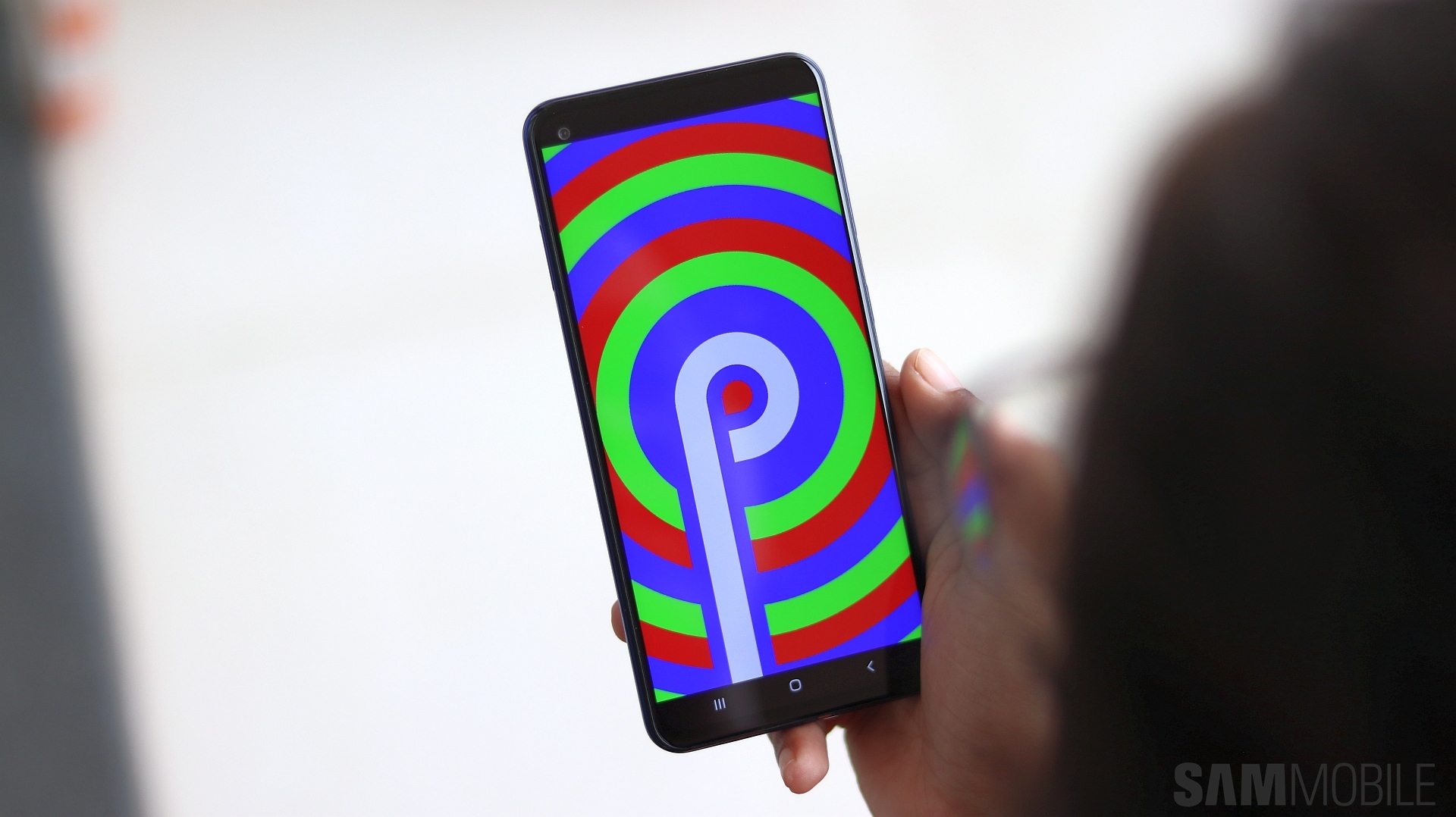
With Android 9 Pie with One UI 1.1 out of the box, you’d expect the M40 to offer a software experience similar to what you find on the Galaxy A50 or even costlier Galaxy devices. You’ll be disappointed, though. Like the M20 and M30, the M40 offers a rather bare-bones experience. Features like Bixby Routines are missing, and the M40 even lacks a blue light filter! Samsung says a software update might bring a blue light filter, but why is it even missing in the first place?

The company stripped the M20 and M30 off some features to make them perform better, but does something as basic like a blue light filter affect a device’s performance so much? I understand removing features like Always On Display or the ability to run Bixby Voice using the power key, which aren’t present on the M40, but I’m sure the Snapdragon 675 would have handled things well even with those features onboard.

So what do you get on the Galaxy M40? There’s Digital Wellbeing, which helps you set limits on how much you use your phone and the apps on it, along with features like Multi Window, Dual Messenger, navigation gestures, one-handed mode, themes support, and fingerprint gestures. The M40 also comes with the Lift to wake gesture for waking up the screen when the phone is picked up. And you also get Night mode as previously mentioned, although the dark UI doesn’t look that great without the deep blacks of an AMOLED display.

Oddly, the Galaxy M40 doesn’t have either the full version of Samsung Pay nor Samsung Pay Mini. The latter may arrive with a software update, but out of the box, it’s not visible on the Google Play Store or Samsung’s Galaxy Store. Speaking of software updates, the M40 should get two major updates, and since it comes with Pie out of the box, it will end its life on Android R. The Galaxy M10, M20, and M30, meanwhile, recently got the Pie update and will only get Android Q next.

Galaxy M40 performance and battery life
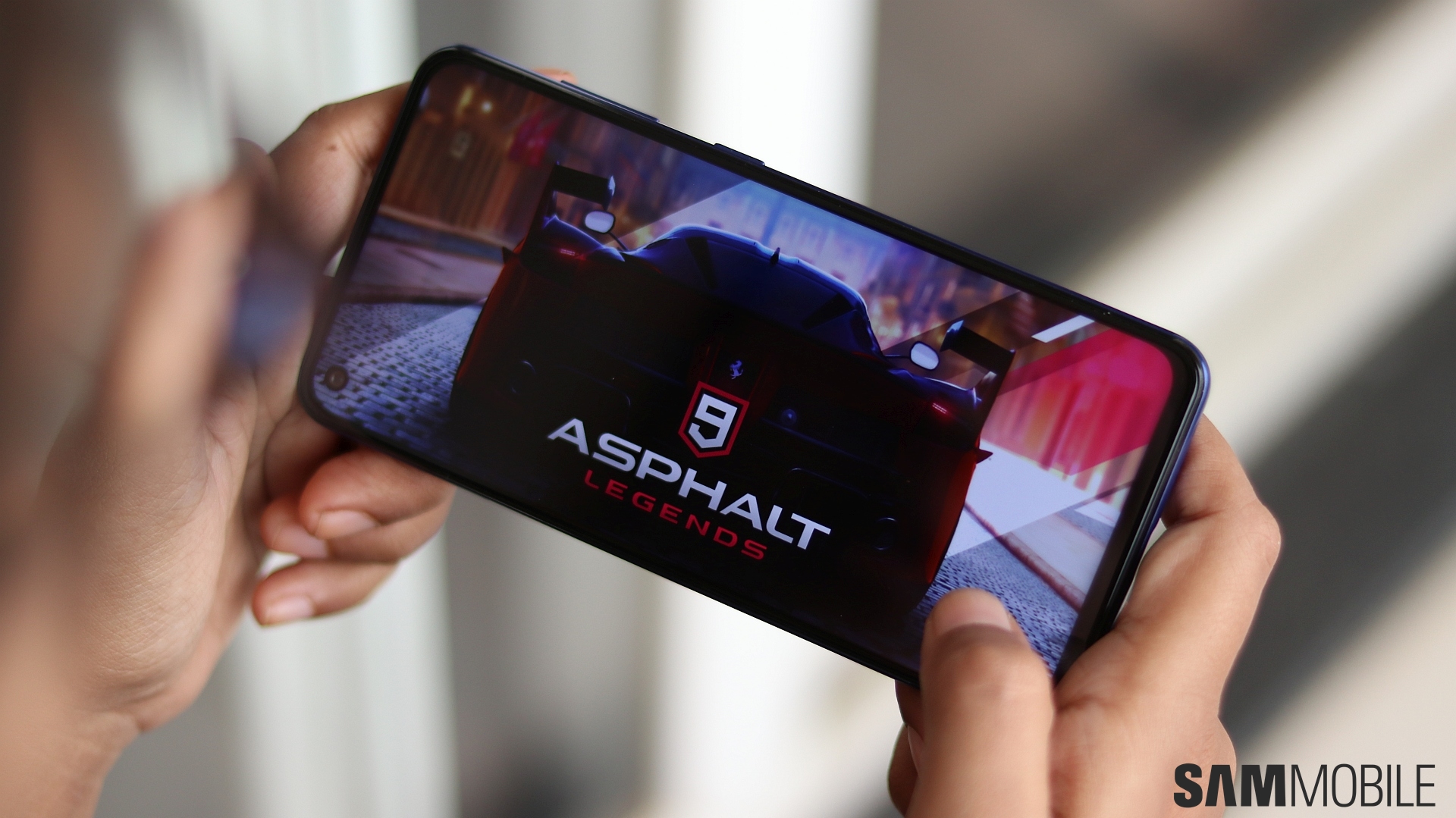
Performance is one area where the Galaxy M40 gave me no reason to complain whatsoever. The Snapdragon 675 and 6GB of RAM are a potent combination that keeps lag and stutter away in general navigation and from high-end games like PUBG (for those interested, PUBG runs completely smooth at the HDR and Ultra graphics and frame rate settings respectively). Apps open quickly enough and multitasking was also a breeze, and the only noticeable lag was when I would unlock the phone, which is standard fare on non-flagship Galaxy phones but not really that bothersome.

The Galaxy M40 also impressed me with its battery life, despite only a 3,500 mAh battery under the hood. I’m assuming the Snapdragon 675’s efficiency helps, and the phone regularly made it to the end of the day with five to six hours of screen on time even with LTE usage involved. Idle drain in particular was substantially low, but the M40 does need a charge the next morning. There’s standard fast charging support, and the 3,500 mAh battery doesn’t take a lot of time to reach 100 percent.
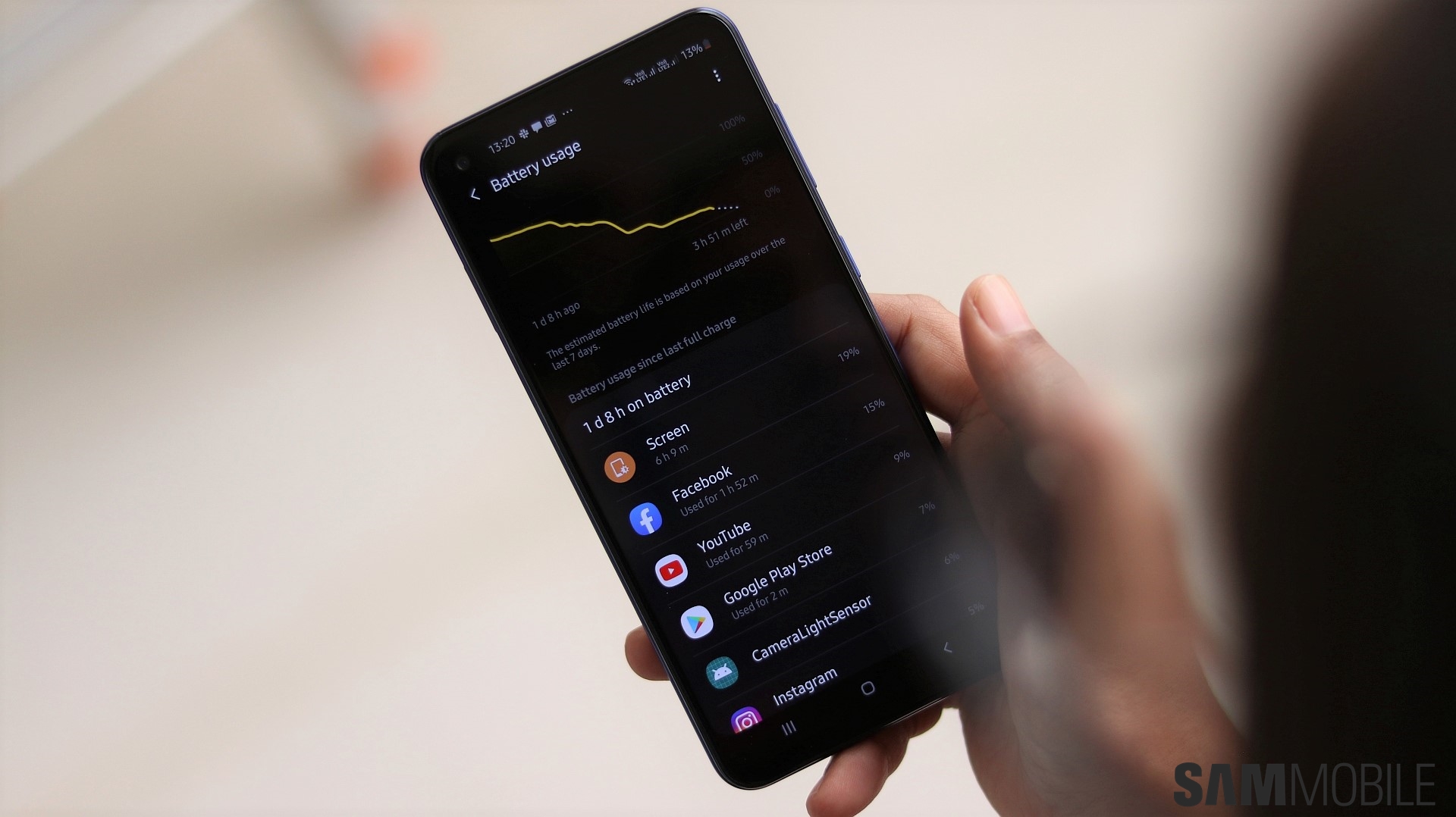
If you play games like PUBG a lot, the A50’s 4,000 mAh battery capacity will help you keep your phone off the charger longer. And while the Exynos 9610 isn’t as powerful as the Snapdragon 675, it runs PUBG and other high-end games equally well on the A50. The only area where the M40 takes the crown is a more lag-free experience in day-to-day usage, although the A50 isn’t necessarily that bad for this to be a major benefit.

Galaxy M40 audio and call quality
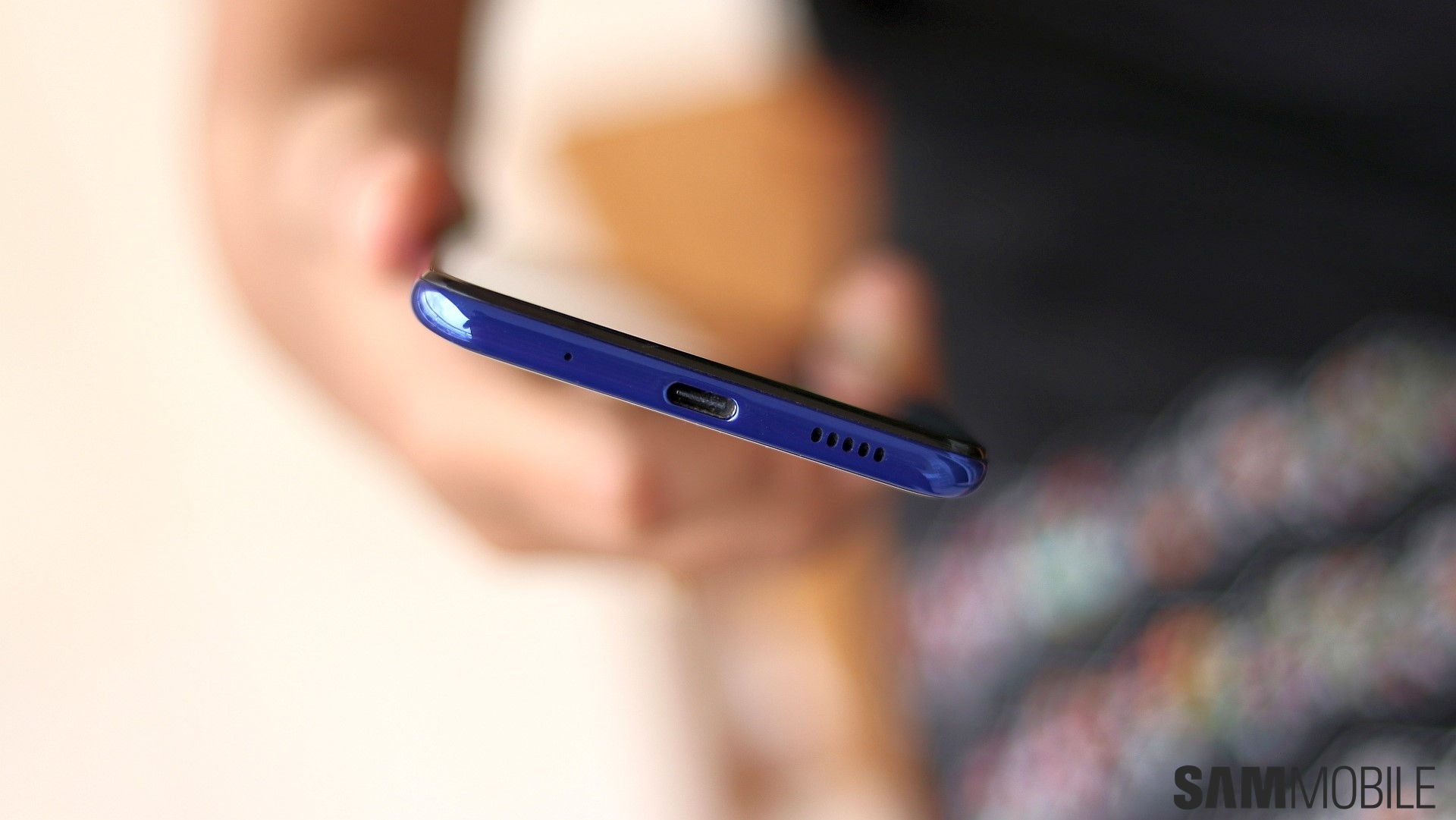
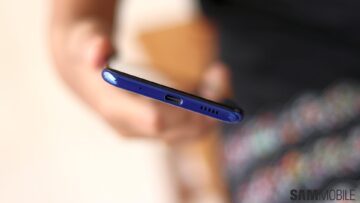
The Galaxy M40 doesn’t have a headphone jack, and Samsung isn’t offering a 3.5 mm to USB Type-C converter in the box, either, which is a glaring oversight. You have USB Type-C earphones in the box, and they are fairly good, but what if you lose them? Or what if you have third-party 3.5 mm earphones you’d like to use with the M40? You’ll have to buy a converter yourself if that’s the case, adding to the cost of the phone.

Remember, it’s just not listening to Spotify or watching YouTube that requires a headphone jack. The FM radio needs headphones connected as well, and out of the box, the M40 will require you to keep the bundled Type-C earphones with you to use the radio. All of this would be easy to excuse on a flagship phone or one priced closer to the Galaxy A70 as the consumer would be more likely to be able to spend on Type-C earphones or buying wireless earbuds, but not on the M40.
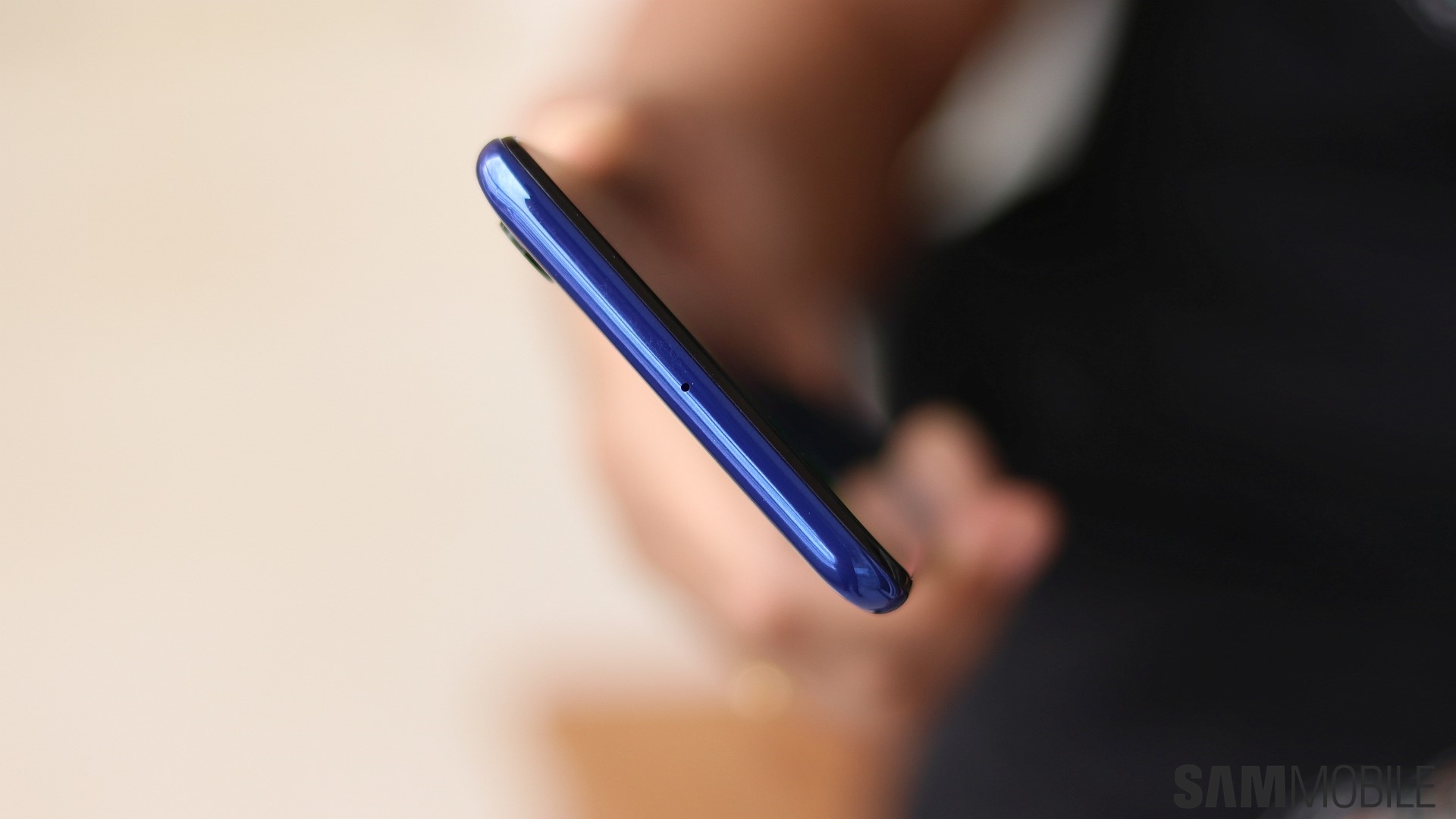
The Galaxy M40 does come with a better loudspeaker than the Galaxy A50 and other Galaxy phones in the sub-$300 segment. It’s not good enough for the lack of a headphone jack to be less problematic – it’s not that loud and there’s barely any semblance of bass at maximum volume. But it doesn’t distort, either, unlike the Galaxy A50’s loudspeaker which, frankly, belongs to a much cheaper phone.

And thank the gods the speaker isn’t bad on the M40. The M40 doesn’t have a earpiece on the top of the display – it uses Sound On Display technology that puts the earpiece under the display. But that doesn’t work as well as it sounds (pun unintended). Calls have a hollow feel to them, and maximum call volume is very low. Even if I could hear what the other person was saying, the hollow sound was so bad that I simply started turning on the loudspeaker as soon as I accepted or made a call.

Galaxy M40 verdict
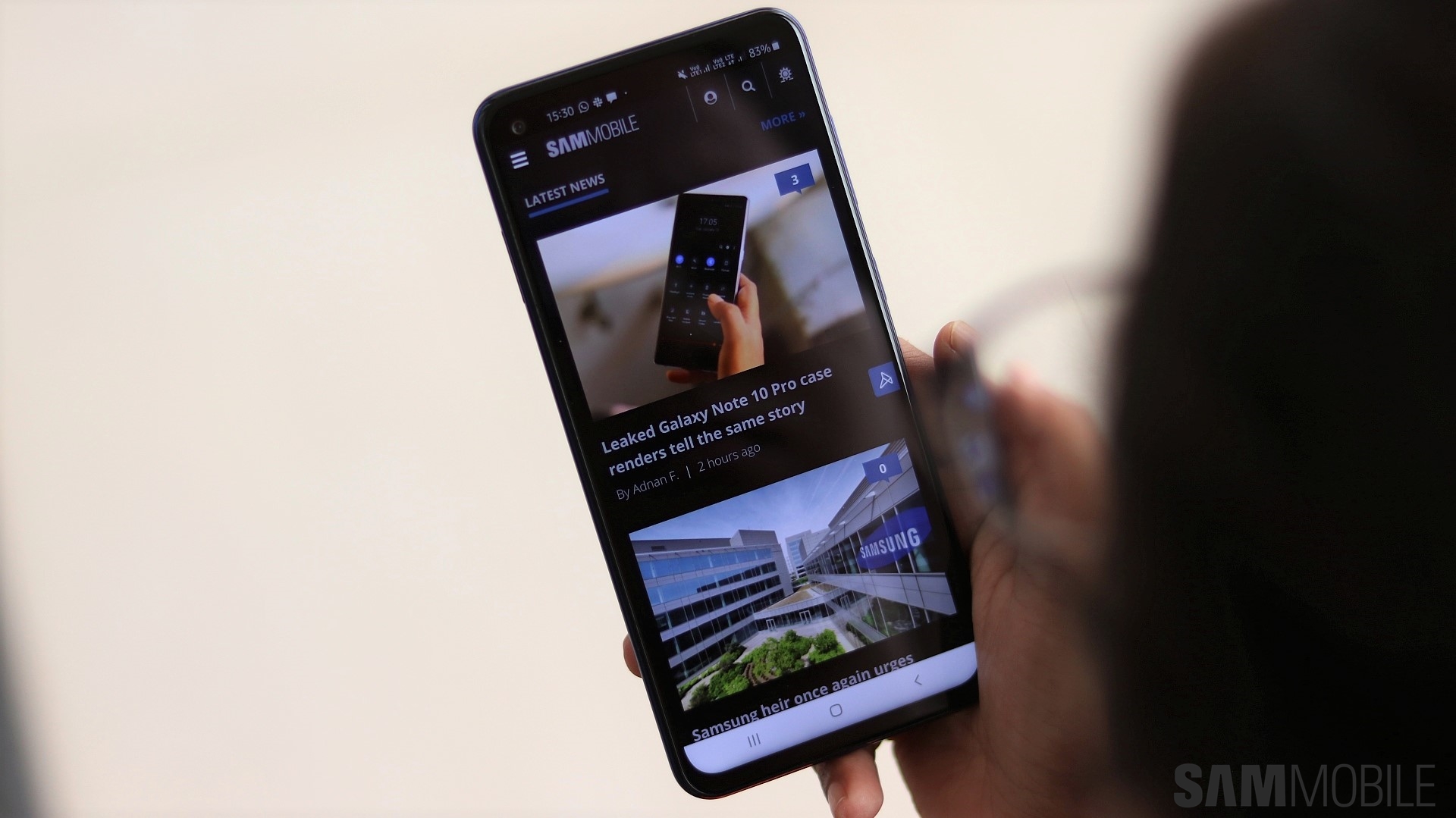
You will have noticed how the entire review is full of me comparing the Galaxy M40 to the Galaxy A50, but did you expect anything else after reading the review title? The Galaxy M40, at slightly higher cost than the Galaxy A50, is a phone that shouldn’t really exist. The one benefit it gives you is a smoother experience in day-to-day usage as the Snapdragon 675 and 6GB of RAM are better than the Exynos 9610 and 4GB of RAM on the Galaxy A50. But the difference isn’t that high for me to recommend the Galaxy M40, unless you’re really compulsive about a phone’s performance.

And the Galaxy A50 matches the M40 when it comes to gaming performance and will keep the gamers happy. Plus, if all-round performance really is important to you, I’d recommend increasing your budget ever so slightly and getting the 6GB version of the A50. Even if you don’t, you still get better battery life, a punchier display, and a headphone jack on the A50. It also has two dedicated SIM slots in addition to a microSD slot for those who care about having full connectivity and expansion possibilities.

So, yeah, the verdict is that you should get the Galaxy A50 and simply ignore the Galaxy M40. If the Galaxy M40 drops in price below the Galaxy A50, it might become easier to recommend, although the price will have to drop considerably for that to happen. It’s great to see that Samsung is offering you multiple options in a similar price range, something it has never done before, but this round goes to the Galaxy A50.

Pros Cons
Compact design No 3.5mm headphone jack, no 3.5mm-to-USB Type-C converter in the box
Infinity-O display cutout easier to ignore than center notches Cameras don’t do great in low-light conditions
Solid performance thanks to the Snapdragon 675 SoC LCD display can’t match punchiness of an AMOLED panel
Surprisingly good battery life, fast charging support Considerably smaller battery than the M20 and M30
Android Pie with One UI 1.1 out of the box No notification LED
Cameras do well in natural light, 4K recording and Super Slow-mo video recording Software lacks some useful One UI features
Useful ultra-wide rear camera Hybrid SIM/microSD slot
Priced higher than Galaxy A50 despite many limitations


The post Samsung Galaxy M40 review: Get the Galaxy A50 instead appeared first on SamMobile.


from SamMobile http://bit.ly/2XXX8qc
via IFTTT

جميع الحقوق محفوظة لمدونة الغريب 2013