Samsung’s first attempt at making an ‘Ultra’ flagship wasn’t exactly a roaring success. There was plenty to like about the Galaxy S20 Ultra, but the few things that weren’t made it far from the perfect phone everyone had expected it to be. The Galaxy Note 20 Ultra did fix the biggest gripe people had with the Galaxy S20 Ultra, but its spec sheet wasn’t as pompous and there were plenty of downgrades involved, like a smaller battery and lower maximum Space zoom capability.
Now, the Galaxy S21 Ultra has arrived, with features that have been taken from the two Ultra Galaxy flagships that preceded it and with some embellishments and improvements thrown into the mix. But is it any good? More importantly, does it have any glaring issues that ruin the experience, apart from some of the feature removals that have been discovered since the Galaxy S21 lineup was announced?
Let’s find out.
Note: This review is based on the Exynos 2100-powered Galaxy S21 Ultra. 5G networks weren’t used during the review period.
Galaxy S21 Ultra design
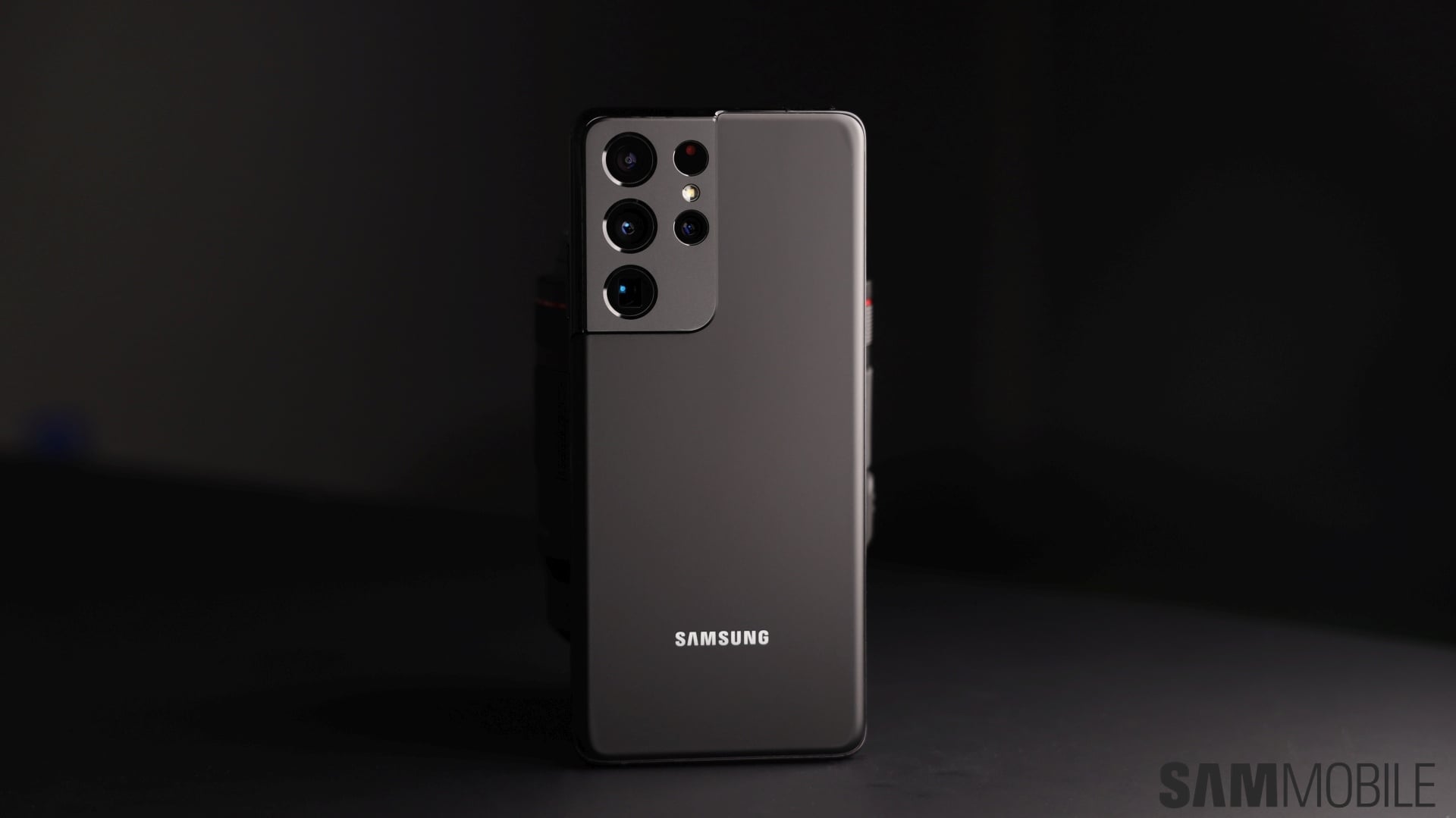
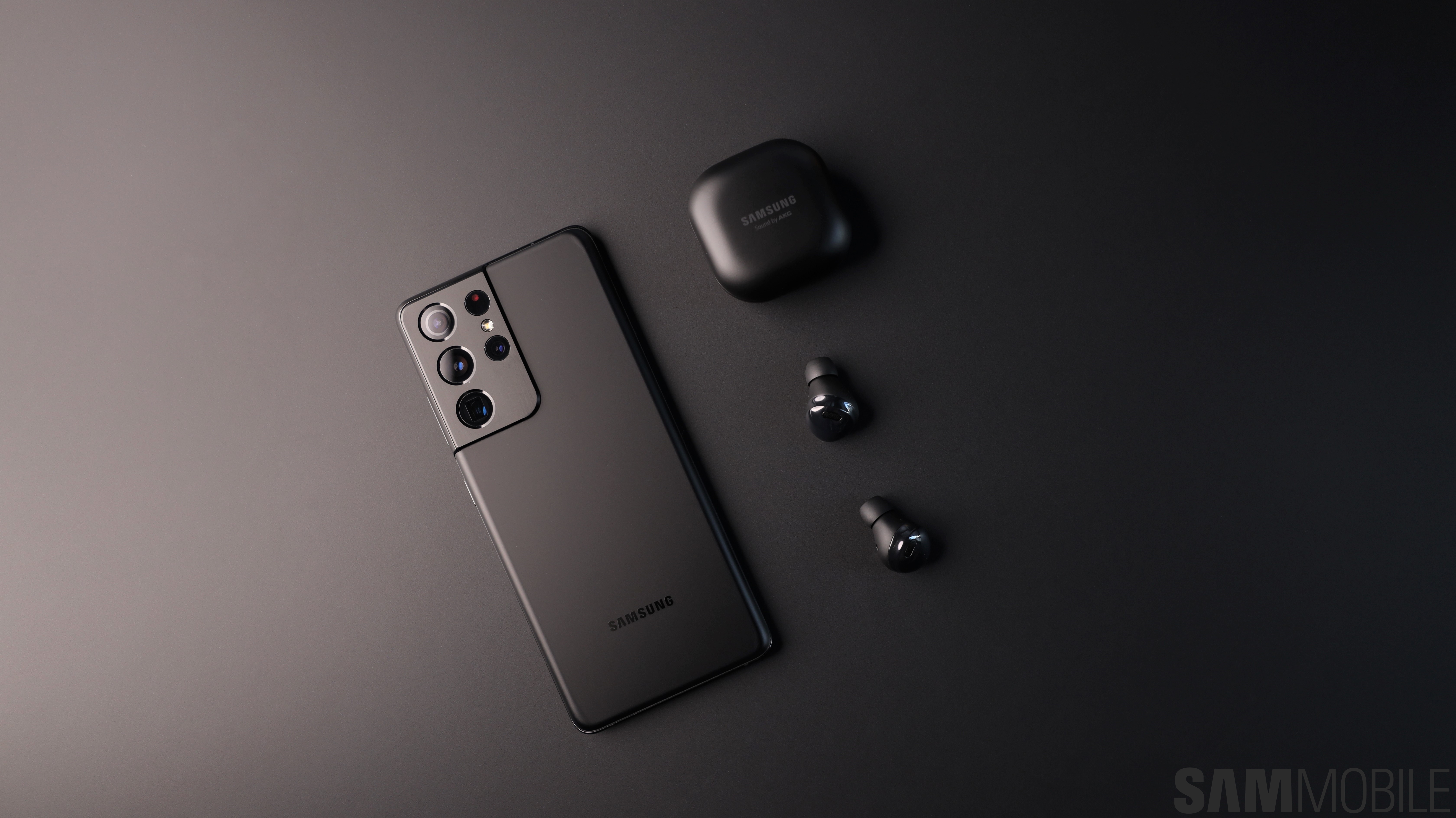
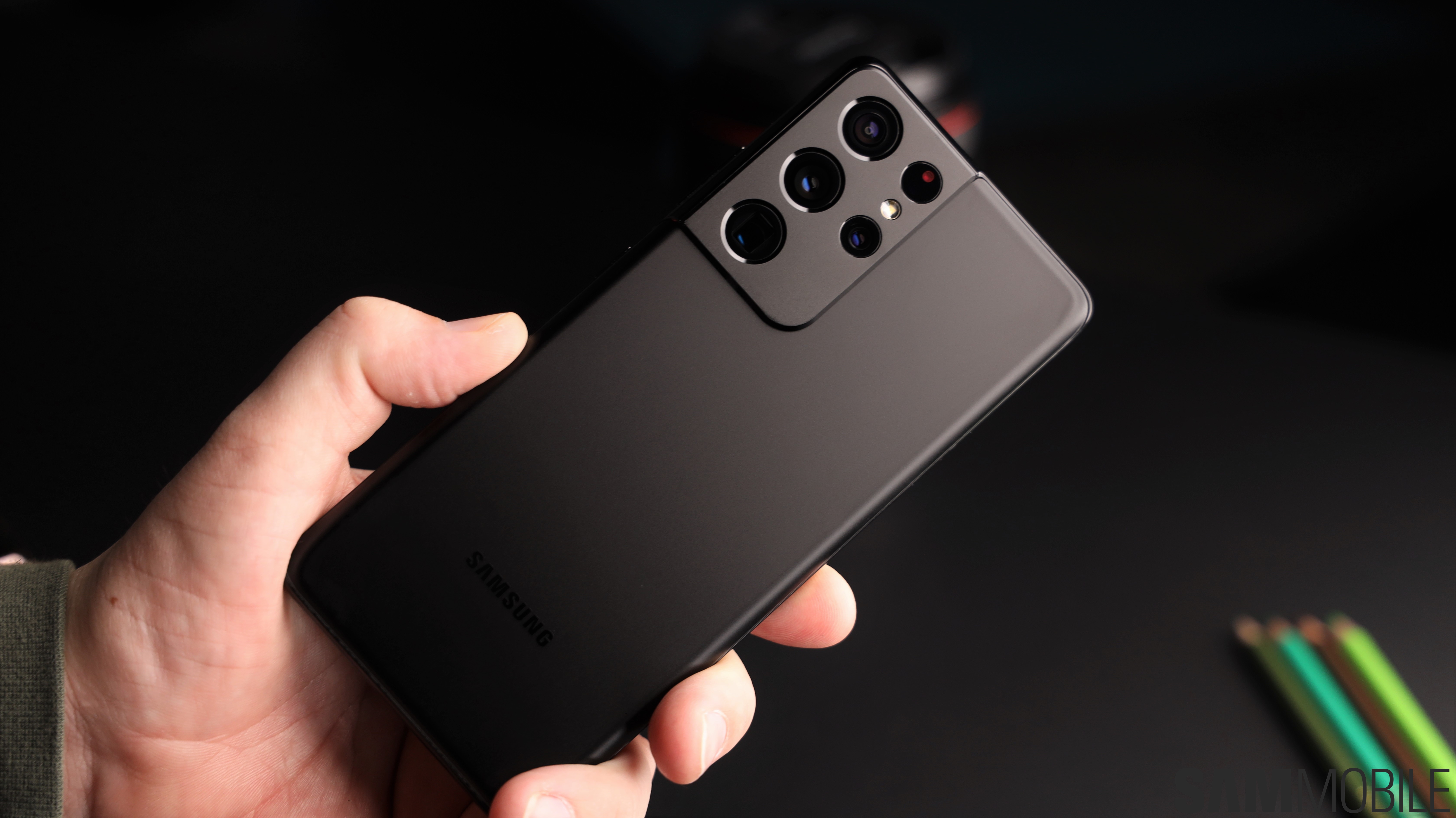
It’s not often that the design of a Galaxy flagship is one of the main attractions, but Samsung bucked that trend last year with the Galaxy Note 20 Ultra, which is one of the most gorgeous phones the company has ever put out. Still, the Note 20 Ultra had a pretty standard design – slabs of glass on the front and back, metal on the side, and an array of camera sensors lined up in a separate housing at the rear. That last part is where Samsung has changed things up with the Galaxy S21 series.
These phones have what Samsung calls the ‘contour cut’ design. The camera housing is still technically separate, but it is now connected to the metal frame, and there’s even metal on top of the camera housing. It’s quite unique and a breath of fresh air, and it’s safe to say Samsung has finally matched Apple’s design prowess and perhaps even succeeded it. Just make sure you get the Phantom Silver variant if you really want to show off the contour cut design to your friends, as it doesn’t look that great on the Phantom Black variant.
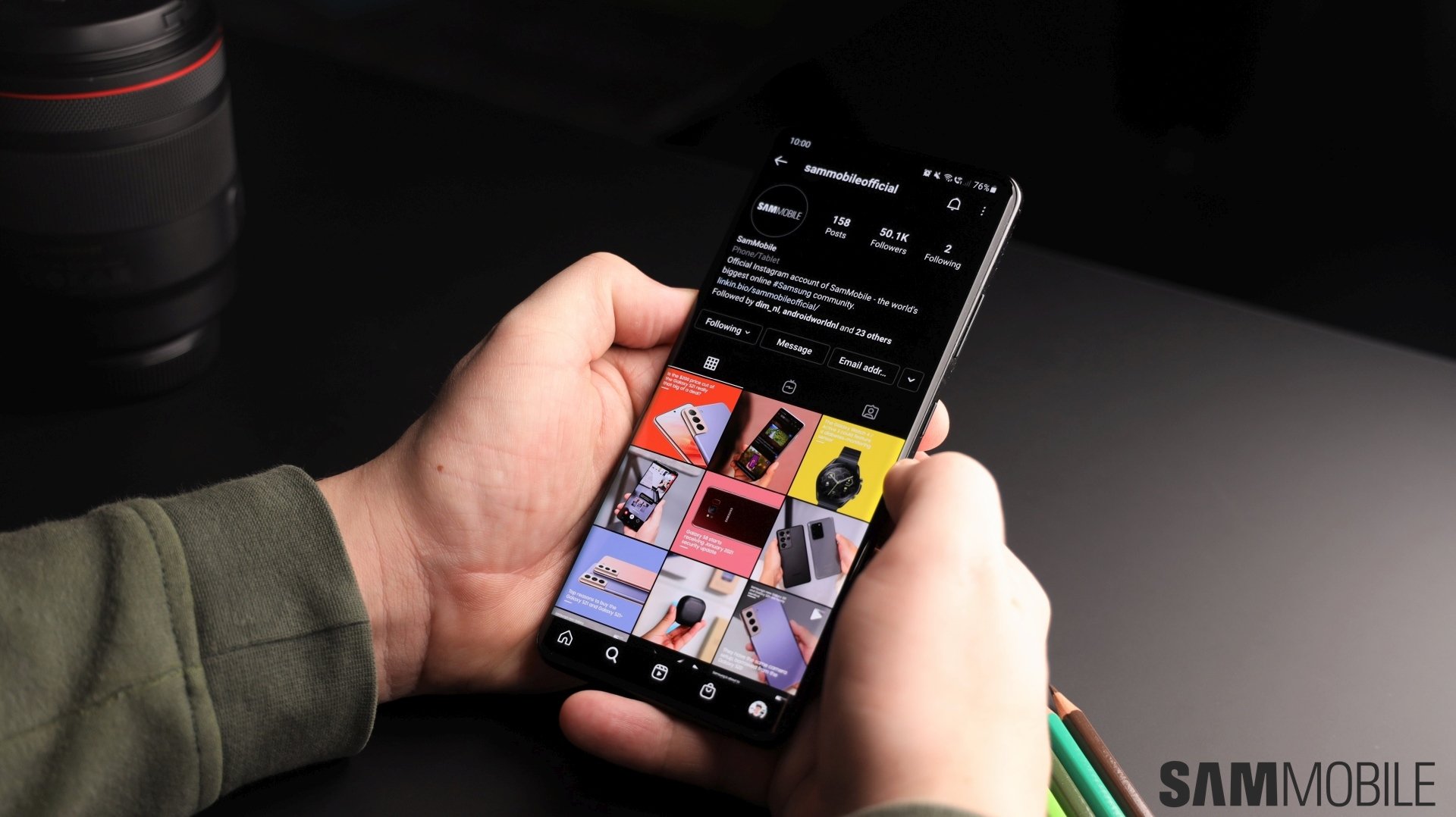
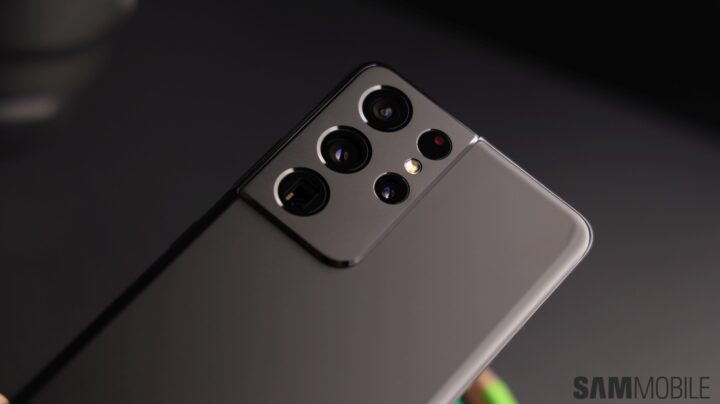
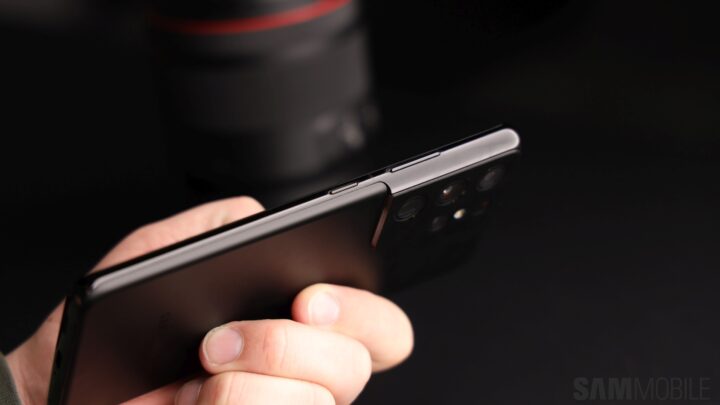
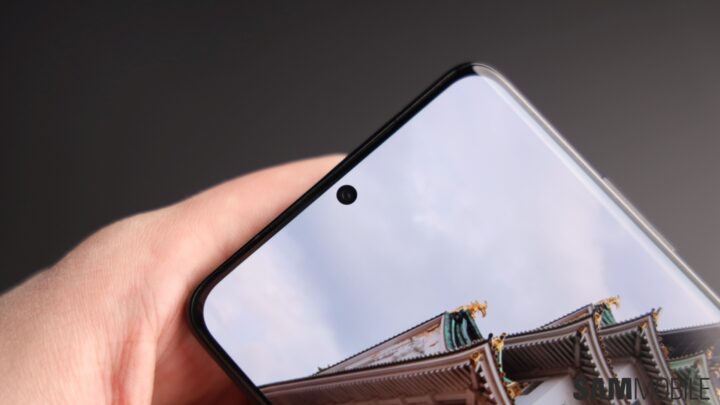
The Galaxy S21 Ultra’s cameras stick out from the rest of the body, but the wobble when the phone is sitting on a desk isn’t too pronounced. The smooth matte finish makes the S21 Ultra very slippery, though I have to say it’s slightly easier to handle than the Galaxy S20 Ultra. That’s because the S21 Ultra is a tad shorter than its predecessor. Its display is 0.1 inches smaller, and since smartphone screen sizes are measured diagonally, the S21 Ultra is ever so slightly narrower as well. All that combined with the curved edges at the front and back translates to a phone that’s big but not a pain to use.
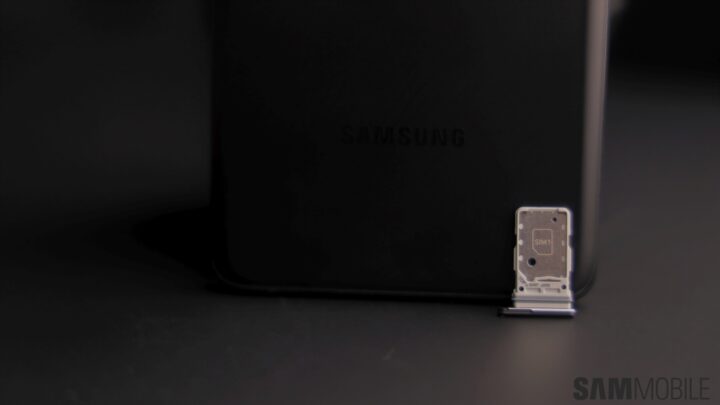
The ports, buttons and speakers on the Galaxy S21 series are still in the same place they have always been, except for the SIM card tray. For one, there’s no microSD slot on any Galaxy S21 smartphone. Second, the SIM card tray now resides at the bottom of the phone, next to the USB-C port. The tray itself has been redesigned and now holds two SIMs on opposite sides. This was probably done because of space constraints, though it does suggest the microSD slot may not make a return with future Galaxy flagships.
Galaxy S21 Ultra display
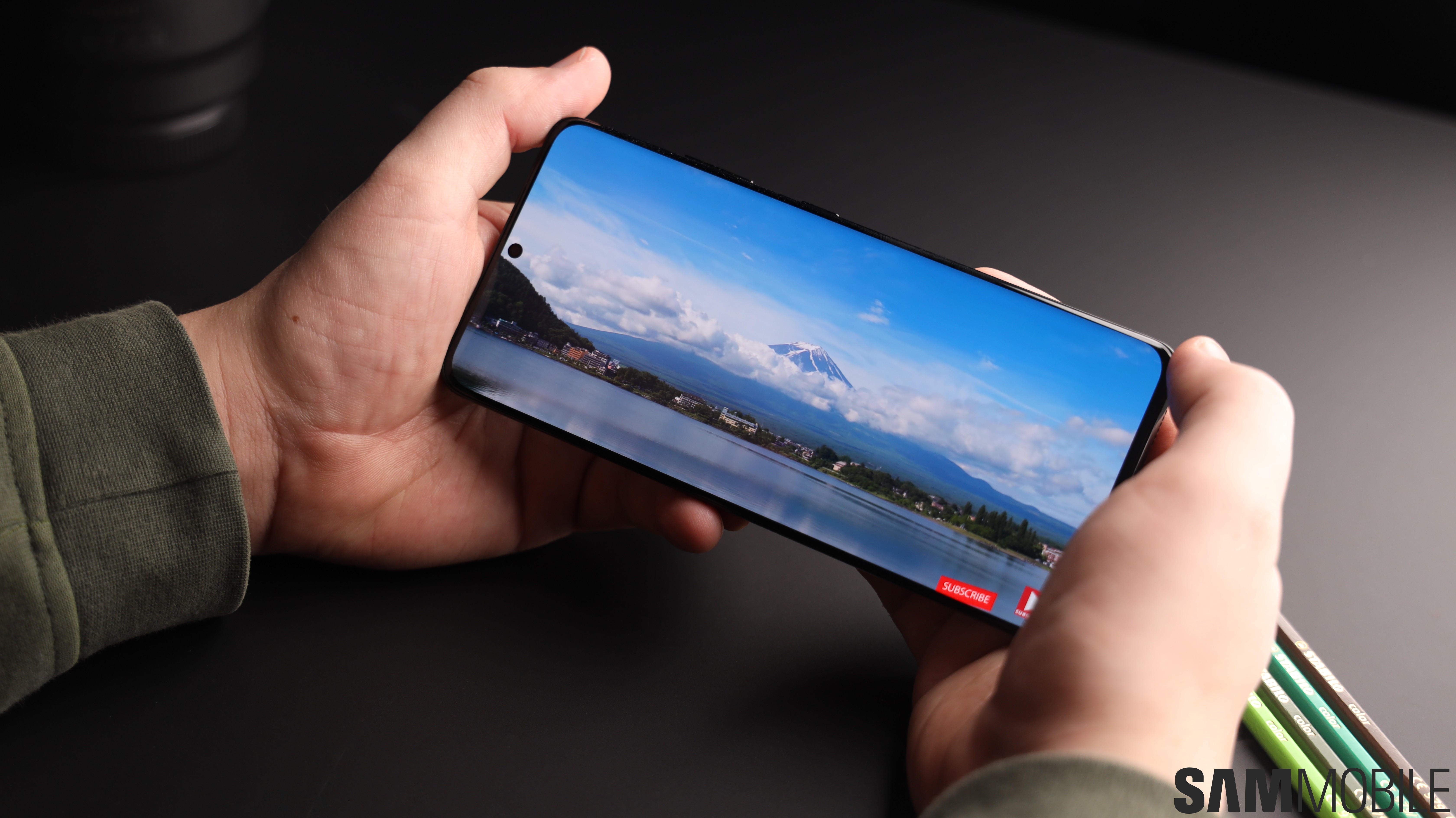
The Galaxy S21 Ultra has a phenomenal display. Like the Galaxy Note 20 Ultra, it supports adaptive 120Hz refresh rate, and that makes its screen better than the already fantastic display on the Galaxy S20 Ultra. More details in our Galaxy Note 20 Ultra review about how the adaptive refresh rate works, but the short version is that it makes all the scrolling and animations and everything look extremely smooth while being extremely power efficient.
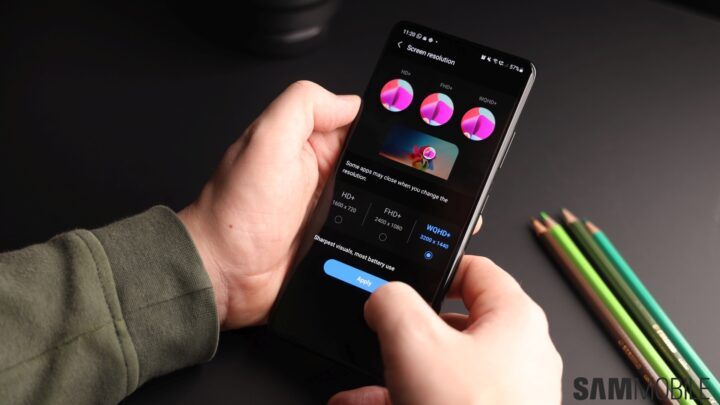
That’s probably why the Galaxy S21 Ultra’s battery life is excellent even when you use the 120Hz refresh rate at the maximum screen resolution, combined with a newer low-power OLED panel. Yes, you can now enable both 120Hz and WQHD+ resolution at the same time, which wasn’t possible on last year’s models. The screen is supposed to be brighter as well, at least on paper. In practice, it’s as bright as the screen on the S20 Ultra and Note 20 Ultra and is easy to read even under harsh sunlight. The brightness also goes quite low for comfortable use in the dark.

The display has amazing colors as well, and the blue light filter feature — now called Eye Comfort Shield — has been updated to include an adaptive setting, which intelligently adjusts the screen’s color tone to further enhance comfort. Like the Note 20 Ultra, the S21 Ultra gets Corning’s Gorilla Glass Victus for scratch and drop protection, and the same goes for the back of the phone. Unfortunately, while the display doesn’t curve as much as it used to on previous Galaxy flagships, it can still cause accidental touches. It’s not as bad as it was on the Galaxy Note 20 Ultra, but it’s there.
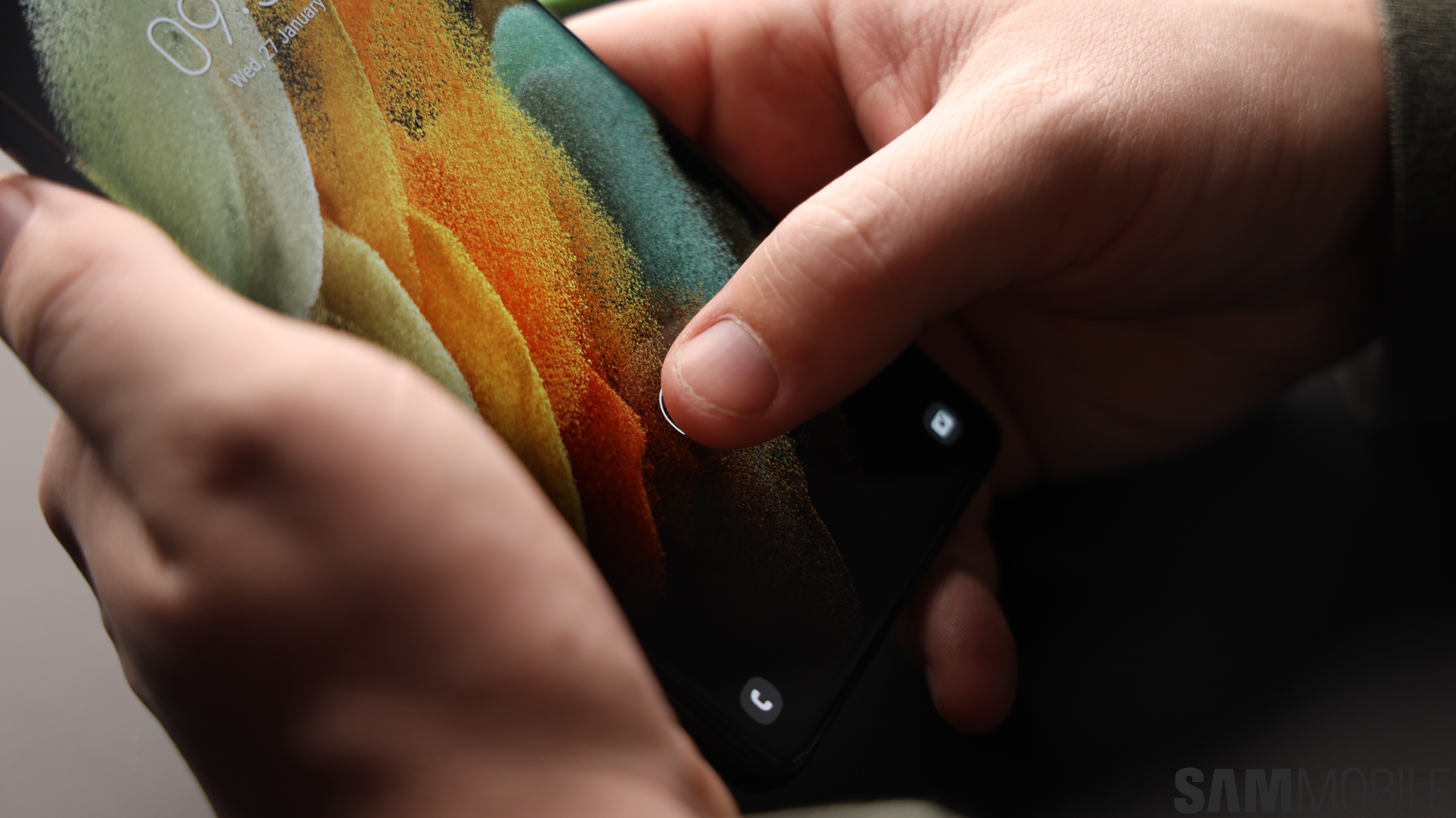
As for the upgraded ultrasonic in-display fingerprint scanner, while I didn’t find it to be any faster than the first-generation sensor Samsung used on all of its flagships in 2019 and 2020, I did have a lot fewer recognition failures. In fact, there was only the occasional error asking me to cover the entire fingerprint sensor, which seems to be inherent to all types of in-display fingerprint sensors and cannot, therefore, be held against the Galaxy S21 Ultra.
A few extra points about the Galaxy S21 Ultra display:
- The bezels on the Galaxy S21 Ultra are not smaller than the Galaxy S20 Ultra’s. Maybe they are, but the difference is so minor it may not exist at all
- The front camera punch hole remains the same size as well
- A screen protector is installed out of the box (though this may not be the case in some markets)
- The default resolution is set to Full HD+ and has to be manually changed to WQHD+ through the display settings
- Refresh rate is set to 120Hz out of the box
Galaxy S21 Ultra S Pen
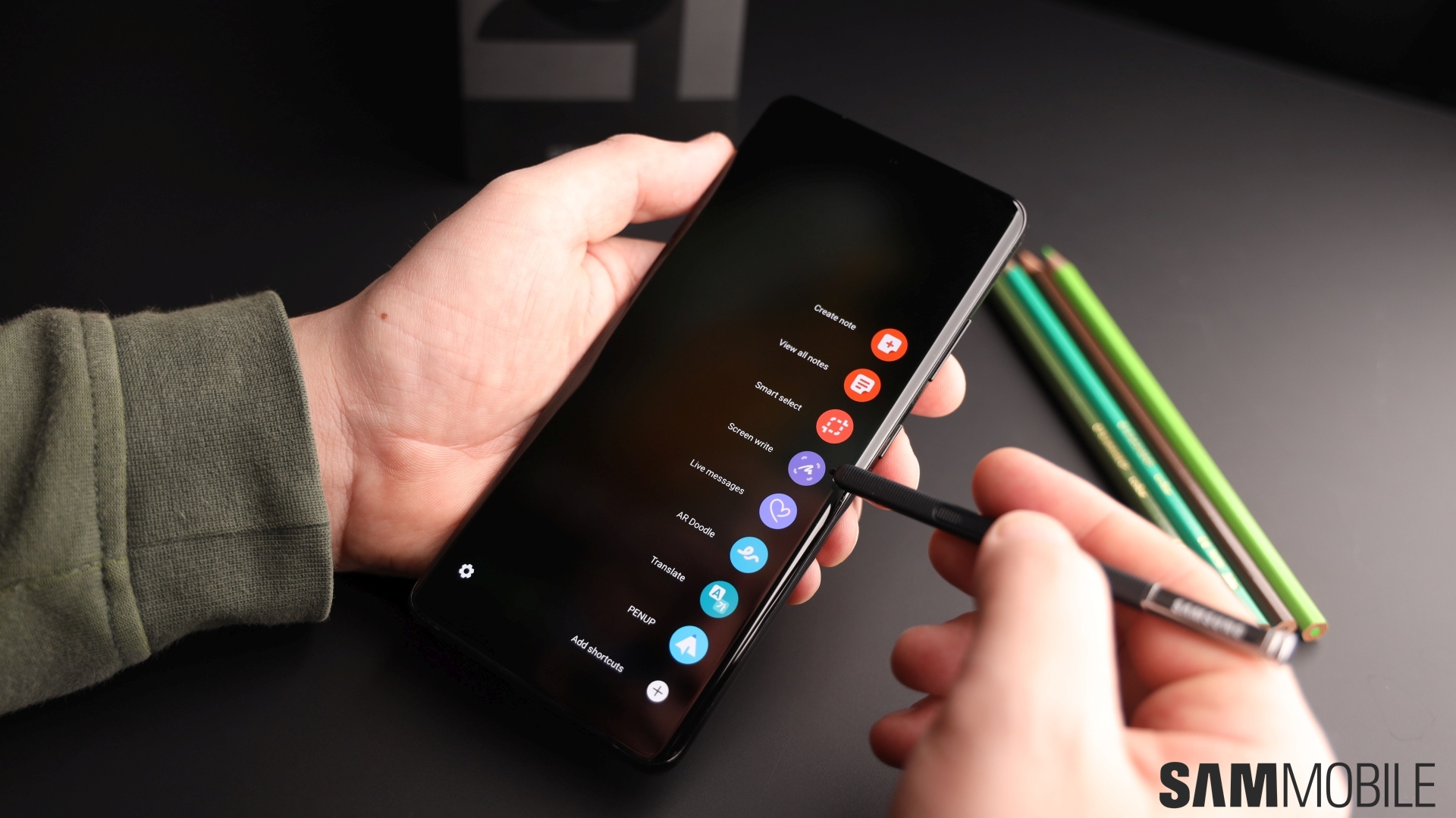
For the first time ever, Samsung has added S Pen support to a Galaxy S flagship. The features made possible by Bluetooth connectivity and a gyroscope are absent, but apart from that, all the software tools are exactly the same as you find on the Galaxy Note handsets. Pressing the button on the S Pen while it is hovering over the screen brings up the Air Command menu, which is where you can access everything from the Samsung Notes app to the Live Messages or Translate feature.
I used the S Pen from the Galaxy Note 10 as Samsung didn’t send us the S21 Ultra’s optional S Pen accessory, and it worked great. Thanks to the high refresh rate display, the S Pen has a very low latency and everything you draw and write shows up on the screen without any lag. But, since the phone can’t hold a stylus itself, you will have to buy both an S Pen and a case to hold it separately. Thankfully, Samsung has the perfect case for it, and third-party cases might also arrive at some point at a cheaper price.
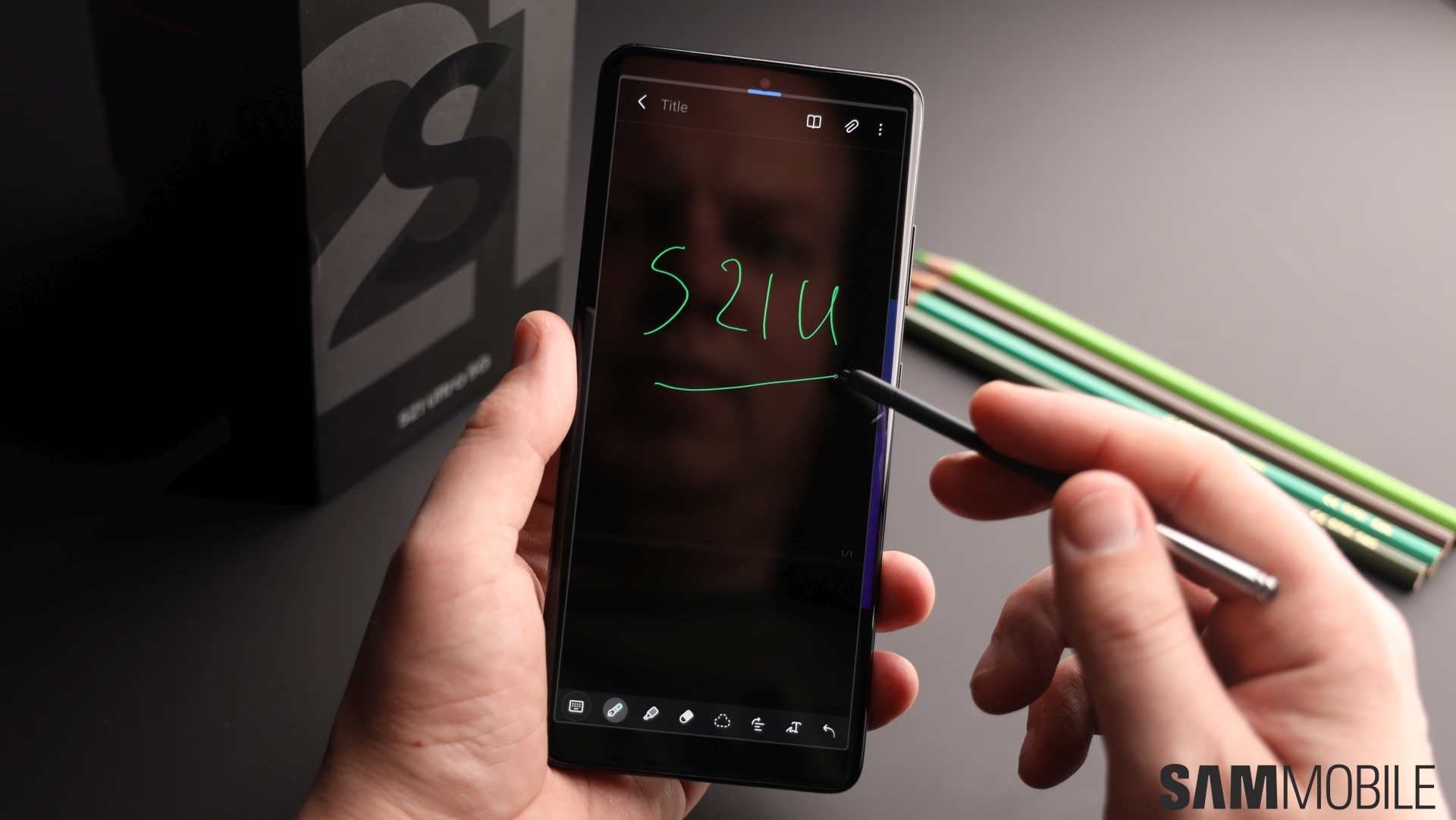
The Galaxy S21 Ultra’s stylus support isn’t just limited to the S Pen, either. You can use any Wacom stylus, and there are plenty of options out there. Samsung is also going to release the S Pen Pro later this year. The S Pen Pro will add Bluetooth connectivity to bring the Galaxy S21 Ultra’s S Pen experience further in line with the Galaxy Note flagships. Don’t worry, the Note lineup isn’t going anywhere just yet, though there’s a high chance that this year may be the last time we see a proper Note flagship hit retail shelves.
Galaxy S21 Ultra camera
There’s so much to talk about with the Galaxy S21 Ultra camera that I don’t know where to start. I guess I can get the main 108MP rear shooter out of the way first. According to Samsung, this is a newer-generation 108MP sensor that brings sharper pictures, better autofocus, and improved low-light performance over the sensor used in the Galaxy S20 Ultra and Note 20 Ultra. Do those claims stand up to scrutiny?
Well, I think the focusing is better – the laser autofocus enabled faster, more consistent autofocus on the Galaxy Note 20 Ultra, and it’s even better on the Galaxy S21 Ultra. Dynamic range isn’t all that better, with maybe a very slight increase in detail in darker areas of the scene that doesn’t really make much of a difference. That’s true for low-light photos as well, though the S21 Ultra didn’t always have more detail in the darker areas.
Of course, even if there were zero improvements to image quality, you’re still getting a fantastic main camera. Photos have excellent detail, dynamic range, and noise control. Autofocus is no longer an issue 99.99% of the time, and low-light performance is also pretty great. Noise does creep in when it’s too dark, but Samsung’s Scene Optimizer feature is smart enough to automatically take longer-exposure shots when needed, and you can always switch to Night mode manually, too.
Night mode works just as well as it did on previous phones, and now, you can tell the camera to use the max exposure time possible or just let the camera decide on its own (the difference between the two is usually minor, however). And when you use Night mode for selfies, in addition to longer exposure, the phone turns the screen white to capture as much light as possible. Night mode is also available in Portrait mode, which is what Samsung used to call Live focus before.
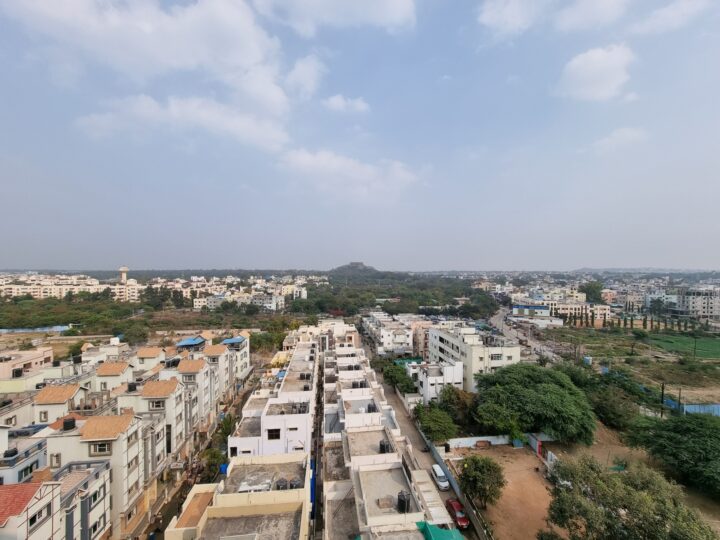
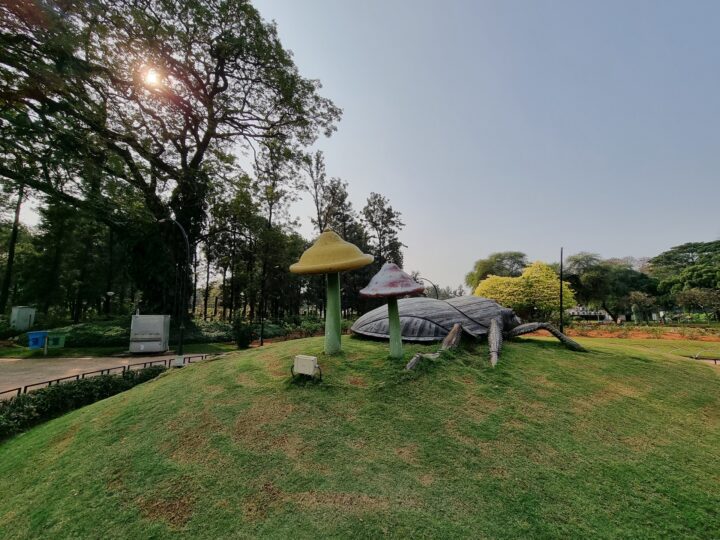
Below are a bunch of camera samples from the main camera. Some scenes captured in Night mode in addition to regular photo mode are included as well (with the first being the regular photo followed by the Night mode shot).




















In addition to renaming Live focus to Portrait mode, Samsung has added new studio-quality lighting effects that blacken or whiten the background completely. There’s even a color effect that applies a random background color, and you can adjust the brightness of your face. Face brightness can also be adjusted with the regular blur effect. And these new effects do look cool, though the application of the background effect isn’t always perfect when there’s plenty of hair around and they also work only with people.
Here’s one portrait photo with all of the different effects applied, along with a couple of other bokeh shots:









Samsung has also added a new workaround for the lower close-up focusing capabilities of the 108MP camera sensor. On the Galaxy S20 Ultra and the Note 20 Ultra, the camera suggests switching to 2x magnification and moving back for sharper macros. Now, when you get close to the subject, the focus enhancer kicks in and the phone uses the ultra-wide camera for a sharper image. Focus enhancer tends to kick in even when the main camera is capable of locking proper focus, but thankfully, Samsung lets you turn it off through a dedicated toggle on the viewfinder.
Here’s an example of focus enhancer turning on when it wasn’t needed and giving me a considerably lower quality picture (slide left for the picture with focus enhancer turned on):
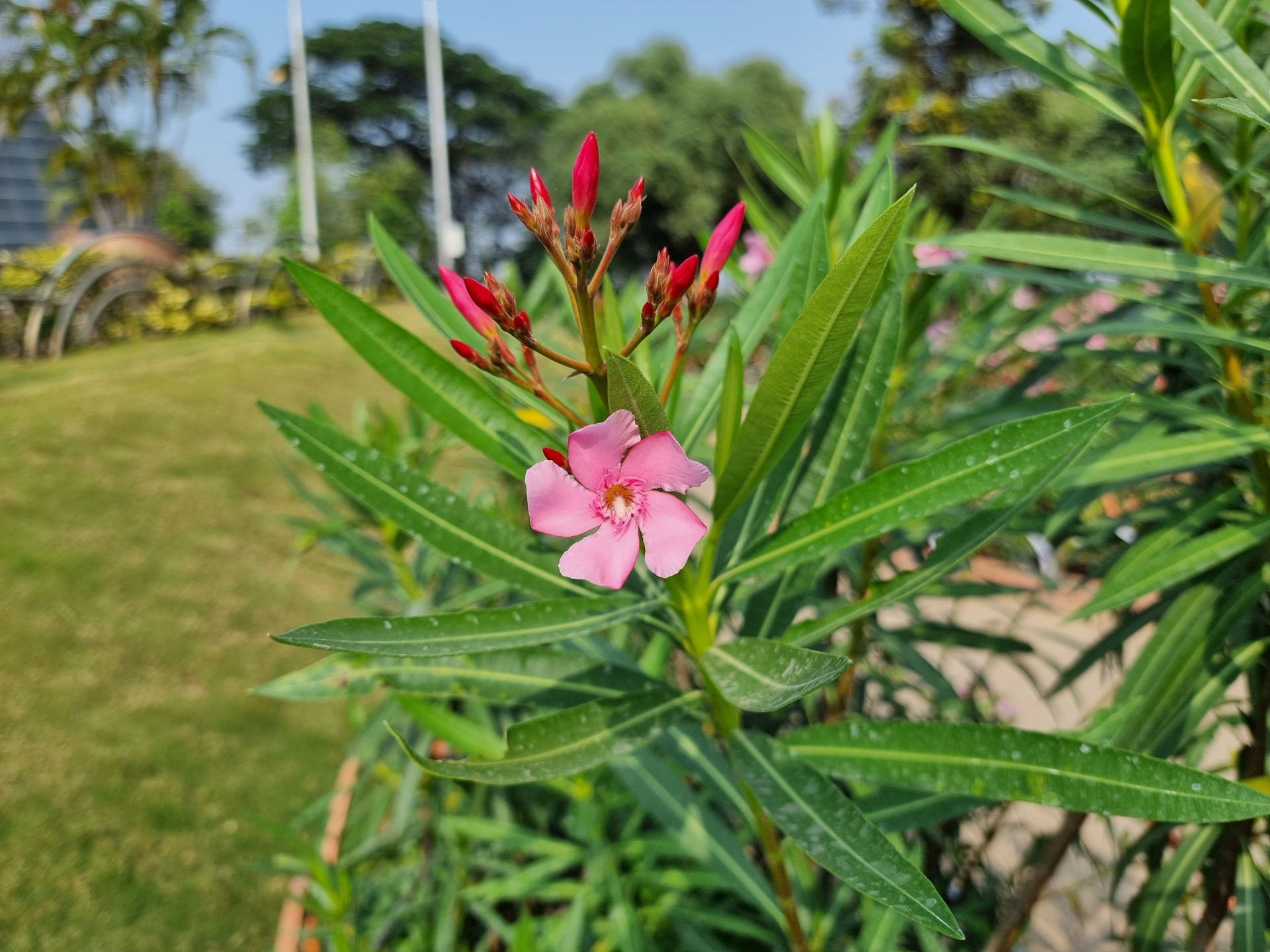

And here’s an example of when focus enhancer turned out to be useful:


The ultra-wide camera that’s used for these macros has also received a major hardware boost: It now supports (Dual Pixel) autofocus. That’s the reason why Samsung now allows 60 fps video recording across all four cameras – yes, the two telephoto lenses have Dual Pixel autofocus as well. However, the ultra-wide camera’s quality is otherwise the same as before with still pictures: enough detail and dynamic range when the lighting conditions are right. Night mode helps improve ultra-wide quality at night, and you can now use Pro mode with the ultra-wide camera for even better results.
Some ultra-wide shots next to their regular wide-angle versions:
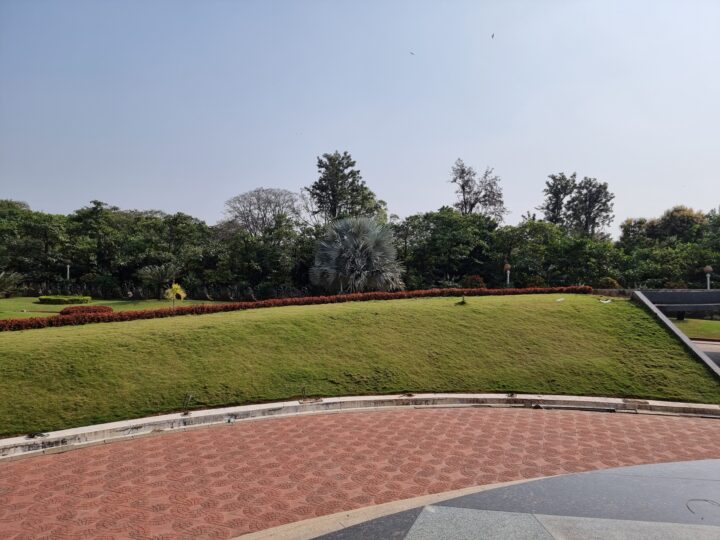
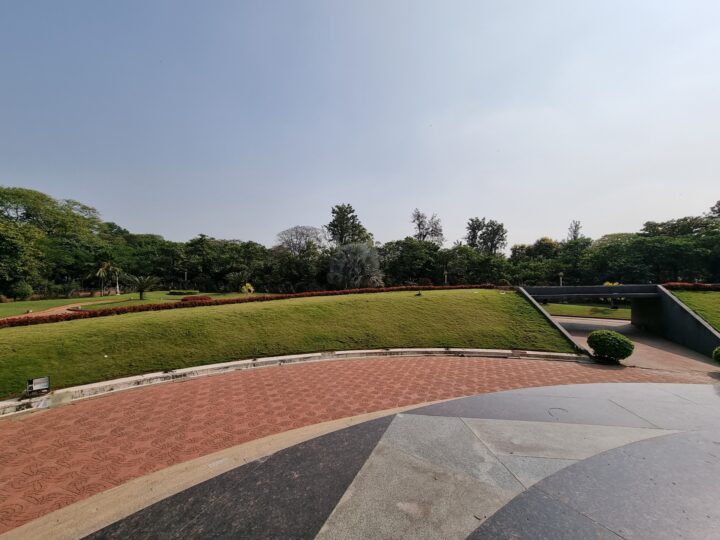








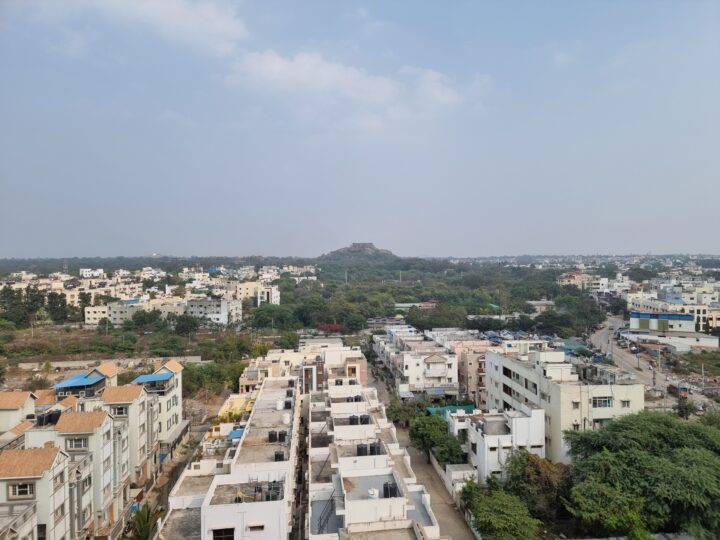



Alright, now let’s talk about those two zoom cameras. The Galaxy S21 Ultra has one 10MP 3x optical telephoto camera and a 10MP 10x optical camera for a total possible zoom of 100x. Two telephoto cameras sound great on paper, but in reality, there isn’t a major difference between the quality you get on the Galaxy S21 Ultra and the Galaxy S20 Ultra. The S21 Ultra takes slightly sharper images at 10x and beyond and focuses better because of Dual Pixel autofocus on both telephoto lenses, but that’s about it.
Here’s a 10x photo made using the Galaxy S21 Ultra (slide right) and the Galaxy S20 Ultra (slide left) next to each other:


And this one’s at 30x shot using both phones (slide left for S20 Ultra image):


The only reason Samsung went with two telephoto cameras was to offer a mid-range zoom option. The Galaxy S20 Ultra has a 4x optical lens, and when you tap the zoom button in the viewfinder, you’re taken directly to 5x magnification, which can often be higher than necessary. And at 3x zoom, the S20 Ultra crops a 108MP image from the main camera that can have poor quality if the lighting conditions aren’t right. Both these issues are fixed by having a dedicated 3x snapper.
However, it’s not all better: The Galaxy S21 Ultra uses the 3x lens for up to — and including — 10x magnification in low-light conditions because the 10x telephoto has a narrow aperture of F4.9, and quality suffers as a result because the 3x camera only has 10 megapixels to work with. The Galaxy S20 Ultra, on the other hand, always uses the telephoto camera for 5x zoom and beyond, and since it has 48 megapixels to work with, you get sharper images than the S21 Ultra at night up until 10x magnification.
But, enough with the Galaxy S20 Ultra comparisons. How does the Galaxy S21 Ultra fare at the different zoom levels, including all the way up at 100x? Well, it does a solid job, though nighttime performance is hit-and-miss and anything beyond 30x has a heavy watercolor effect and is still more about boasting rights than something truly useful. However, the S21 Ultra has an ace up its sleeve at zoom levels beyond 30x that the Galaxy S20 Ultra didn’t, and it’s called Zoom Lock.
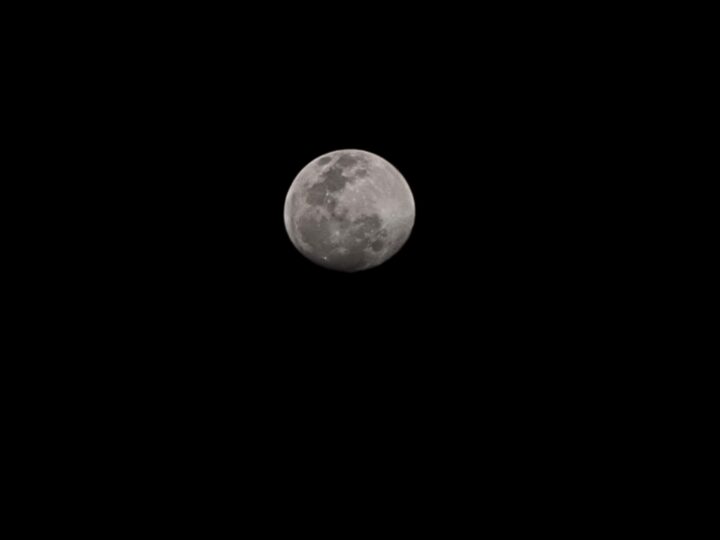
The Galaxy S20 Ultra was a pain to work with at extreme zoom levels unless you set it on a tripod. The S21 Ultra fixes this with some hardware trickery (likely the optical image stabilization on the 10x camera) that locks the frame in place so you can actually capture what you want instead of something totally unintended (like the empty sky next to the moon instead of the moon itself). Zoom Lock can sometimes have trouble keeping the frame lock in place, especially at 100x zoom, but when it works, it works great.
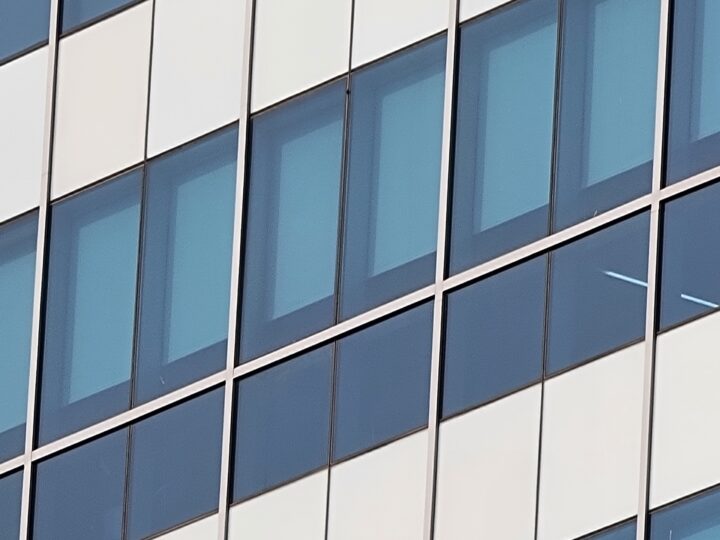
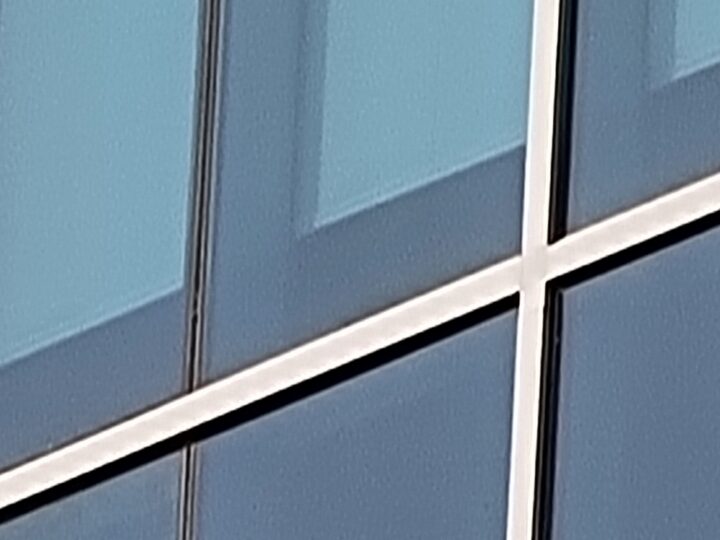
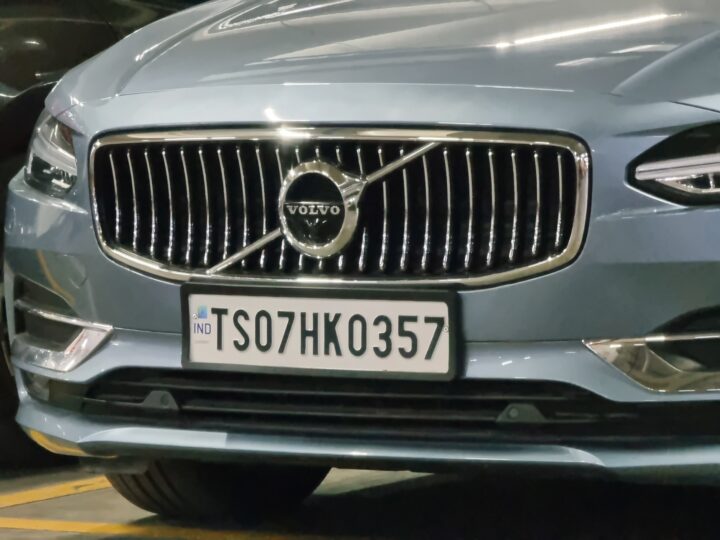
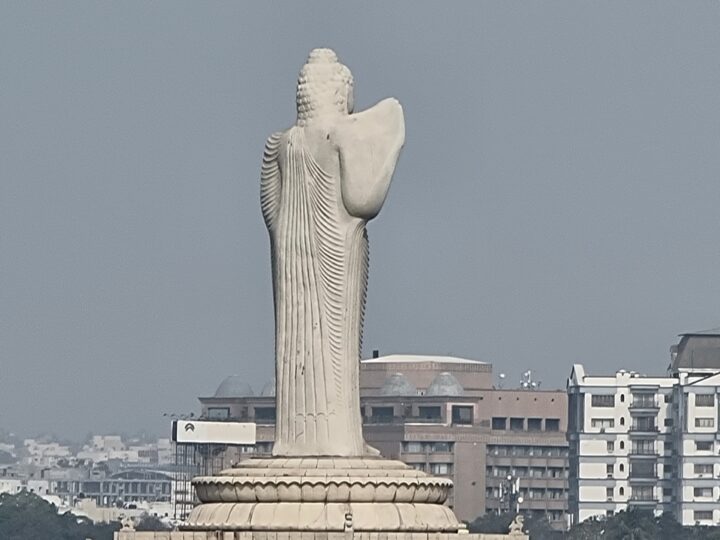
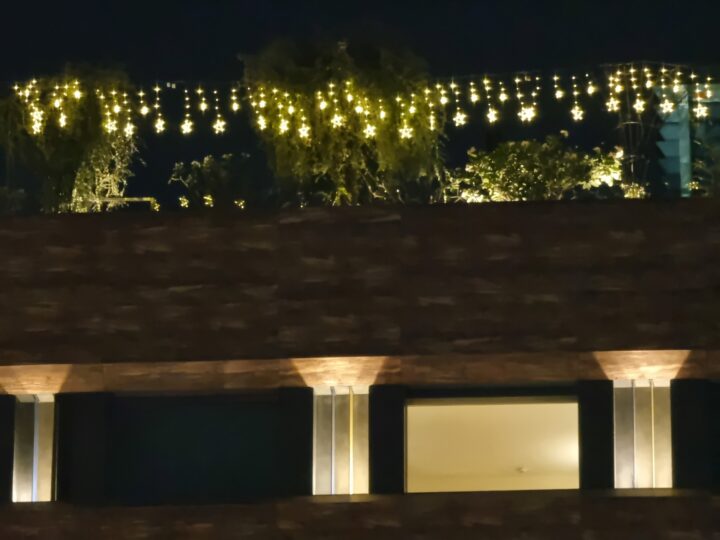
Here are a bunch of scenes captured at 1x, 3x, 4x, 10x, 30x, and 100x with the S21 Ultra, along with a couple of moon shots:













































Samsung has also improved Single Take mode, one of its best new camera features in recent years. For the unversed, Single Take captures a wide variety of photos and video clips for anywhere between 5 to 15 seconds when you tap the shutter button. The results include boomerang clips, slow-motion or fast-motion clips, clips from both the regular and wide-angle cameras, and photos with bokeh and various filters applied. And the Galaxy S21 series comes with Single Take 2.0, which takes a wider variety of pictures and clips and also lets you select exactly what kind of shots you want to capture.
Pro mode, meanwhile, has been updated to support 12-bit RAW files, which should make professional photographers happy. Pro mode also lets you take photos with the ultra-wide camera on the Galaxy S21 Ultra, as mentioned earlier. However, Samsung still isn’t allowing the use of the zoom cameras in Pro mode. I guess that’s something the company is saving for its upcoming flagships.
Selfies are captured using the same 40MP F2.2 front camera as the Galaxy S20 Ultra, and it generally does an excellent job, with plenty of detail, accurate skin tones, and good dynamic range in good lighting. Check out our Galaxy S20 Ultra review for more details on the front camera’s performance, and see a couple of selfie samples below.




For video recording, Samsung has a neat new feature called Director’s View that shows you the feed from the main camera, ultra-wide camera, and 3x telephoto lens and lets you switch between them with a single tap. You can also see the feed from the front camera in a little window on top or in split-screen mode. Unfortunately, Director’s View records videos at Full HD resolution and 30 frames per second. 4K@60fps recording is possible on all four rear cameras, but only in the standard video mode and without the ability to switch between the cameras on the fly.
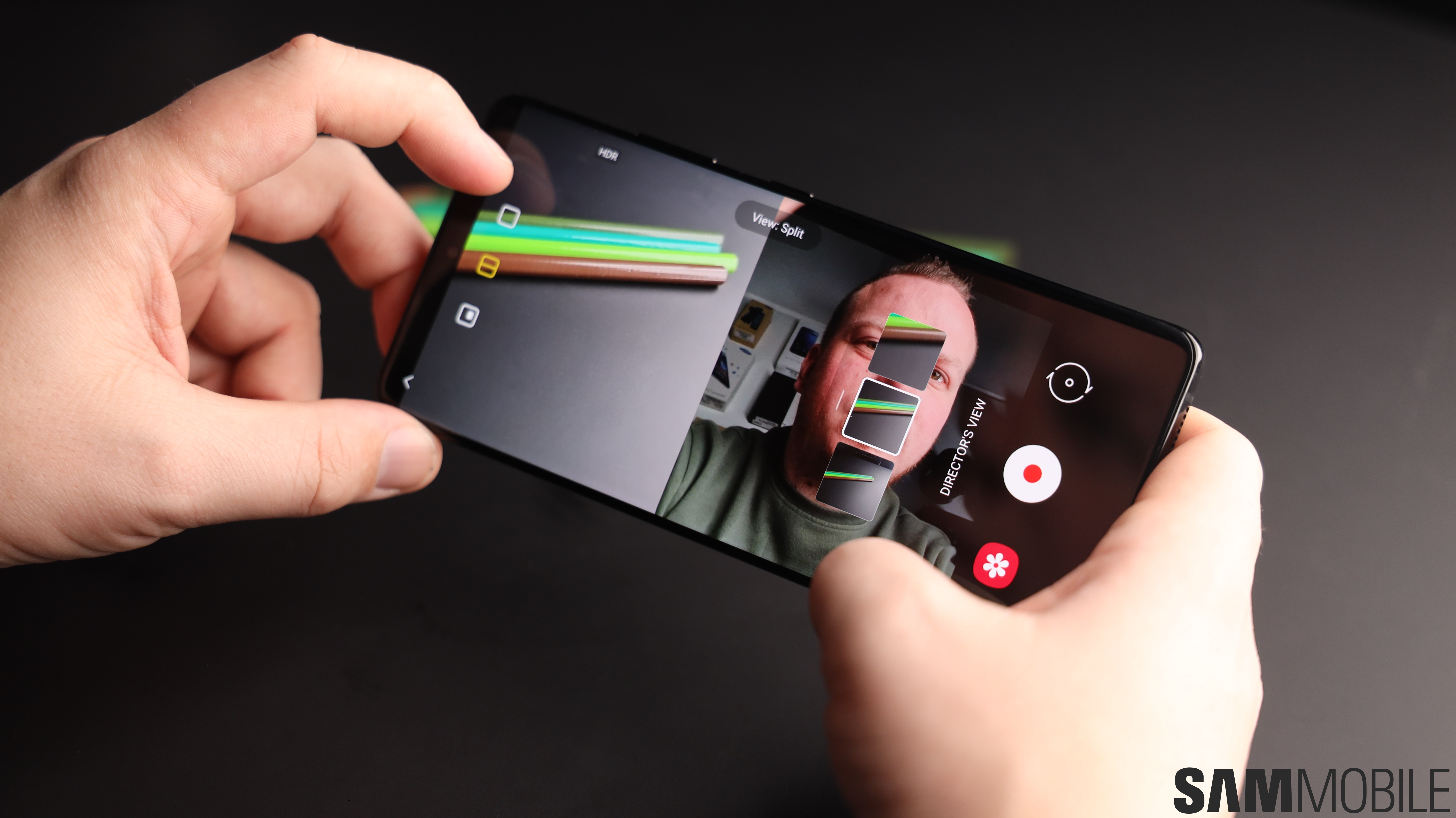
Video quality at 4K@60 fps is pretty solid with all four cameras, though the resolved detail isn’t as high as I would like, especially when viewing these on a monitor. 8K recording is supported as well, but 8K videos are shot at 24 frames per second and barely have the kind of additional detail that would justify the increased file size, especially with microSD expansion no longer possible.
A couple of 4K@60 fps clips from the rear cameras along with an 8K clip:
Galaxy S21 Ultra software
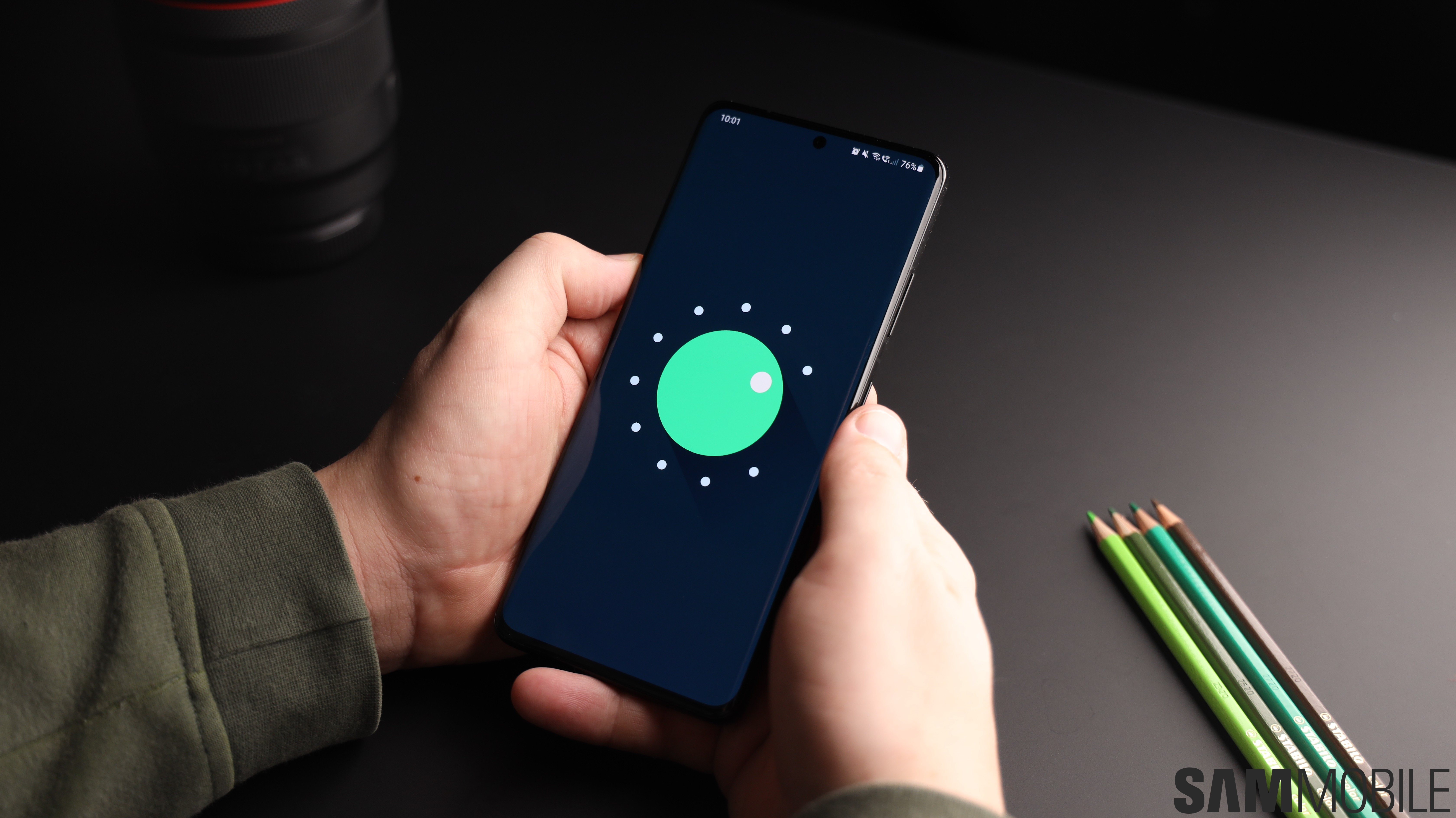
The Galaxy S21 series runs Android 11 with One UI 3.1 out of the box, with a guarantee of three major OS updates (till Android 14). Apart from all the new camera and S Pen stuff, the latest version of One UI brings mostly minor new functionality. That’s not to say that functionality isn’t useful, quite the contrary. The most interesting new feature in my opinion is being able to blur the background in video calls made using apps like Zoom and Google Duo.
If you’re one of the many people who have been working from home during the pandemic and constantly have to clear up the mess in your room before getting on the next video call with your colleagues, this feature is a godsend. Now, you can just blur the background and make sure no one is able to see what’s behind you. If the blur isn’t enough, you can choose to add a solid background color that completely blocks everything but your face. There’s an option to add a custom image from the gallery as well!
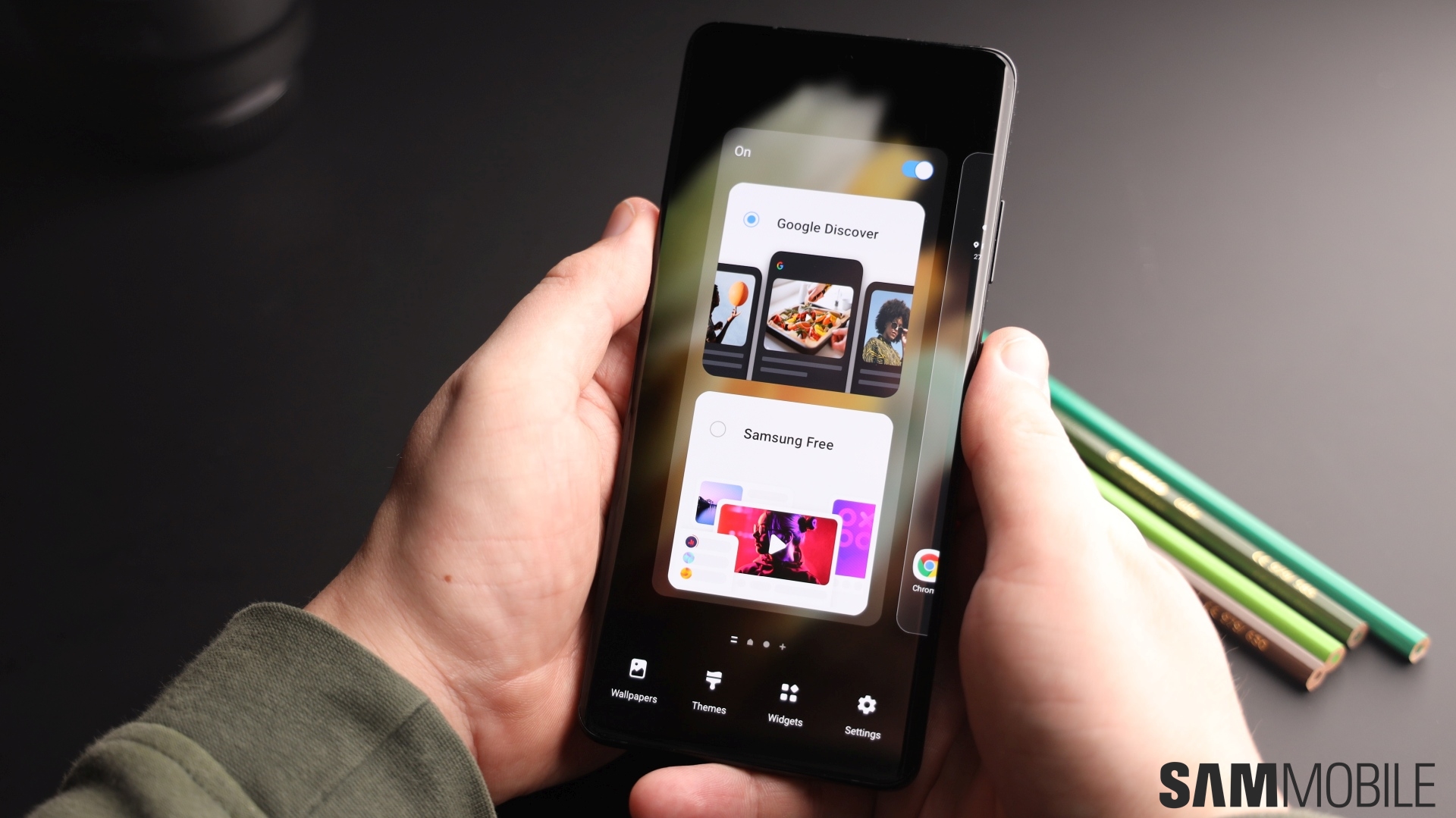
One UI 3.1 also lets you access Google Discover from the left-most home screen. A simple yet neat new feature is the option of removing location data from images before sharing them by using the dedicated toggle in Android’s share menu. And if you have a tablet that runs One UI 3.1 (the Galaxy Tab S7/S7+ have been updated to One UI 3.1 already), you can copy images and text on the Galaxy S21 Ultra and instantly paste them on your tablet. There’s also Private Share, which lets you add an expiration date to files you share with others and also disallows them from taking screenshots.
The rest of the software is more or less the same as what you have on the Galaxy S20 series after the Android 11 and One UI 3.0 update, along with all of the long-standing Samsung features such as theme support, Dual Messenger, Secure Folder, Always On Display, Multi Window multitasking, and one-handed mode. Newer features like Link to Windows and wireless Dex are supported as well. However, one excellent Samsung feature is no longer as good on the Galaxy S21 series. That’s Samsung Pay, which doesn’t work over MST in some markets, such as the US and India.
Galaxy S21 Ultra performance
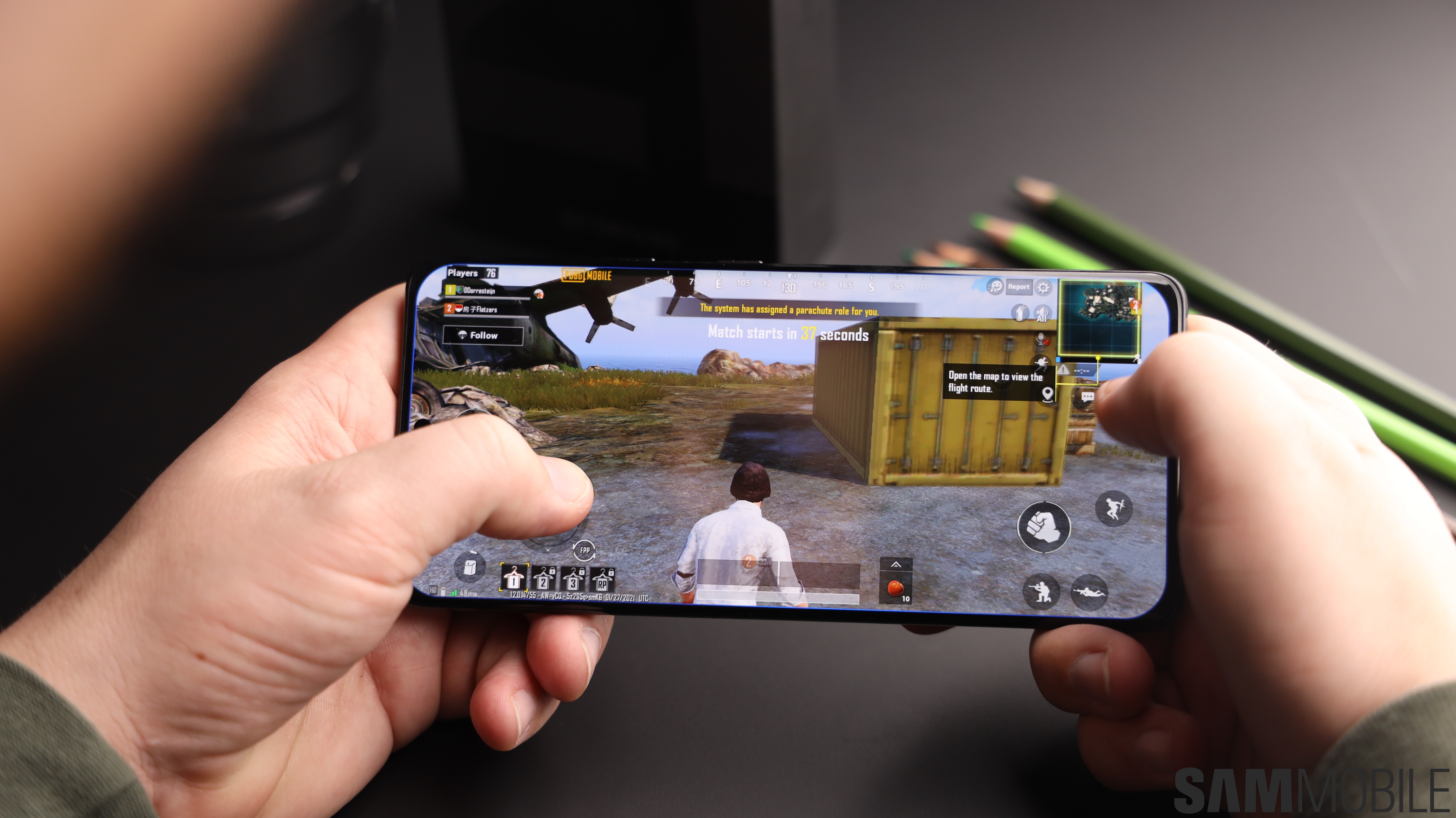
For Samsung, it’s not just about having to make excellent phones. The Korean giant also makes its own mobile processors, which have to compete with Qualcomm’s Snapdragon chips that power Samsung’s flagships in the US and China. And after last year’s disappointment, Samsung went back to the drawing board and got rid of its custom processor cores. The result is the Exynos 2100, which is supposed to fix all the issues that plagued the Exynos 990.
And Samsung seems to have succeeded based on our experience with the Galaxy S21 Ultra. We don’t know how the Snapdragon 888 variant of the phone performs, but our Exynos unit is fast, doesn’t heat up all that much, and battery life is great (more on that in the battery section below). Long gaming sessions don’t seem to make the chipset throttle, and the phone never got so hot that it had to disable the high refresh rate, as the Galaxy S20 Ultra and Note 20 Ultra had a habit of doing.
With 12GB of RAM on the base model, multitasking is a breeze as well. The only slowdowns you will see are in the camera app. Switching between modes can sometimes take more time than it should, and despite the faster chipset, the S21 Ultra takes longer than the Galaxy S20 Ultra or Note 20 Ultra to process photos in the background to give you the final result that you see in the gallery. All this can be improved through software updates, but it’s disappointing that the slowdowns exist in the first place.
Also disappointing is that Samsung has removed the microSD slot from its latest flagships. Worse yet, the base variant comes with 128GB of storage in most countries, which can fill up quickly if you install a lot of games and shoot 4K or 8K videos. Samsung’s dangling the usual excuse of cloud storage being an alternative in front of us, but with even Google removing unlimited photo and video storage from Google Photos this year, it’s a bad time to be making cheap expandable storage a non-option.
The Galaxy S21 Ultra is equipped with UWB technology for communication with smart devices, such as the Galaxy SmartTag Pro, and data transfer to and from other UWB-enabled phones. I was unable to test this as the only other Galaxy phones with UWB are the Note 20 Ultra and S21+, which weren’t at hand, and, to be fair, with Samsung’s Quick Share feature introduced in One UI 2.1, file sharing between Galaxy devices is already a seamless affair. The more fancy use cases, such as being able to unlock your car, are where UWB should shine, but that wasn’t something I could test, either (and no one will be able to until later this year).
Galaxy S21 Ultra audio quality
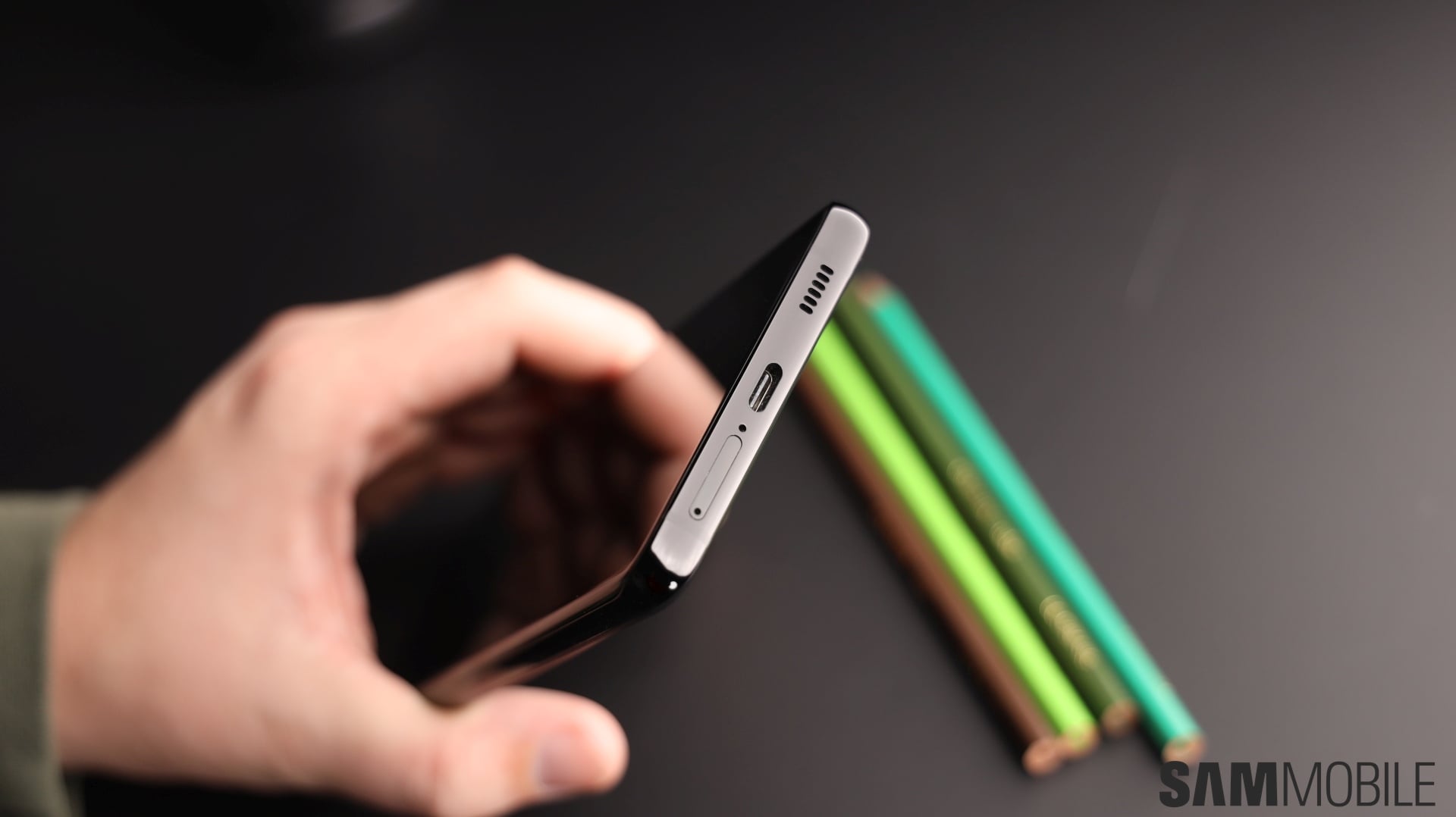
First, Samsung got rid of the headphone jack, and now, the company’s removed its excellent AKG-tuned earphones from the box. None of the Galaxy S21 models come with earphones (or a charger) in the box, and Samsung clearly wants to push everyone towards buying its wireless earbuds. Those earbuds are great, but they’ve got nothing on wired headsets, and if you buy the Galaxy S21 Ultra, you’ll have to bring your own pair, one with either a USB-C port or a 3.5 mm to USB-C adapter.
It’s a silly omission despite all the lofty claims about helping the environment, and there’s a simple reason: While people may have extra chargers lying around, the AKG-tuned earphones Samsung used to supply until last year with its flagships were amazing, and getting earphones that sound as great will result in extra expenditure not everyone will want to make. Not to mention Samsung could have started out slow by only removing the charger from the box, but it chose to get rid of it all from the get go.
To Samsung’s credit, the stereo speakers on the Galaxy S21 Ultra are excellent, as is the norm for any Galaxy flagship. It’s loud, never distorts, and has enough oomph in the lower frequencies that the recently released trailer for Godzilla vs Kong sounded great as the two titans showed up on-screen and the heavy drums kicked in. Dolby Atmos support is included. Calls made over the speakers come in loud and clear as well. Call quality is also as good as you expect from a phone in this day and age.
Galaxy S21 Ultra battery life
The Galaxy S20 Ultra’s battery life wasn’t bad, but with the high refresh rate enabled, battery life did suffer to the point where it would be impossible for the phone to last for a full day without anything but very light use. The Exynos 990 was partially to blame, and the lack of adaptive refresh rate was heavy on the battery as well.
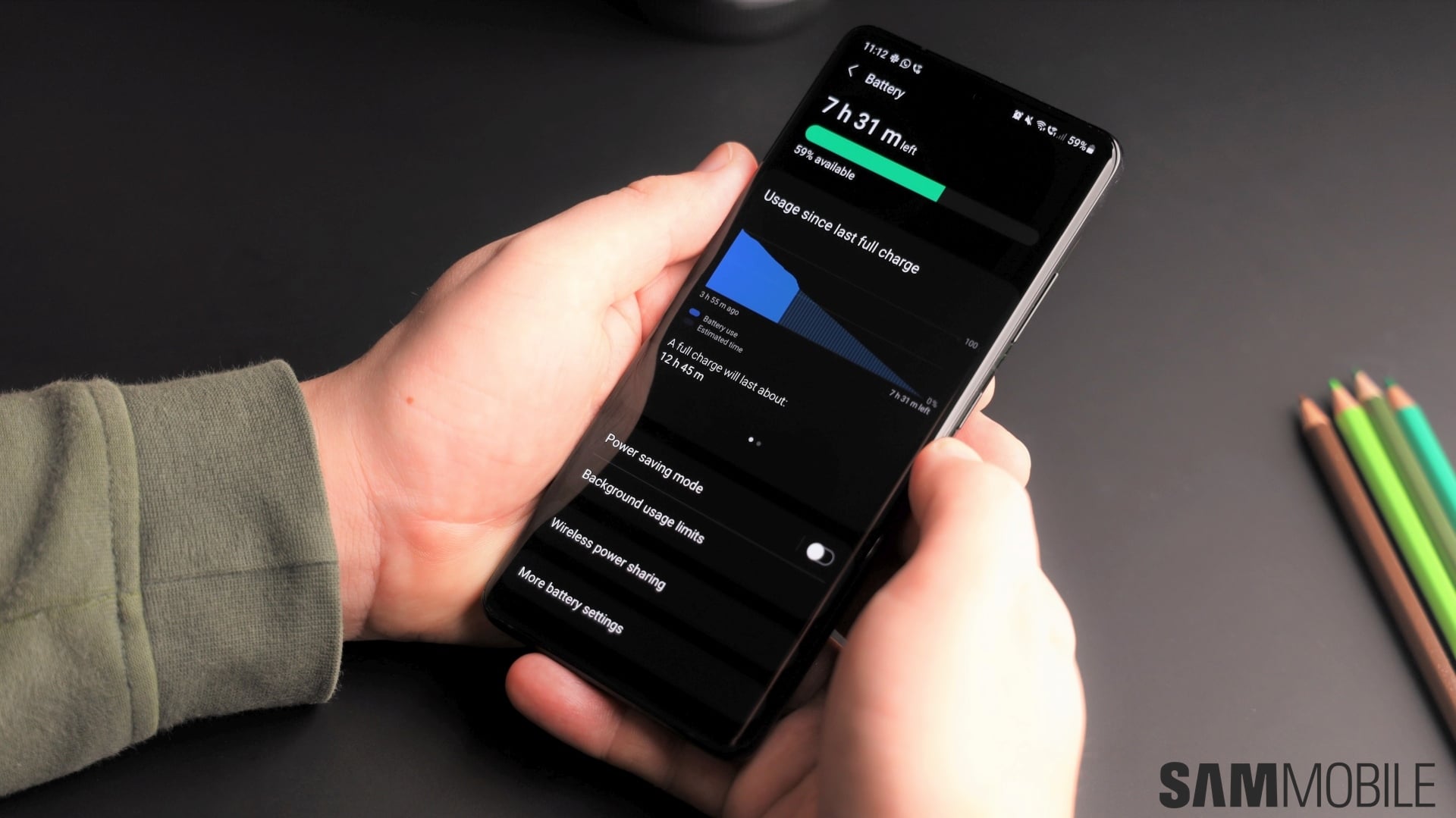
For the Galaxy S21 Ultra, Samsung has fixed both issues. The Exynos 990 has been replaced by the newer and more efficient Exynos 2100 and the display can now drop its refresh rate down to as low as 10Hz when you’re looking at a still image. And boy, does it show: Battery life on the Galaxy S21 Ultra has been nothing short of impressive, at least when you don’t perform power-hungry tasks (such as long gaming sessions and recording too many videos) all day long.
With light to moderate use and the screen set to 120Hz refresh rate and WQHD+ resolution, a single charge got me 16 hours of total use (so, from the time I would wake up to the time I would go back to sleep) with upwards of five hours of screen on time and around 5-10% charge left to spare with surprising consistency. Idle drain is low as well, so you can postpone charging the phone until the next morning.
Dropping the resolution to Full HD+ made little difference, but setting refresh rate to 60Hz extended battery life to a day and a half before I would have to reach for the charger. However, if you put the phone through constant heavy use, battery life is cut short considerably, almost by half depending on what you do over the course of the day. Using the display at standard refresh rate can help here, but since the high refresh rate is one of the best features of these phones, that’s not something I would recommend.
Also, while battery life was better than I had hoped, the Galaxy S21 Ultra maxes out at 25W super fast charging, and you don’t get a charger in the box (only a USB-C to USB-C cable). So, if you’re upgrading from a Galaxy S20 Ultra or Note 10+ and bought a 45W charger, you’ll have slower charging. If you’re upgrading from an older Galaxy S flagship, you probably won’t have a 25W charger lying around. Disappointing either way, and one can only hope Samsung’s feature removal streak comes to an end before it’s too late.
If you do have a 25W fast charger or decide to buy one from Samsung, you’ll see the same charging speeds as the Galaxy S20 Ultra’s: Around 70 minutes to go from 0 to 100 (the Galaxy S20 Ultra used to do that in around 60 minutes when it launched, but Samsung slowed it down with a software update a few weeks later). With a 15W charger, which is what many customers might end up using, a full charge comes up in around 100 minutes, which certainly isn’t bad but is far from ideal in this day and age.
Like previous flagships, the Galaxy S21 Ultra supports fast wireless charging and Wireless PowerShare, which enables wireless charging of other devices. That’s mostly useful for charging wearables like the Galaxy Buds or Samsung’s smartwatches, as charging other phones using the S21 Ultra is a slow affair and drains its battery rather quickly, though you can set a limit for how long the phone will keep charging the other device through Wireless PowerShare settings.
Galaxy S21 Ultra verdict
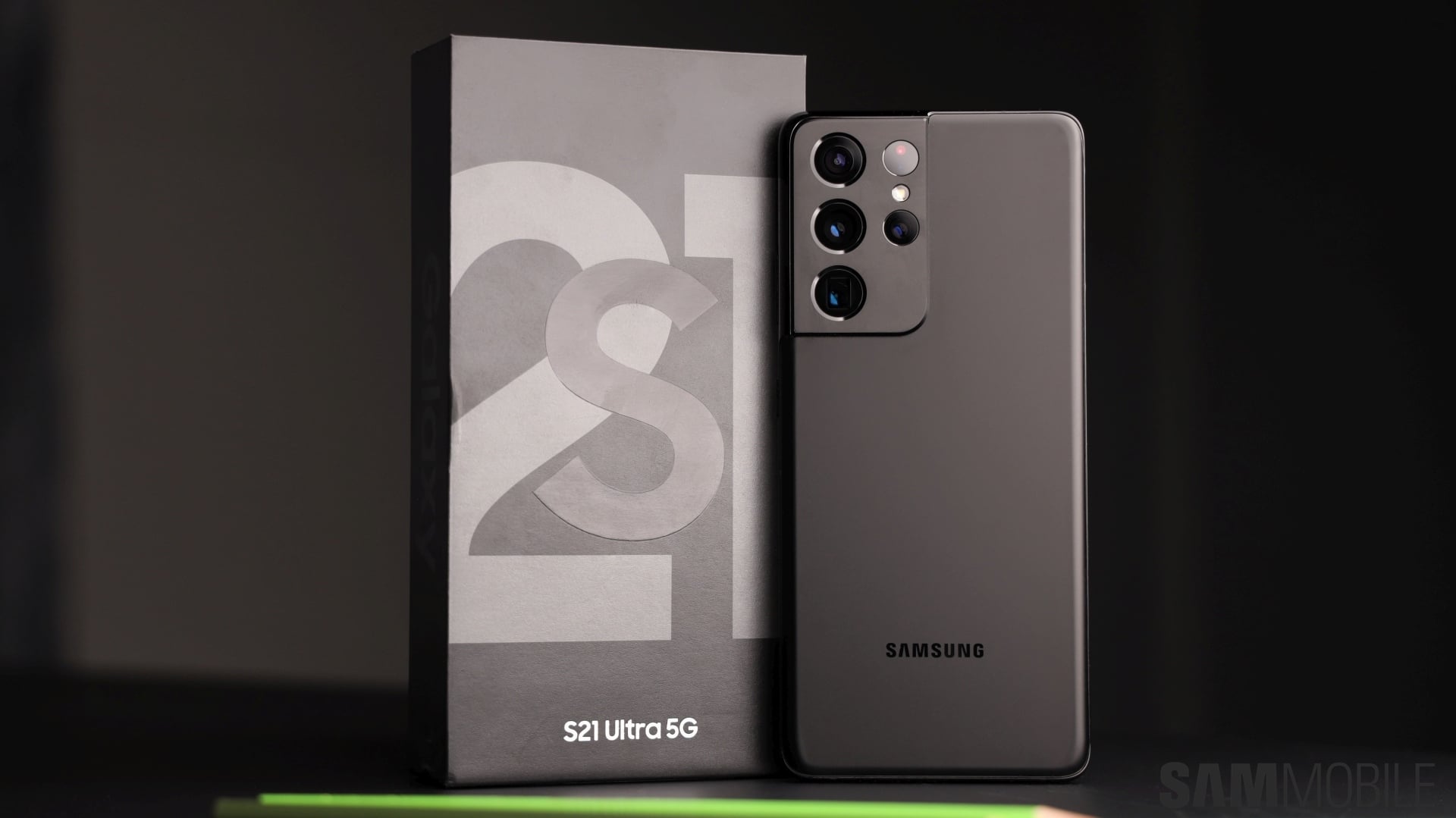
The Galaxy S21 Ultra is the closest Samsung has come to making a perfect flagship in recent years. In fact, when you judge it based on what Samsung says the phone can do, I would say the S21 Ultra is perfect. But one cannot ignore that Samsung has taken away a couple of features that made its flagships unique all these years, namely the microSD slot and MST payments over Samsung Pay, and that makes the Galaxy S21 Ultra less awesome than it could have been.
Still, if those features don’t matter to you and you’re looking for a flagship phone with a phenomenal display, S Pen support, versatile cameras with fantastic zoom capabilities, excellent performance and battery life without any of the Exynos woes from last year, a stunning design that will make heads turn, and modern-day connectivity features like 5G, Wi-Fi 6E, and UWB, the Galaxy S21 Ultra is the one for you. Go buy it now!
P.S.: Want to know something about the Galaxy S21 Ultra that’s not mentioned in the review? Ask me in the comments section and I’ll do my best to answer.
| Pros | Cons |
| Best display on a Samsung phone yet | No charger or earphones in the box |
| S Pen support | No microSD slot, 128GB base storage |
| Unique and stunning design | Samsung Pay doesn’t support MST in some markets |
| Versatile cameras with fantastic zoom capabilities, neat new features like Director’s View, 4k@60fps video on all lenses | No 45W super fast charging support |
| Excellent battery life even at 120Hz refresh rate and WQHD+ screen resolution | S Pen a separate purchase |
| Fantastic performance with the Exynos 2100 chipset | |
| Eligible for three major Android OS updates | |
| Ultrasonic fingerprint scanner has fewer recognition errors than before | |
| 5G connectivity, UWB (ultra-wideband), Wi-Fi 6E |
The post Samsung Galaxy S21 Ultra review: Oh so close to perfect appeared first on SamMobile.
from SamMobile https://ift.tt/3a9Gefx
via IFTTT