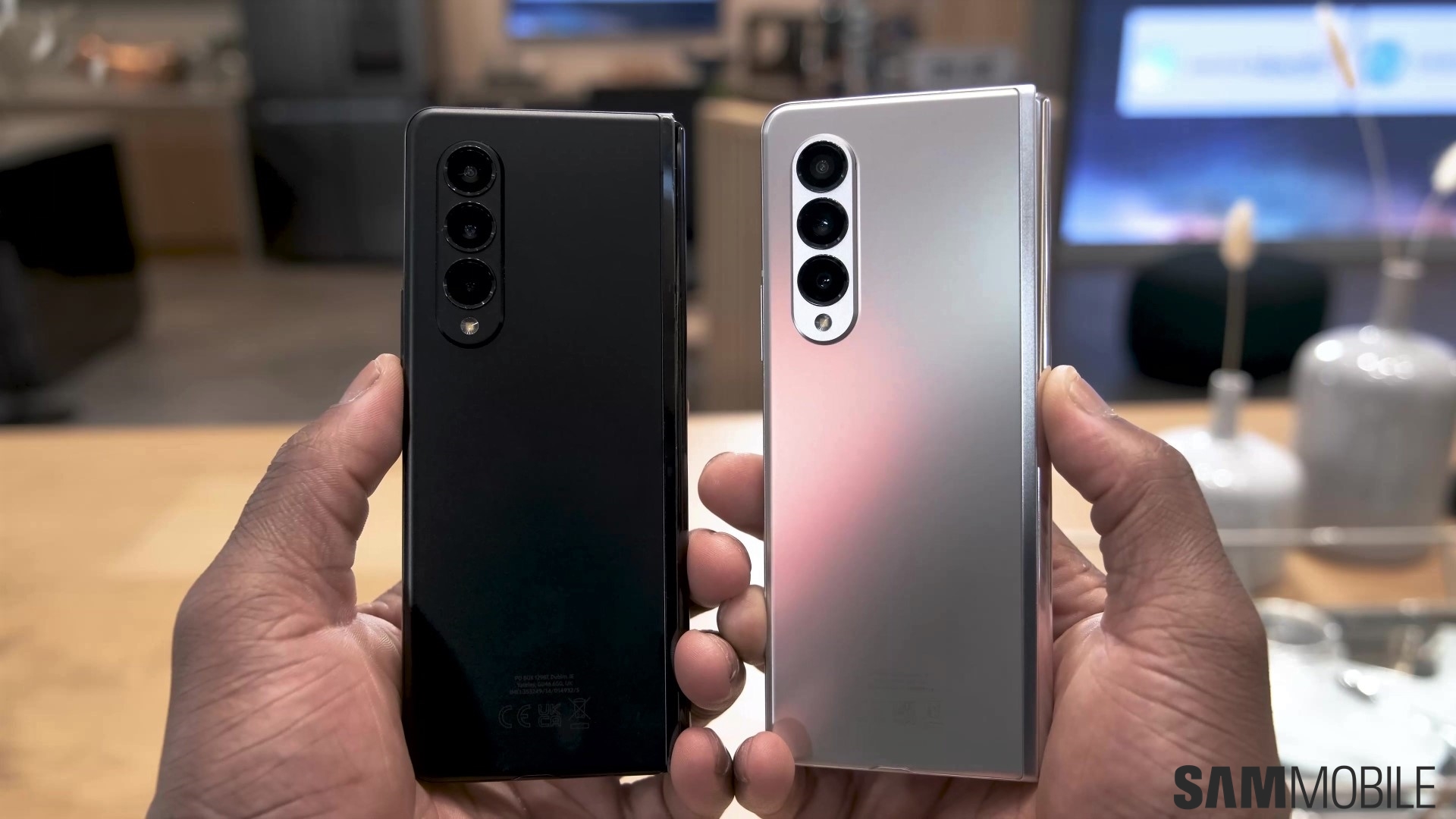
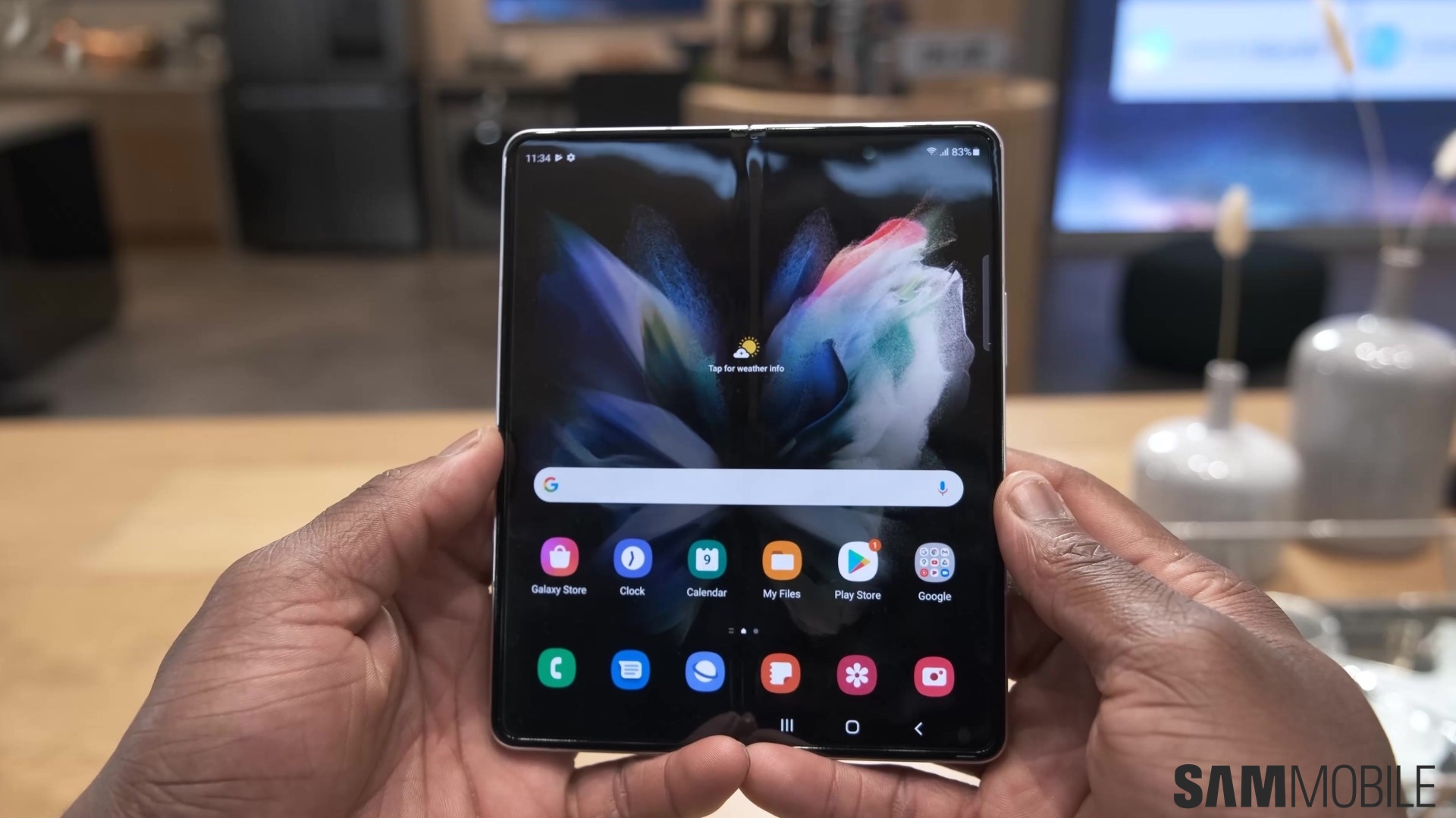
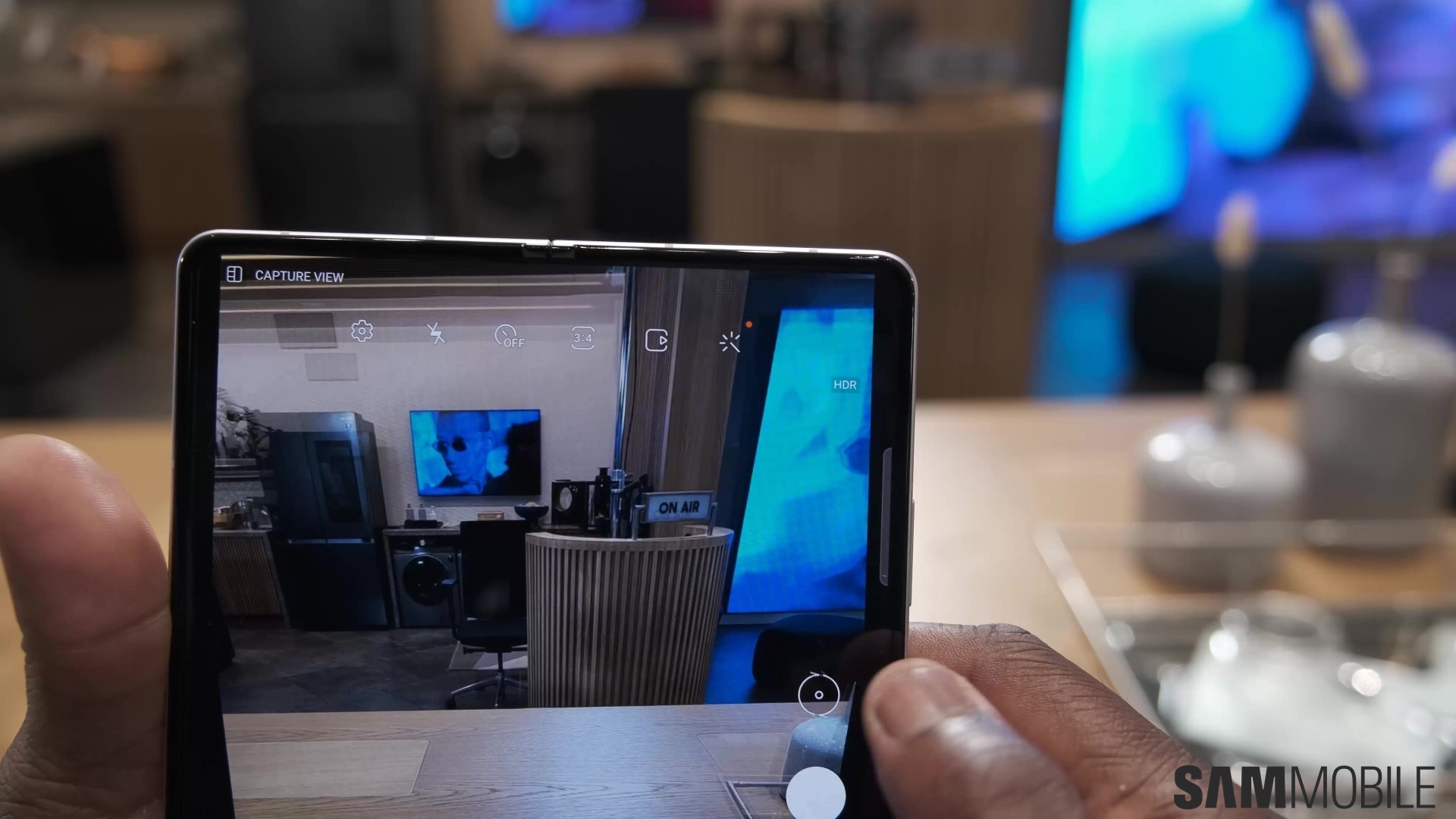
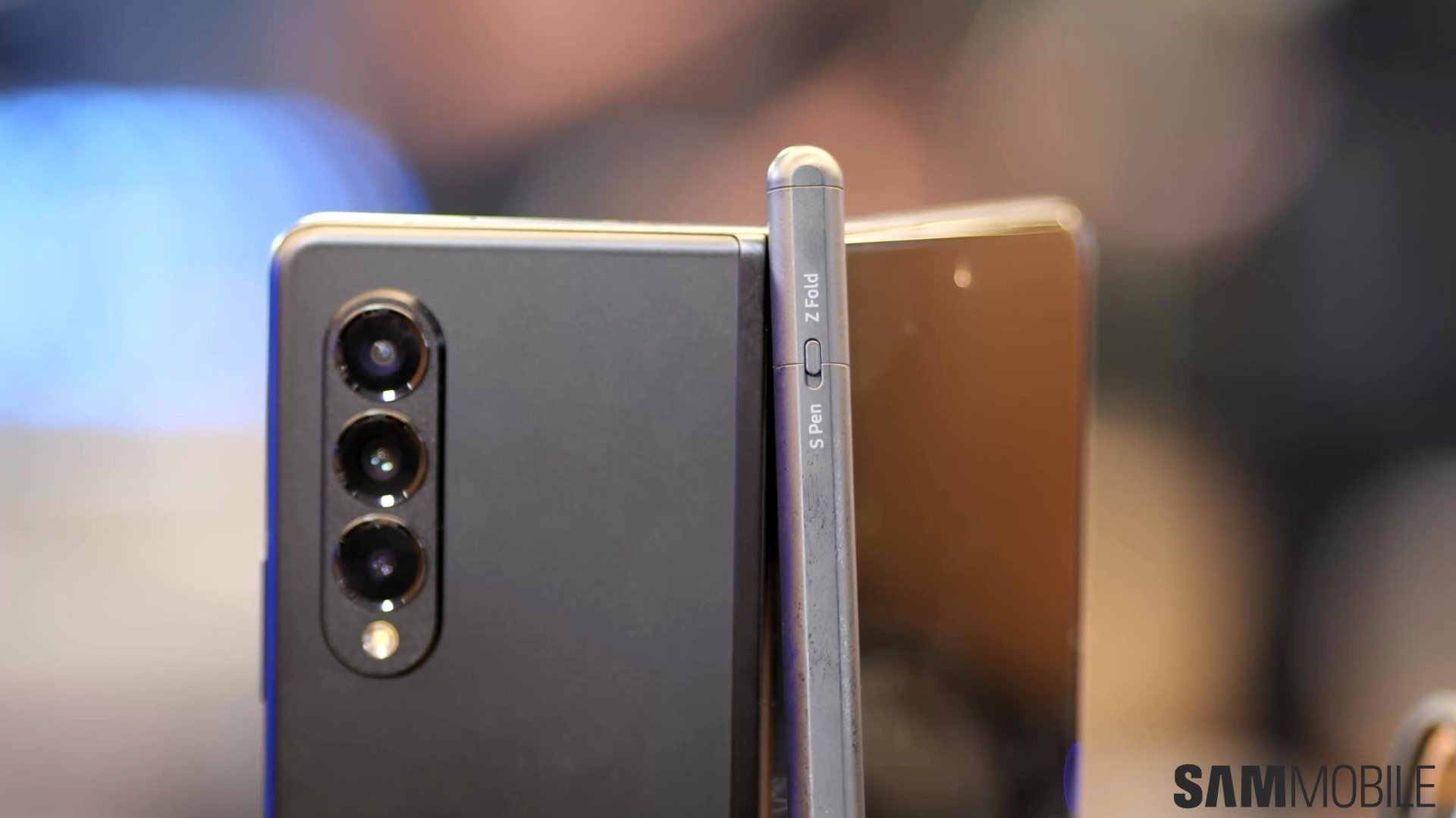
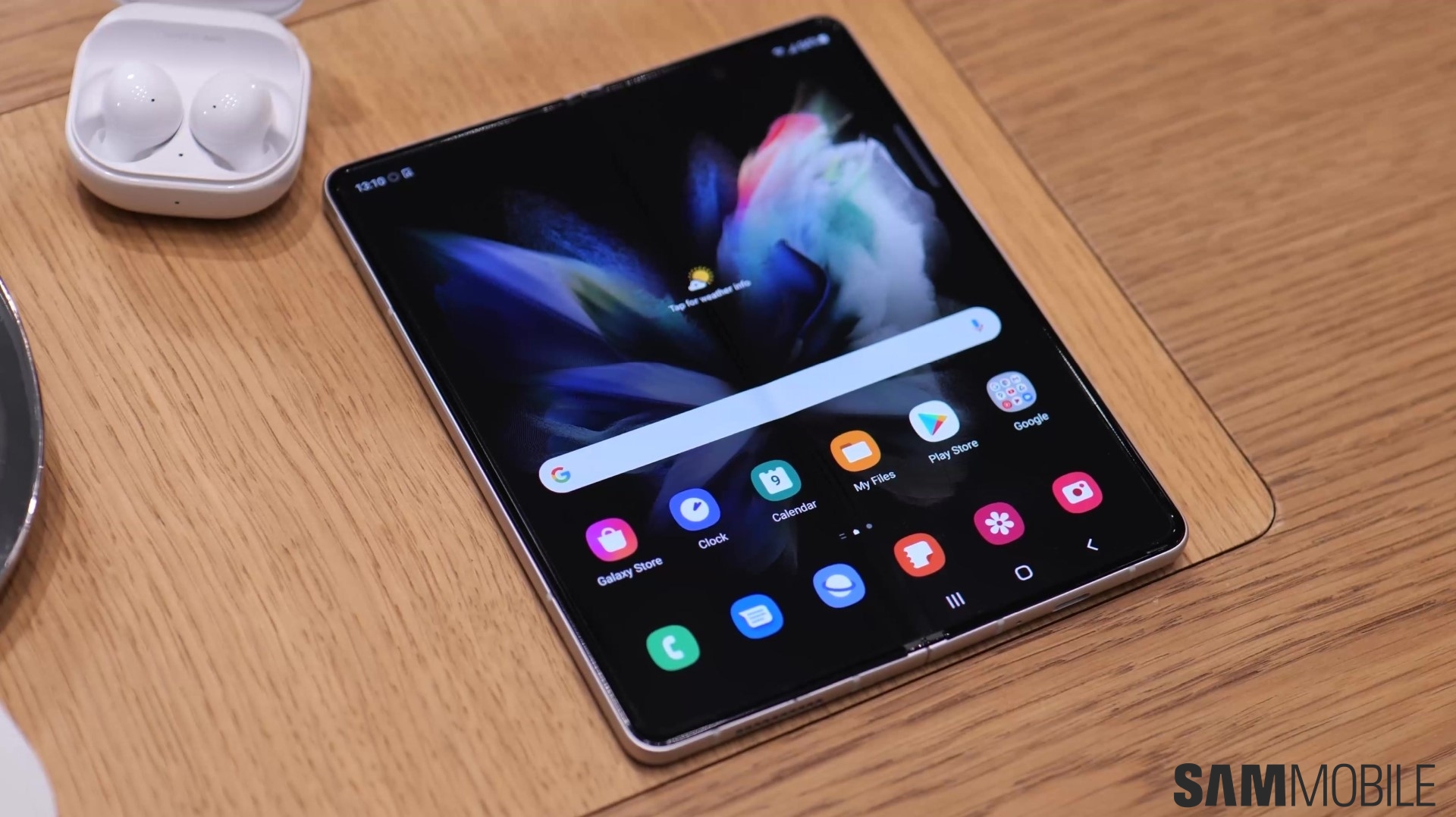
How many Galaxy Z Fold 3s does Samsung intend to sell this year? That might sound like confidential info, but the company’s own C-suite executives disagree. Or at least those in its marketing department do, as they’ve decided to openly discuss this fact as part of the promotional activities following yesterday’s launch of the Galaxy Z Fold 3 and Galaxy Z Flip 3.
It should come as no surprise that Samsung itself is behind many of the recent market surveys gauging the demand for foldable mobile devices. And even third-party ones are mostly in unity with its own predictions, which stand at 6.5 million devices for 2021.
Global foldable smartphone demand is still nearly synonymous with Samsung’s sales targets
That’s 6.5 million in total sales, mind you. But it’s not like anyone is hot on Samsung’s heels as far as meeting that market demand is concerned. Things might have turned out differently had Trump not taken out the only potential threat to Samsung’s foldable ambitions while those were still materializing last year. But he did, so right now, the company is pretty much guaranteed to dominate the niche in the interim.
Bryan Choi, Samsung Mobile Communications EVP, confirmed as much in today’s promotional interview. Stating that the company intends to push the volume of commercially available foldables “beyond the market demand” for the year. Thus continuing its ridiculous growth in the segment. And based on what we know about Galaxy Z Fold 2 sales and existing industry trends, it’s safe to assume that well over half of the aforementioned figure will be directly attributable to the Galaxy Z Fold 3 and Galaxy Z Flip 3.
Now that the Galaxy Z Fold 3 and Galaxy Z Flip 3 are officially here, we’ll get to see some interesting offers by mobile carriers incentivizing people to buy the newly-announced foldables. AT&T already revealed theirs, and so did Verizon, so now it’s T-Mobile’s turn.
The offers aim to make the Galaxy Z Fold 3 and Galaxy Z Flip 3 significantly more affordable. As expected, there are many caveats that one needs to keep in mind before committing to a purchase.
T-Mobile will give you a Galaxy Z Flip 3 for free with certain plans
Similar to what we saw with AT&T, potential Galaxy Z Flip 3 buyers can get the phone for free, if they opt for T-Mobile’s interest-free Equipment Installation Plan (EIP). You’ll be reimbursed via monthly credits to your bill across a span of 24-36 months, depending on your tenure. Additionally, one can also avail of the offer by trading in an eligible smartphone. If you’re in the market for a Galaxy Z Fold 3 instead, the aforementioned plan will get you a $1,000 discount on it.
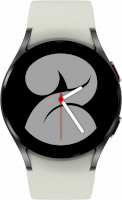
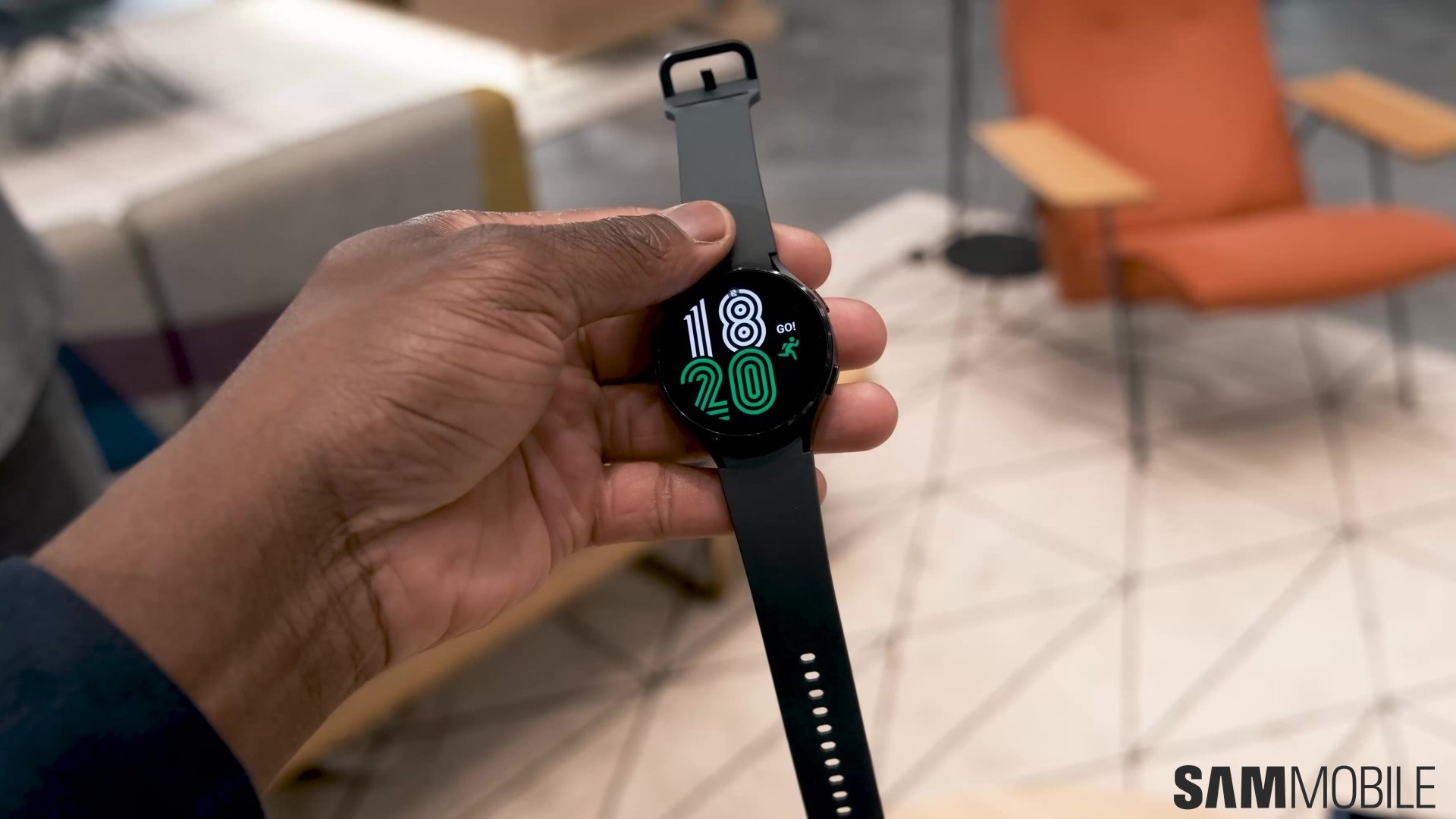
Alternatively, T-Mobile will knock off $500 off the Galaxy Z Fold 3 or Galaxy Z Flip 3’s asking price with other plans. You’ll still have to stick around with T-Mobile for up to two years, though. T-Mobile is also throwing in a free Galaxy Watch 4 40mm if you choose to add a new DIGITS line on a qualifying plan. If you want to buy one at full price, you can get the second one for free via in-store credits. Lastly, you can also get a Galaxy Tab S7 FE for 50% off.
You can find the terms and conditions, qualifying plans, and more on T-Mobile’s dedicated product pages for the Galaxy Z Fold 3 and Galaxy Z Flip 3. All the aforementioned devices are available for pre-order now and will be available for purchase starting August 27th.
The August 2021 security update is now reaching select variants of the Galaxy A90 5G, bundled as part of the A908NKSU3DUG3 software version. The rollout started earlier today with the South Korean models, but several others should be eligible for the patch as well. It’s all country-dependent, because this particular device has been on a quarterly release cycle ever since first hitting the market two years ago.
For example, Galaxy A90 5G owners in the United Kingdom and Australia are part of the crowd that can expect the August 1st security patch level to land on their smartphones in the near future. Seeing how they’re all still running the May 2021 update. The exact timing of the next patch will depend on their networks, however.
Is this update on its way to your Galaxy A90 5G? That depends
Samsung’s software update policies gained a lot of momentum since the Galaxy A90 5G released back in 2019. To the point that some of its smartphones now come with up to half a decade’s worth of guaranteed security updates. Not this one, unfortunately, though the number of those that are placed on quarterly release schedules from day one continues to drop every year.
But as for the Galaxy A90 5G, you can check to see whether a new firmware is already available in your country by going to Settings > Software update > Download and install. Failing that, you could also flash a compatible system image to your device manually. Where would you get one of those? No worries, our firmware archives have you covered.
Samsung’s smartwatches have always worked with iPhones, although with limited capabilities in some cases. Starting with the Galaxy Gear that was released in 2013 to the Galaxy Watch 3 that was launched last year, they have all been compatible with iPhones.
Sorry iPhone owners, you’re not invited to the party
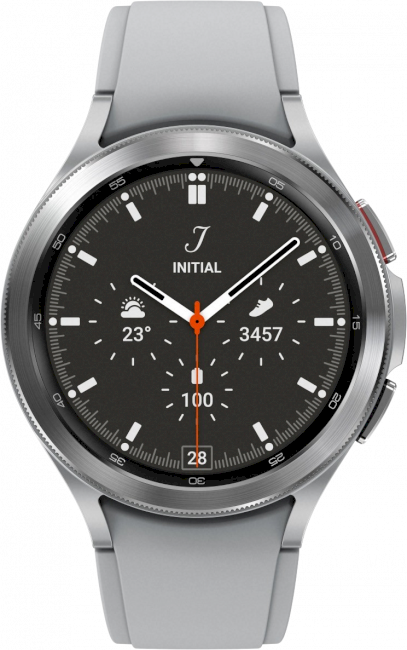
The answer is no. The Galaxy Watch 4 and the Galaxy Watch 4 Classic don’t work with the iPhone. It means that those who prefer the iPhone but are attracted to Samsung’s smartwatches won’t be able to choose both at the same time. If you are an iPhone user, you should keep this in your mind.
Although you may think that Samsung’s latest move is to create some exclusivity like the Apple Watch’s exclusive compatibility with iPhones, that is not actually the case. Wear OS 3, which is co-developed by Google and Samsung, is tightly integrated with Android smartphones. And some Wear OS 3 features require the connected smartphone to feature (GMS) Google Mobile Services. Since GMS is not available on iPhones (and Huawei’s new smartphones), the Galaxy Watch 4 series and other Wear OS 3 smartwatches won’t work with the iPhone.
Older Galaxy Watch models such as the Galaxy Watch, Galaxy Watch Active, Galaxy Watch Active 2, and the Galaxy Watch 3 will continue to work with iPhones, though.
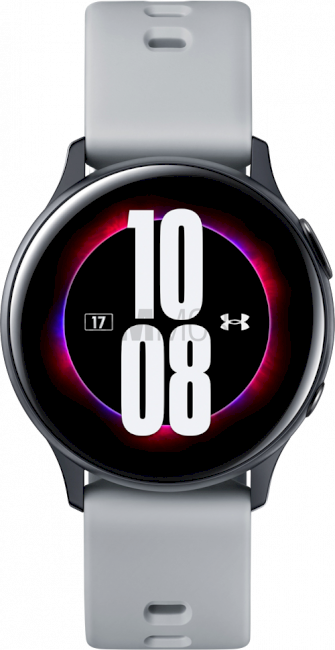
Samsung launched the Galaxy Watch Active 2 merely six months after its predecessor had hit the market. The company introduced some changes with the new model. It had a digital rotating bezel, improved specs and new health and fitness features. It was also available in a larger size. The Galaxy Watch Active 2 was the first to get the ECG feature.
However, it pales in comparison to the Galaxy Watch 4. Samsung’s newest smartwatch stands in a league of its own compared to the Galaxy Watch Active 2. For starters, the company is offering two separate variants of the Galaxy Watch 4.
Galaxy Watch 4 vs Galaxy Watch Active 2
The Galaxy Watch 4 doesn’t have a physical rotating bezel much like the Galaxy Watch Active 2. It’s available in 44mm and 40mm sizes with a 1.36-inch and 1.19-inch display. The Galaxy Watch Active 2 was offered in 40mm and 44mm sizes with 1.2-inch and 1.4-inch displays respectively. Samsung has fitted higher resolution displays on its new smartwatches that also happen to be slimmer than the Galaxy Watch Active 2.
Samsung has made a major change for its smartwatches with the Galaxy Watch 4 that make them fundamentally different from previous models. The Galaxy Watch 4 runs on Wear OS, the Android-based platform Samsung has co-developed with Google. So while the Galaxy Watch Active 2 runs on Tizen, the latest model is able to run Android apps.
The Galaxy Watch 4 also comes with significant improvements under the hood. Its Exynos W920 processor is 1.25x faster than the Galaxy Watch Active 2 with the graphics performance up by an impressive 8.8x. There’s also four times the internal storage at 16GB and higher 1.5GB RAM.
With the new 3-in-1 BioActive Sensor, the Galaxy Watch 4 is able to provide far more health and fitness-related features. There’s body composition analysis, continuous blood oxygen saturation monitoring, improved fitness tracking, advanced sleep tracking with snoring detection, and more.
You can find the full Galaxy Watch 4 vs Galaxy Watch Active 2 specs comparison below. It’s impressive to see just how far Samsung’s smartwatches have come in a few years. Don’t forget to check back in for our detailed Galaxy Watch 4 review which will be up in due course.
Interested in Samsung’s new Galaxy devices? Don’t forget to support SamMobile by visiting this link and purchasing it directly from Samsung!
Samsung’s got an incredible product in the Galaxy Z Fold 3. Just two years after the company’s first foldable phone, we’re getting features like water resistance and S Pen support, with the latter an especially important one considering Samsung isn’t launching a new Note flagship this year.
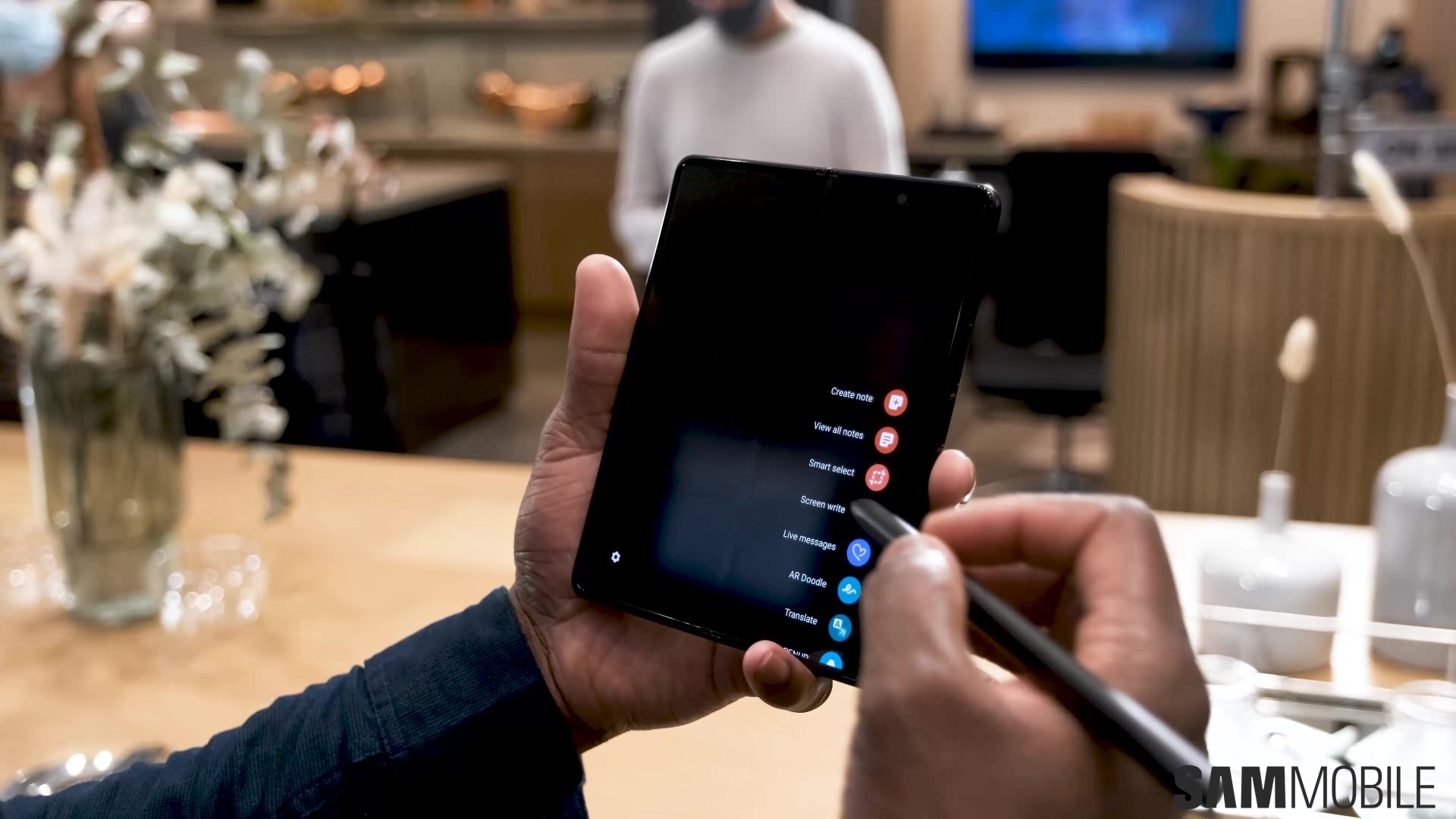
It’s also worth remembering that you need the S Pen Fold Edition or the S Pen Pro (which is priced at $99.99) if you wish to use the Galaxy Z Fold 3 with a stylus. Regular S Pens, including the ones you get with the Galaxy Note series phones or the ones you get with Samsung’s tablets, will not workand could possibly damage the foldable display. Furthermore, the cover display on the Galaxy Z Fold 3 doesn’t support S Pen input.
As for how good of an experience the Galaxy Z Fold 3 and S Pen combo provides, it’s something we will be able to answer in our full review of the phone, which will be up sometime in the next few days. In the meantime, check out our Galaxy Z Fold 3 hands-on in the video above for our early impressions.
Interested in the Samsung Galaxy Z Fold 3? Don’t forget to support SamMobile by visiting this link and purchasing the phone directly from Samsung!
Samsung gave up on the Galaxy Note 21 and the colored Z Fold hinges to focus on building the best-possible foldable device and bring us the Galaxy Z Fold 3 at this year’s Unpacked event. And boy, does the new foldable show tons of improvements! There’s a lot to unpack here — pun intended — so let’s stop wasting time. Here are the very best Galaxy Z Fold 3 features.
Water resistance and 10% stronger ‘Armor Aluminum’
The Galaxy Z fold 3 is the first — but not the only — foldable phone to boast an IP rating — IPX8, to be exact. This code represents that Samsung hasn’t tested the foldable phone for dust ingress but determined that it’s water-resistant.
Samsung didn’t stop here. The company’s using 10% stronger “Armor Aluminum” in the phone’s construction this year, and of course, the cover display has Gorilla Glass Victus protection. And, as you’re about to find out, the foldable screen is also better protected.
A brighter foldable display with a more durable protective film
This year, the 7.6-inch Dynamic AMOED 2X Infinity Flex Display has a new protective layer on top, and it might even be the reason why the addition of an S Pen was possible. More on the S Pen later, but as far as general durability is concerned, Samsung claims that the new protective film provides a massive 80% boost in durability over the film used in the previous generation.
The foldable display’s 29% increased brightness compared to last year shouldn’t be overlooked either. Samsung’s foldable display always had poorer brightness than the non-foldable AMOLED screens, so a 29% improvement over the Galaxy Z Fold 2 will make using the Galaxy Z Fold 3 in direct sunlight more comfortable. The cherry on top is that the cover screen is also 25% brighter.
UDC (Under-Display Camera) technology is finally here
It’s been almost three years since Samsung introduced the first smartphone equipped with Infinity-O display technology, i.e., the Galaxy A8s. Infinity-O was Samsung’s response to the off-putting display notch widely adopted by the mobile industry. It was — and arguably still is — a more elegant alternative to the notch, and it paved the way for a massive improvement a few years down the line.
Enter UDC (Under-Display Camera) technology: A long-awaited evolutionary step in the Infinity-O timeline. In layman’s terms, UDC technology comprises a new 4MP camera with large 2-micron pixels capable of taking in more light, and the Infinity-O display cutout with active pixels covering the 4MP sensor. This combination allows the selfie camera to stay hidden, letting the 7.6-inch foldable display shine uninterrupted, without a visible cutout or a notch. Well, almost, but to an impressive level nonetheless.
Both displays support a 120Hz high refresh rate
Samsung’s foldable phones have fully entered the era of 120Hz high refresh rate displays. The Galaxy Z Fold 2 was the first to adopt this technology. However, it was limited to the inner foldable display, which led to a noticeable decrease in UI animation smoothness whenever switching to the 60Hz cover screen.
The Galaxy Z Fold 3 marks a new milestone, as it introduces 120Hz across the board, with both the cover screen and the inner foldable panel offering high refresh rate capabilities.
When dreams come true, foldable phones get S Pen support
Adding S Pen support to the book-like Galaxy Fold form factor seemed like the natural thing to do ever since the first model was introduced in 2019. The technology just wasn’t there yet, but two years later, the Galaxy Z Fold 3 has become the first foldable device to support the S Pen.
Samsung created a unique digitizer for the foldable display, and two new S Pen models called the S Pen Fold Edition and the S Pen Pro. The S Pen Fold Edition is sold along with a case for the Galaxy Z Fold 3 and provides basic functionalities. It doesn’t have Bluetooth and Air Actions. The S Pen Pro has Bluetooth LE, Air Actions, and Find My S Pen via SmartThings Find, but it doesn’t come with a case for the Galaxy Z Fold 3. It’s more of a general-purpose S Pen that’s deeply integrated with the new foldable, though it’s carried separately.
The S Pen Fold Edition is compatible only with the Galaxy Z Fold 3 and no other Samsung device. However, the S Pen Pro works with the Galaxy Z Fold 3 and other Galaxy devices that offer S Pen support.
One last thing of note is that the Galaxy Z Fold 3 cover display does not offer S Pen support, and there arguably are a couple of good reasons for that.
Samsung Notes meets Flex Mode and with Two-Page templates
Included with the S Pen is the S Pen to text feature and a bunch of new software goodies like Samsung Notes. The popular note-taking app got updated for the occasion, with a few unique additions designed for the large, foldable display. The most fundamental characteristic of the Galaxy Z Fold 3 is that it unfolds like a book. So, why not allow the software to take advantage of this form factor more? Well, Samsung did just that.
Samsung Notes now has a new Two-Page feature, complete with various templates such as calendars, journals, and travel logs. People can use the Notes app as they usually would on one half of the screen, while the other half can extend to include said templates. It’s a neat addition for productivity-oriented users.
Another one is the integration of the S Pen and Samsung Notes with Flex Mode. Users can now double-tap the S Pen on the lower half of the screen in Flex Mode to bring up Samsung Notes instantly. This can be very useful, for example, when watching a video in Flex Mode and quickly wanting to jot down some notes without pausing the video.
And in case you’re wondering, the S Pen is integrated with other non-Samsung apps, including Microsoft’s. The input device is fully supported by Microsoft Teams, where it can be used for handwriting and sketching in conference calls.
The Galaxy Z Fold 3 brings a handful of UI improvements developed with input from the Framework R&D Group. Samsung describes “Framework” as “the task of optimizing Android OS for [its] foldable smartphones.”
The main focus of the Framework division was to improve Multi-Active Window — the feature that allows two or three apps to run simultaneously on the foldable display.
Transitions when rotating apps in Multi-Active Window are now smoother thanks to the addition of what the Framework R&D Group calls “Natural Switching.” And now, launching apps in Multi-Active Window is more natural, as apps that are already open adapt better to size and aspect ratio changes.
The Galaxy Z Fold 3 UI also introduces a new and quite useful Drag & Split feature that ties in with the Multi-Active Window improvements. Applying Drag & Split when browsing the web or shopping online, for example, users can open links in split-screen seamlessly without leaving the webpage. It used to be that opening a link in a new tab would transition the entire screen, but Drag & Split brings a more PC-like experience to the foldable device. It’s somewhat reminiscent of window snapping in Windows 10, except it works with opening new web links in split-screen.
A more PC-like experience in partnership with Google and Microsoft
Samsung said it wanted to offer Galaxy Z Fold 3 users a more PC-like browsing experience on Chrome. And in partnership with Google, Samsung fully integrated the Drag & Split feature detailed above with the Chrome mobile browser for the new foldable flagship.
But here’s a lot more that went into creating a productivity-oriented experience closer to what personal computers offer. Samsung developed a new Taskbar for the large foldable screen, which sounds and acts like the type of taskbar you’d find in a PC-grade OS like Windows 10. The taskbar hosts app shortcuts, complete with notification badges, and it’s a much faster alternative to switching apps via the Recents screen.
Meanwhile, Samsung’s partnership with Microsoft brings us deeper integration with the Office suite of apps. Microsoft apps like Word now support Two-Page mode — similar to Samsung Notes. And even more in line with the PC-like experience for productivity, the Galaxy Z Fold 3 can launch two different Office files (of the same type) in Two-Page mode, allowing users to keep open and cross-edit two documents simultaneously.
One UI 3.1.1 Live app widgets
Live app widgets — the nomenclature is fuzzy — are another brand-new addition to One UI 3.1.1, and they’re debuting with the Galaxy Z Fold 3.
An example of Live app widgets in action is setting a timer via the Clock app and switching tasks. The Clock app turns into a live floating widget, which then morphs into a pill-shaped live timer widget that stays on top of other apps and can be moved around the screen. Now you’ll always have an eye on the timer, regardless of what apps are active in the foreground.
Galaxy Z Fold 3 best features overview
The Galaxy Z Fold 3 is packed with new useful software features and UI changes that play together very nicely. It’s IPX8-rated, and Samsung took extra steps to increase the phone’s — and the foldable display’s — durability. The company also made the Galaxy Z Fold 3 capable of a more PC-like experience, with both Google and Microsoft contributing to the outcome.
The Galaxy Z Fold 3 is, as expected, the best foldable device so far, but it’s not just because it has a new chipset. It’s a great evolutionary step over the Galaxy Z Fold 2, boasting meaningful additions, changes, upgrades, and of course, the S Pen. It’s a perfect match for the 7.6-inch foldable display, and so are many productivity apps that support the accessory.
Interested in the Samsung Galaxy Z Fold 3? Don’t forget to support SamMobile by visiting this link and purchasing the phone directly from Samsung!